

At a glance
What it is for
“Stores applications are published to. The update check uses the ios, android and web keys.” Each store’s key is theos value the apps send when they ask whether they must update.
How to get there
- In the side menu, open General › App stores.
What you see
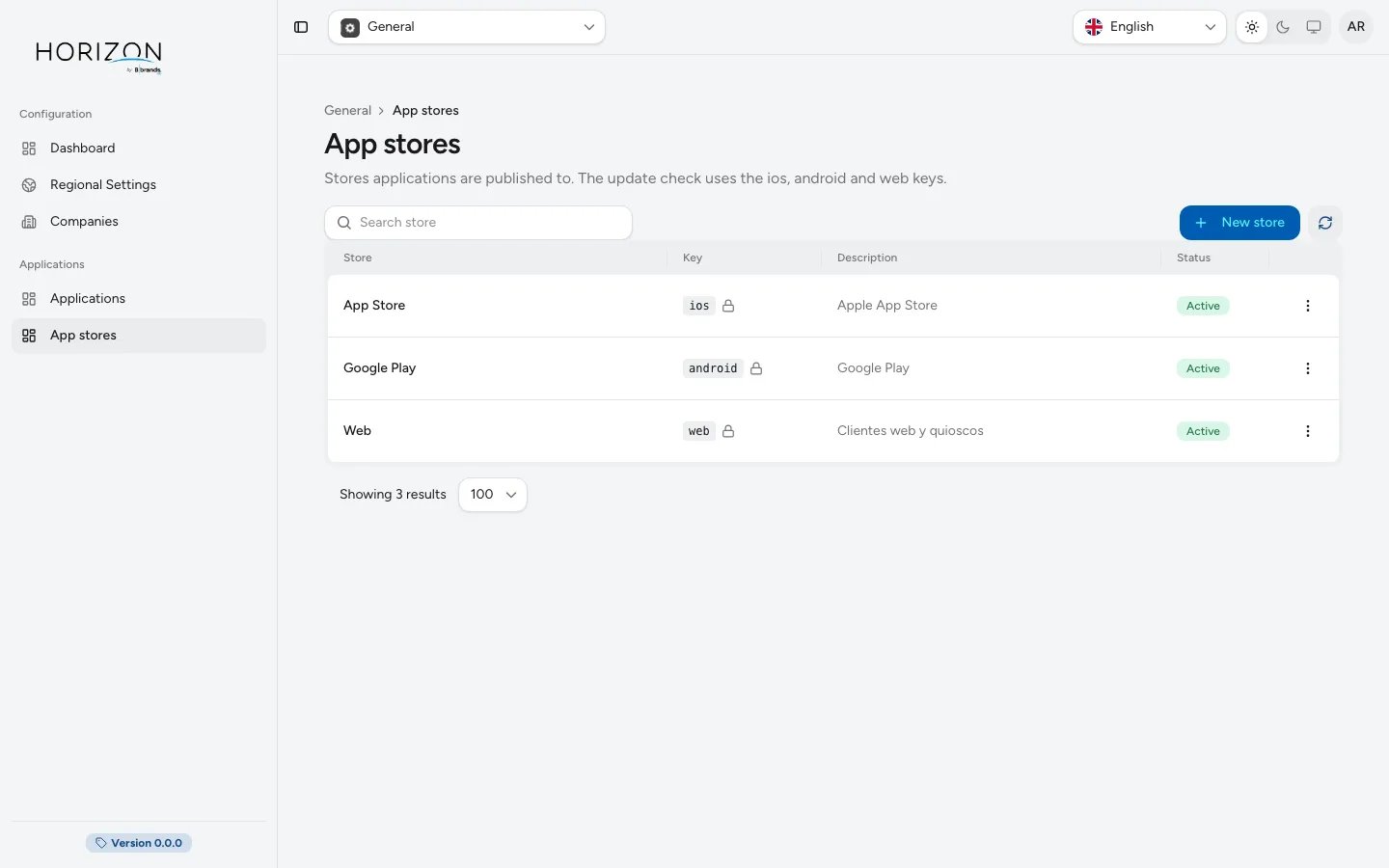
App stores catalogue with its protected keys.
Step by step
1
Add a store
New store → Name, Key (“Lowercase letters, digits and dashes; it is the os value clients send.”) and
Description → save.
2
Deactivate with care
Deactivating a protected store warns: “The update check uses this store: while it is inactive it will not force
its clients to update.”
Business rules
States and messages
Errors
Why it works this way
The apps only know their own system (ios, android, web), so the check finds the store by that key. Changing it
would silently stop forcing those apps, so the console locks it.
Technical detail
FAQ and support cases
Can I add a store for Huawei AppGallery?
Can I add a store for Huawei AppGallery?
Yes, with its own key, but the apps would need to send that key as
os for the update check to use it.