

What it is for
Horizon Enterprise is in Spanish and English and has a light and a dark theme. Both controls sit at the right of the top bar, on every screen.What you see
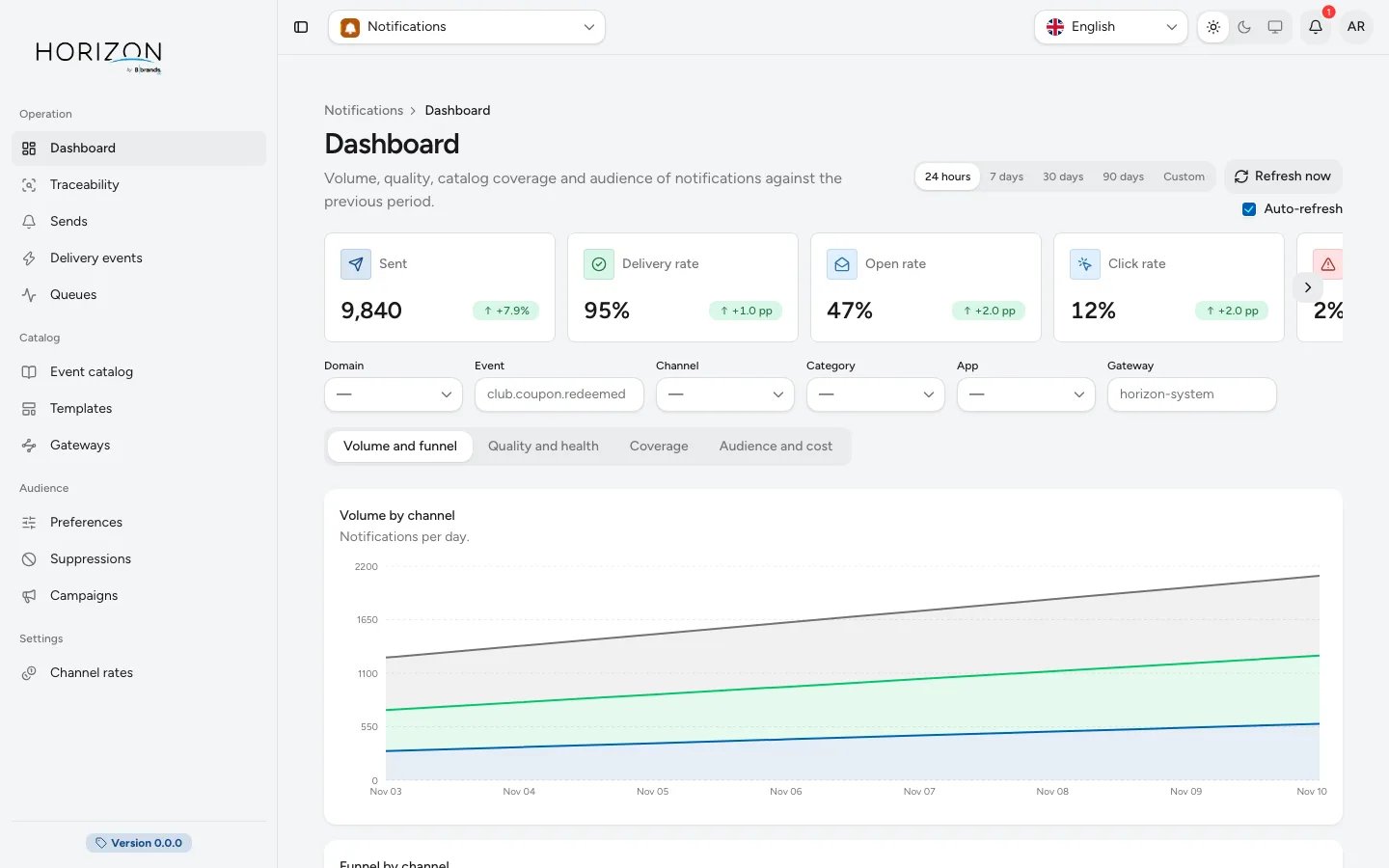
Top bar: on the right the language (flag and name), the theme (sun, moon, monitor), the bell and your initials.
Step by step
Change the language
1
Open the language selector
Press the selector with the flag (Español or English). On narrow screens only the flag shows.
2
Choose the language
The page reloads in the chosen language, on the same screen. The address changes from
/es/… to /en/….Change the theme
Press one of the three buttons of the theme control:
The change applies at once and in every open Horizon Enterprise tab.
Rules
FAQ and support cases
I changed the language and a link brought the other one back
I changed the language and a link brought the other one back
The link’s address sets the language. A link with
/en/ opens in English. Switch it with the selector.The theme changes by itself at night
The theme changes by itself at night
You chose System and your computer switches to dark mode at night. Choose Light or Dark to fix it.