

What it is for
Before an important change, Horizon Enterprise asks you to confirm or to write a reason, and afterwards tells you whether it worked with a toast at the top right. This page explains those three elements, which repeat in every module.What you see
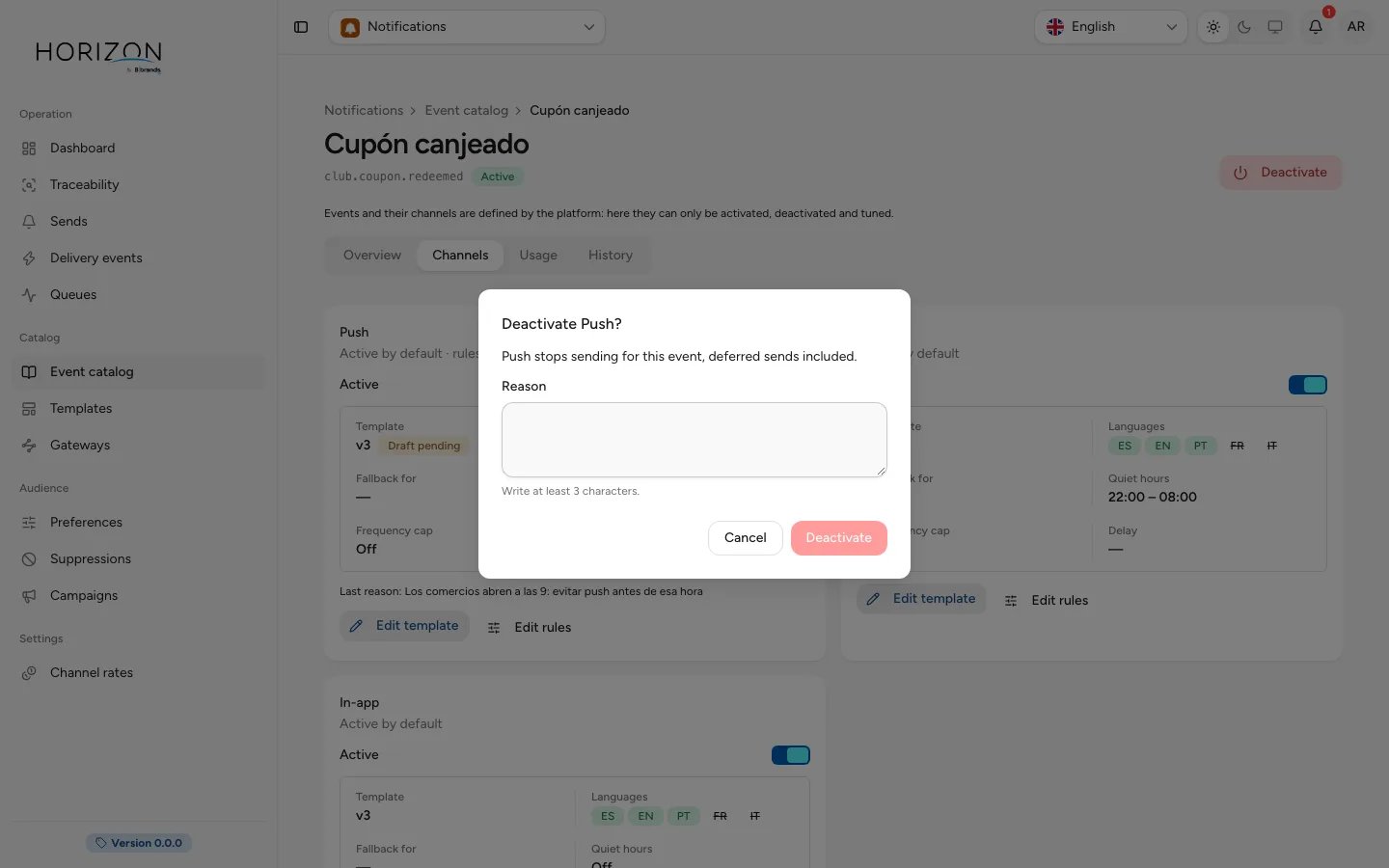
Reason dialog: the change does not apply until you write a reason of at least 3 characters.
Step by step
Answer a reason dialog
The reason dialog shows on actions that are audited: deactivating a channel, cancelling or resending a send, lifting a suppression, saving an account’s preferences, among others. The reason stays in the history with your name and the date.1
Read the title and the description
They say exactly what will happen. For example: Deactivate Push? “Push stops sending for this event,
deferred sends included.”
2
Write the reason
Write in the Reason field why you make the change. Under the field you see Write at least 3 characters.
until the reason is valid; then you see a counter, for example 24/500.
3
Confirm or cancel
The confirm button enables once the reason has at least 3 characters. While it saves, the button shows a
spinner and the dialog cannot be closed. Cancel closes without changing anything.
Answer a confirmation
Actions that can be undone, such as activating or deactivating a record, only ask for a confirmation. For example Deactivate the record? “You are about to deactivate … It will stop appearing in active lists, but the action is reversible and deletes no data.” Press the confirm button or Cancel.Toasts
After an action a toast shows at the top right. Up to three show at a time, stacked.
Hovering a toast pauses its countdown, so it does not disappear.
For actions on several records, the toast sums up the result. For example, “8 of 10 were completed and 2
failed; select them again to retry.”
Rules
Errors
FAQ and support cases
The toast disappeared before I read it
The toast disappeared before I read it
Repeat the action if needed: toasts last 4 seconds, unless you hover them.