

At a glance
What it is for
The portal has no sign-in screen of its own. When the customer opens any private section without being signed in, the portal sends them to the B Brands sign-in page (horizon-authenticate), the same one the MaihueGO app and
the other websites use. Once done, they come back to exactly the address they wanted. To leave, they use Sign
out in the user menu.
How to get there
- Opening any private portal address (for example
https://portal.maihuego.com/es/home) without a session. - From a link in a Maihue e-mail that points to a private section.
- To leave: user menu › Sign out.

How the customer enters and leaves the portal
What the customer sees
- Desktop
- Mobile
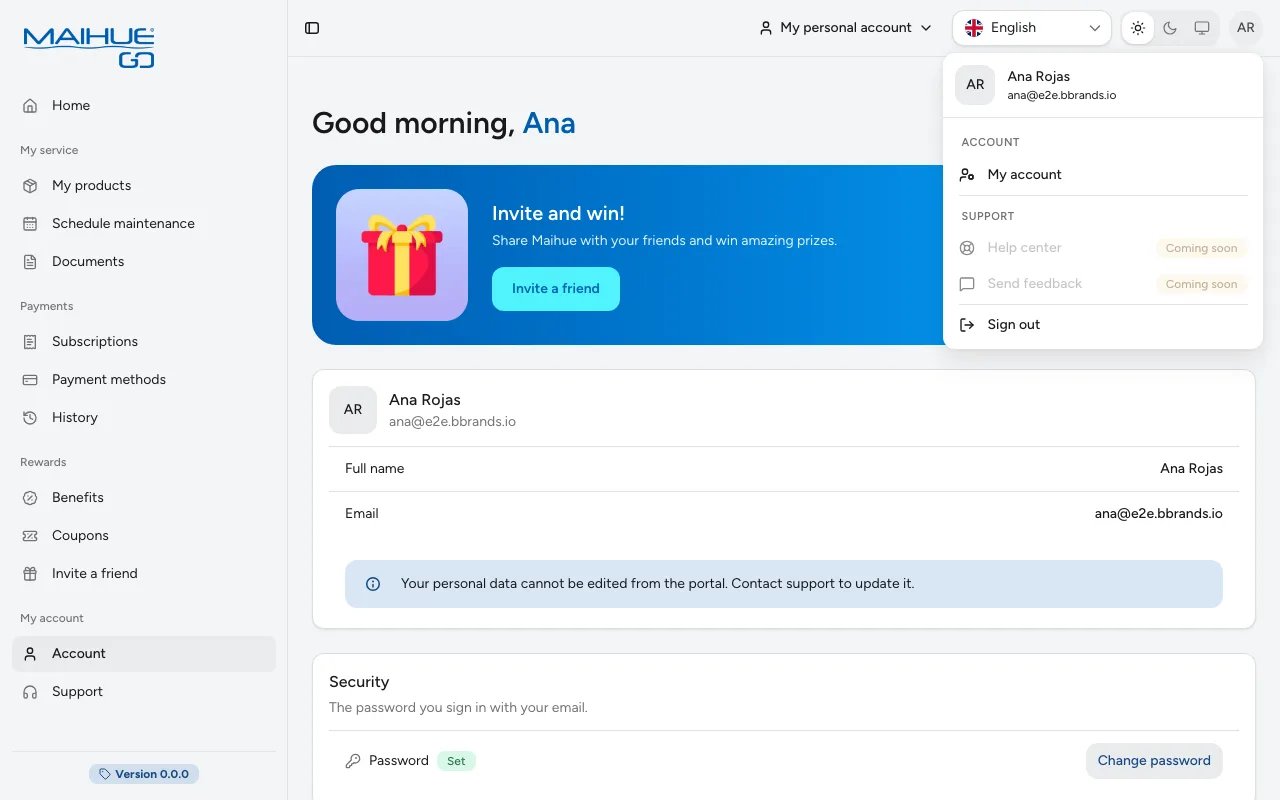
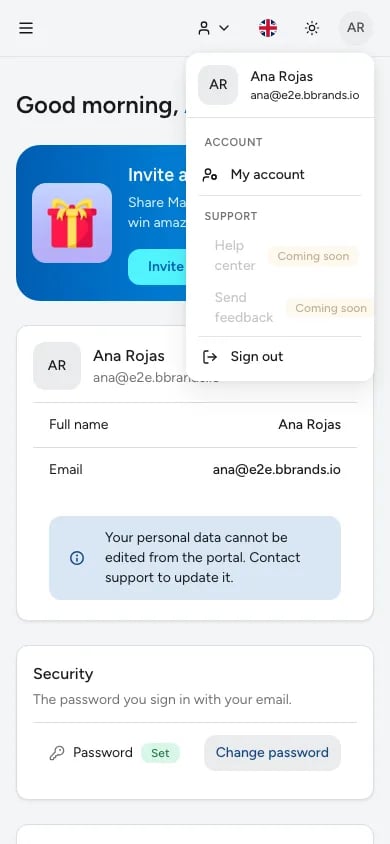
User menu open
Step by step
Sign in
1
Open the portal
The customer opens
https://portal.maihuego.com or any portal link. Without a session, the portal redirects
them straight to the B Brands sign-in page.2
Sign in to B Brands
They type their e-mail and follow the path the page offers: password, Google, Apple, Microsoft or an e-mail
link, depending on how they created the account. The screens are described in
Sign in.
3
Back to the portal
Once done, B Brands sends them back to the address they had opened. For a moment they see a loading
indicator while the portal confirms the session, then the section.
Sign out
1
Open the user menu
Tap the initials at the top right.
2
Choose Sign out
The portal records the device sign-out, closes the session on the server and takes them to B Brands, which
also closes the shared session. To come back they sign in again.
When the session does not open
1
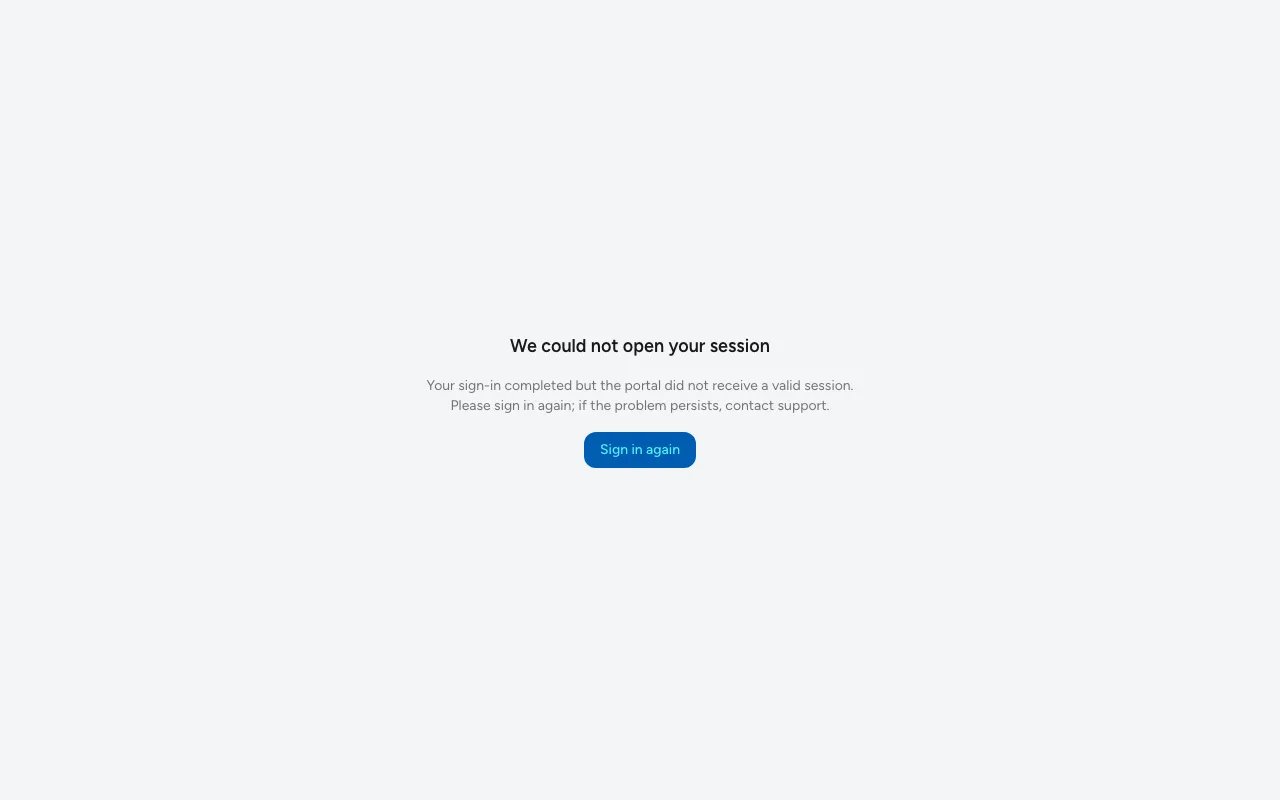
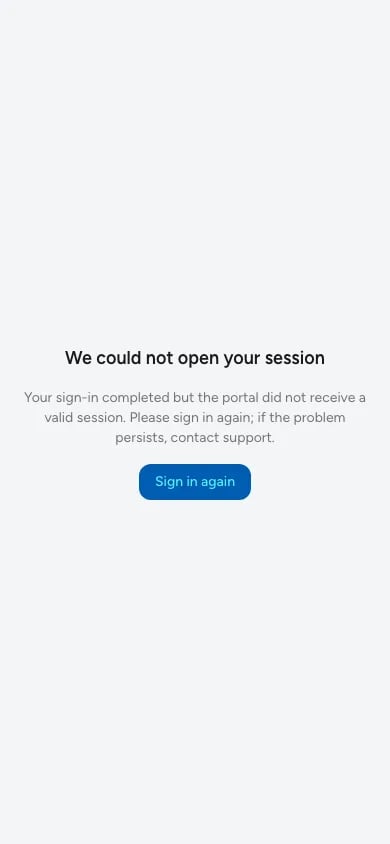
The customer sees “We could not open your session”
- Desktop
- Mobile
2
Sign in again
Tap Sign in again. If it shows up again, see the support cases below.
Business rules
States and messages
Errors
Why it works this way

Portal sign-in process
- One sign-in for all of B Brands. The customer uses the same account in the portal, the app and the other
websites. That is why the portal has no form of its own: it delegates to
horizon-authenticate. - A cookie of the portal’s own. The portal lives on
*.maihuego.comandhorizon-authenticateon*.bbrands.io. They are different domains and the browser does not share cookies between them, so the portal keeps its own session cookie (created from thebbx) and reads it on its own domain. - No loops. If the session does not arrive after coming back from sign-in, redirecting again would only spin the customer forever; so it stops and shows the notice.
Technical detail
FAQ and support cases
The customer says the portal keeps asking them to sign in
The customer says the portal keeps asking them to sign in
If they see the sign-in every time they open the portal, their session expired (30 days) or their browser
clears cookies on close. If after signing in they see “We could not open your session”, the browser is
blocking the portal cookie: ask them to try without blockers or in another browser.
Which account does the customer use for the portal?
Which account does the customer use for the portal?
Their B Brands account: the same as the MaihueGO app. If they do not remember how they created it, the
sign-in page shows the paths available for their e-mail.
The customer signed out of the portal and is still signed in to the app
The customer signed out of the portal and is still signed in to the app
That is expected: signing out of the portal closes the B Brands web session in that browser, not the mobile
app’s.
The customer wants to sign in with a password and has none
The customer wants to sign in with a password and has none
They can sign in with the e-mail link or their provider and then create a password in
Account › Security.