

At a glance
What it is for
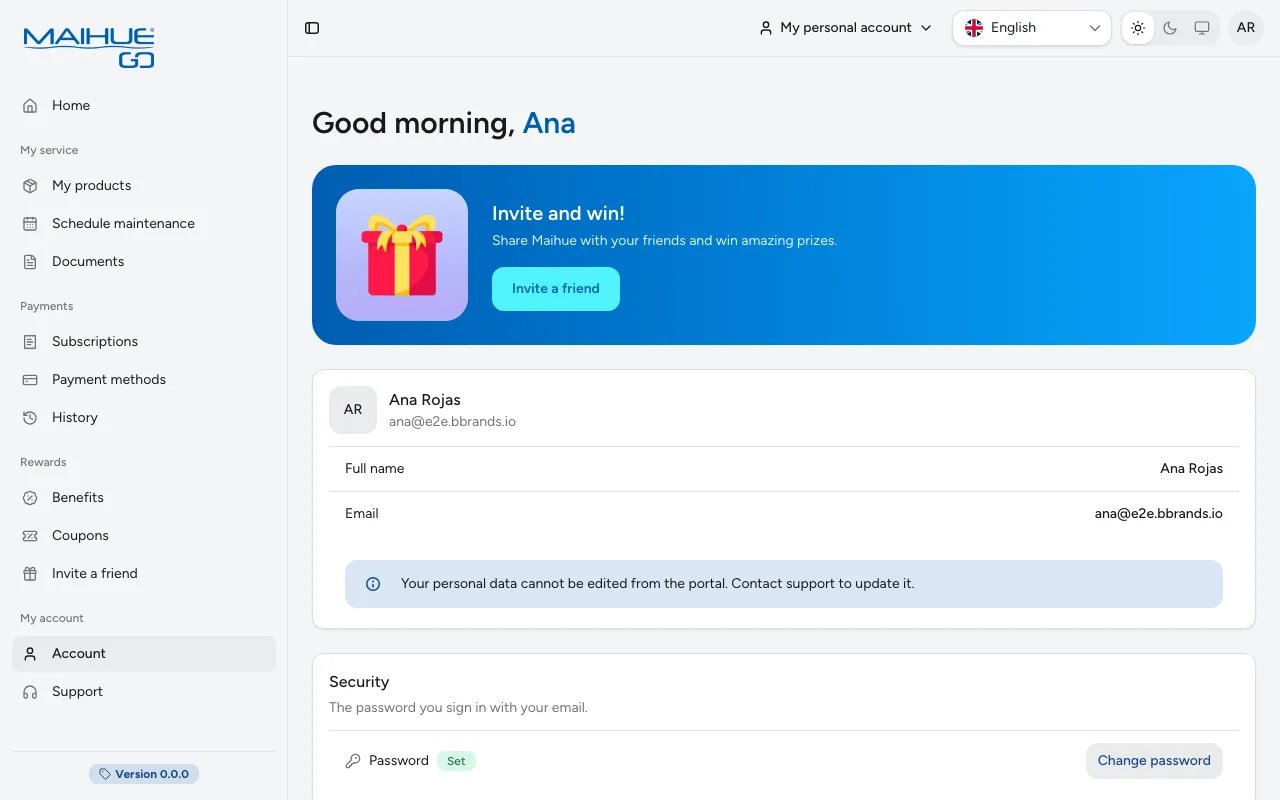
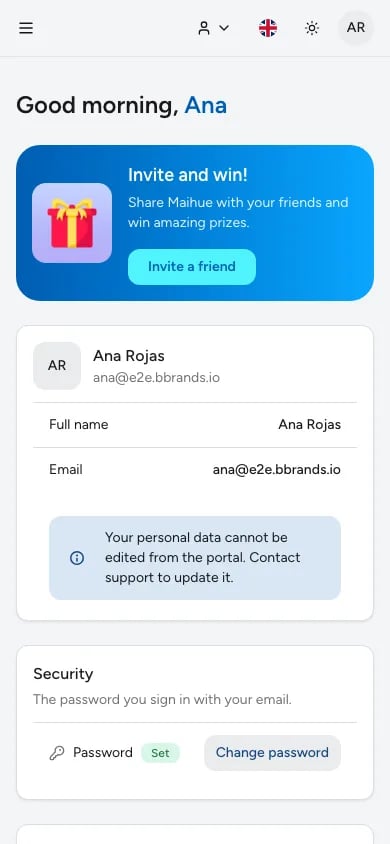
Shows the data of the person the customer signed in with (name, e-mail and phone) so they can confirm it is right. It is read-only: changes are requested from support. The same screen holds Security and My devices.How to get there
Sidebar My account › Account or user menu My account.
Blocks of the Account section
What the customer sees
- Desktop
- Mobile
Step by step
1
Open Account
Reviews name, e-mail and phone.
2
If something is wrong
Contacts support to fix it; the portal does not allow editing it.
Business rules
States and messages
Errors
Why it works this way
Personal data comes from the customer record and is used in contracts, invoices and identity checks; that is why changes go through support, which can verify them.Technical detail
FAQ and support cases
The customer wants to change their e-mail
The customer wants to change their e-mail
They must ask support: the e-mail identifies their B Brands account.