

At a glance
What it is for
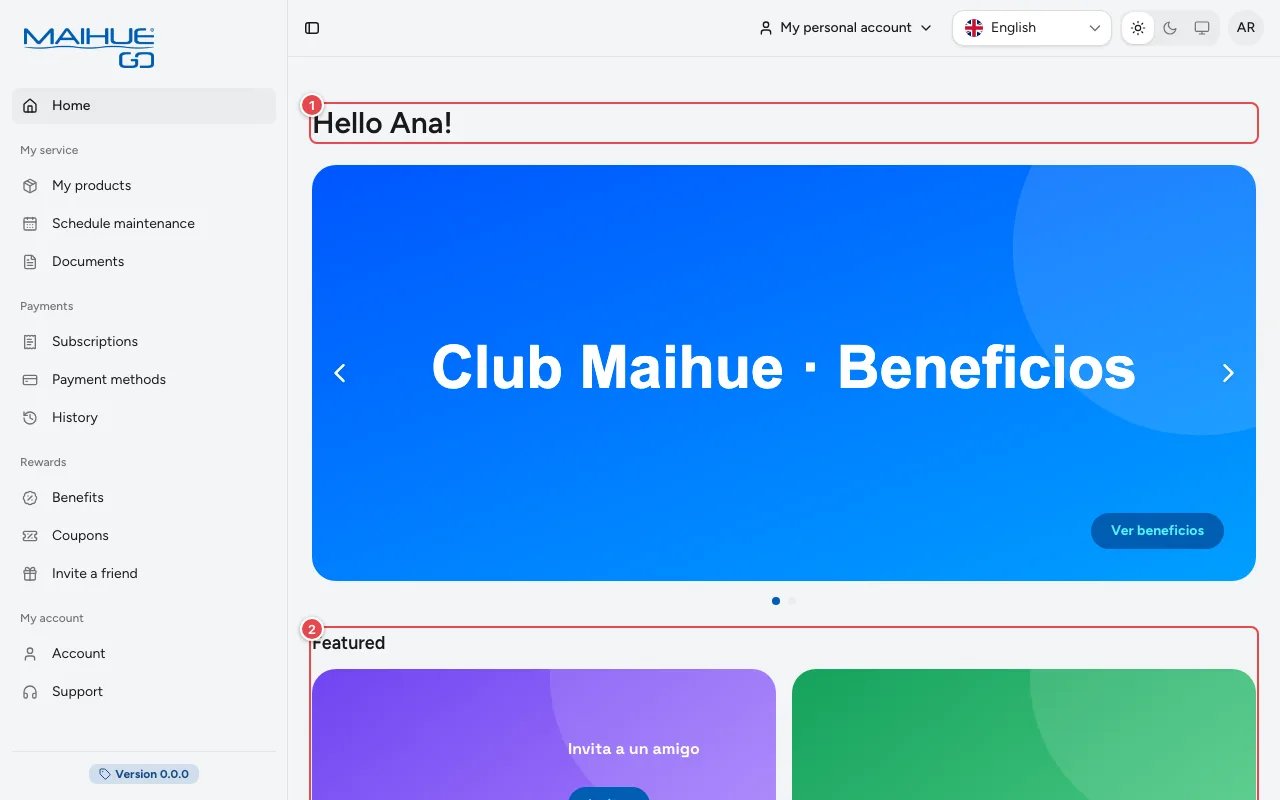
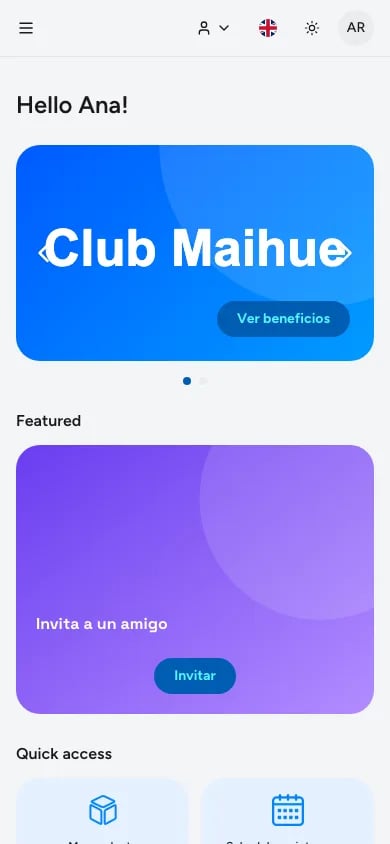
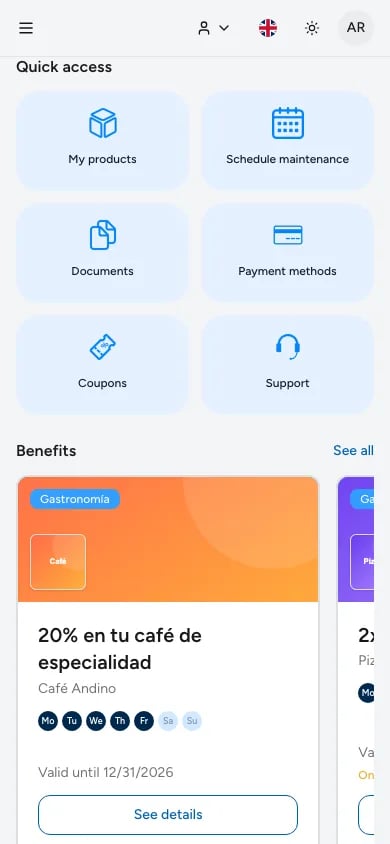
Home is the portal’s front page. It greets the customer, shows the news and promotions Maihue publishes, gives shortcuts to the most used sections and highlights Club Maihue benefits. It is also the safe place the portal takes the customer to when a section is switched off.How to get there
- When entering the portal or after signing in.
- From the sidebar: Home.
- Automatically, when a switched-off section is opened.

What can be done from Home
What the customer sees
- Desktop
- Mobile
Step by step
1
See the news
Swipe the carousel with the arrows or the dots. A button (for example See benefits) or the whole card leads to its destination.
2
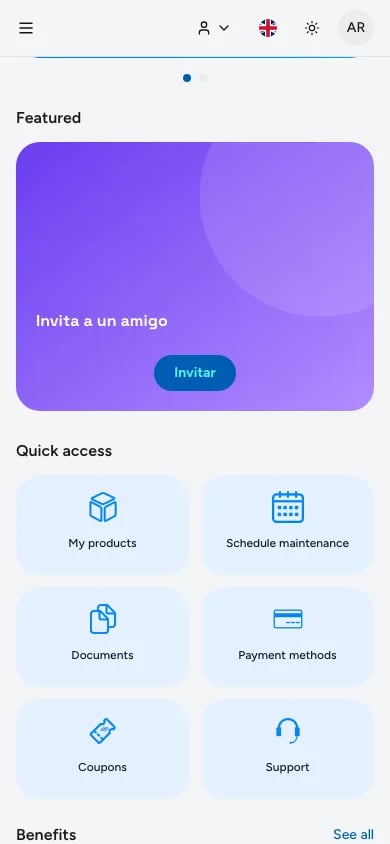
Use a shortcut
Tap the shortcut to the section needed.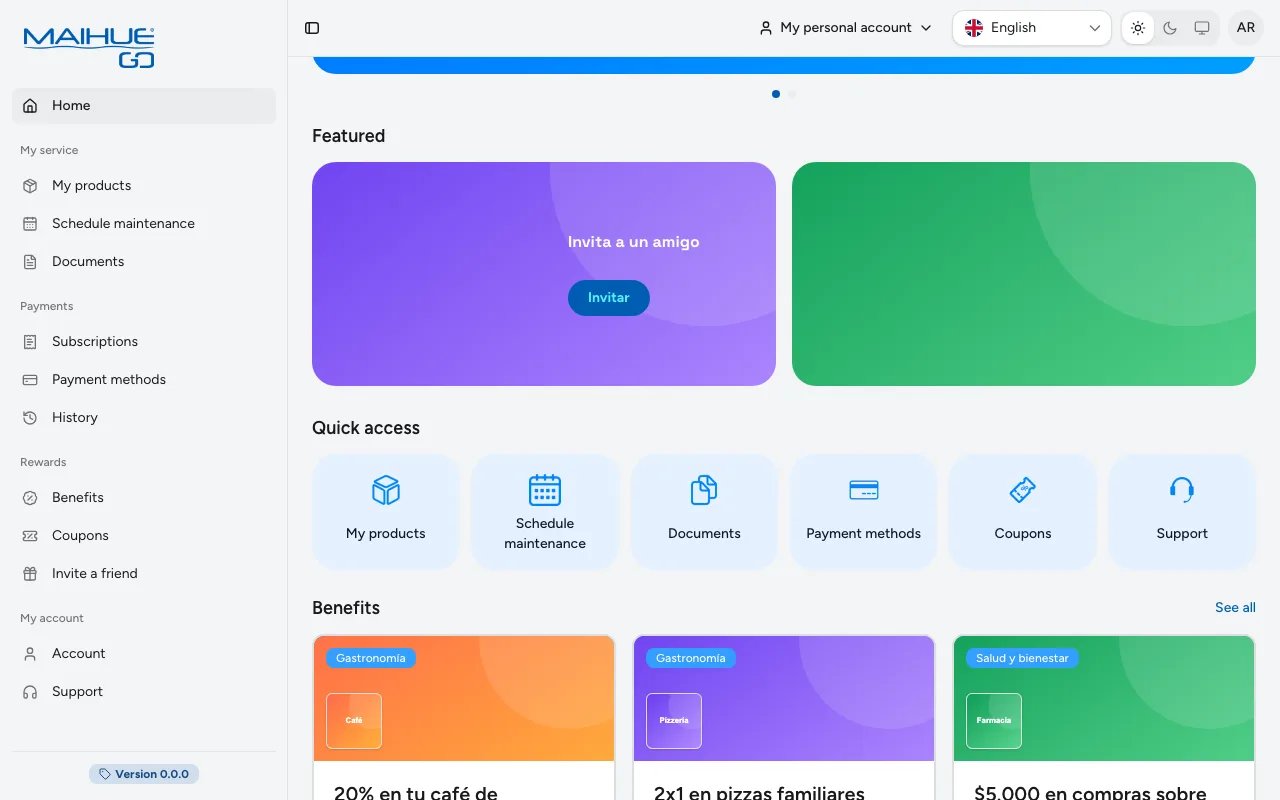
- Desktop
- Mobile
3
See Club benefits
The Benefits row shows featured benefits; See all opens the catalog.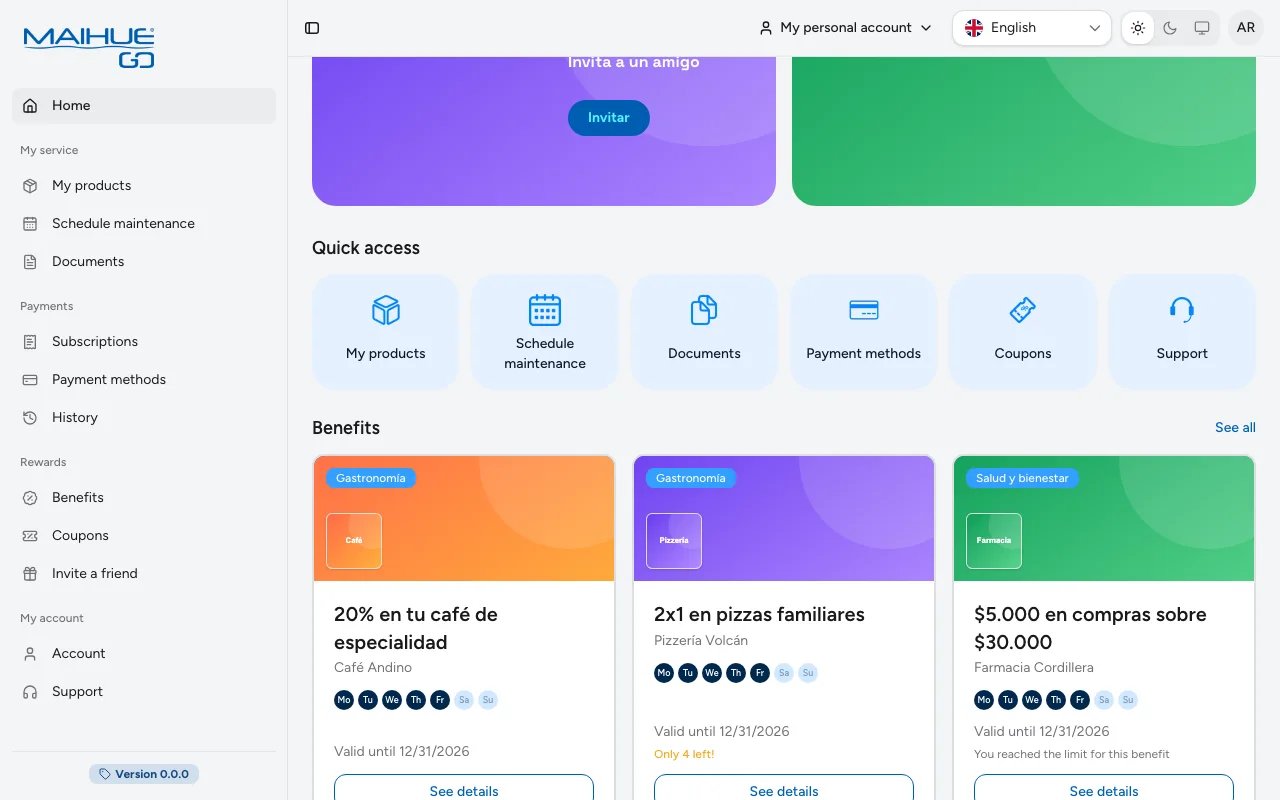
- Desktop
- Mobile
Business rules
States and messages
Errors
Why it works this way

How Home is built
Technical detail
FAQ and support cases
The customer does not see the carousel
The customer does not see the carousel
There are no visible items in their language or they are out of date. Check the Home CMS in Horizon Enterprise.
A shortcut is missing
A shortcut is missing
Its section is switched off in that environment (see Feature flags).