

At a glance
What it is for
Club Maihue is the customers’ benefits programme: discounts and gifts at partner merchants. The customer picks a benefit in the catalog, obtains a coupon, which goes to My coupons, and shows it at the venue as a QR code with a security code. The merchant validates it and the redemption is recorded.How to get there
- Sidebar: Rewards › Benefits (catalog) and Rewards › Coupons (My coupons).
- The Benefits row on Home.
- Inside the Club, the Benefits and My coupons tabs.

Club Maihue journey
What the customer sees
- Desktop
- Mobile
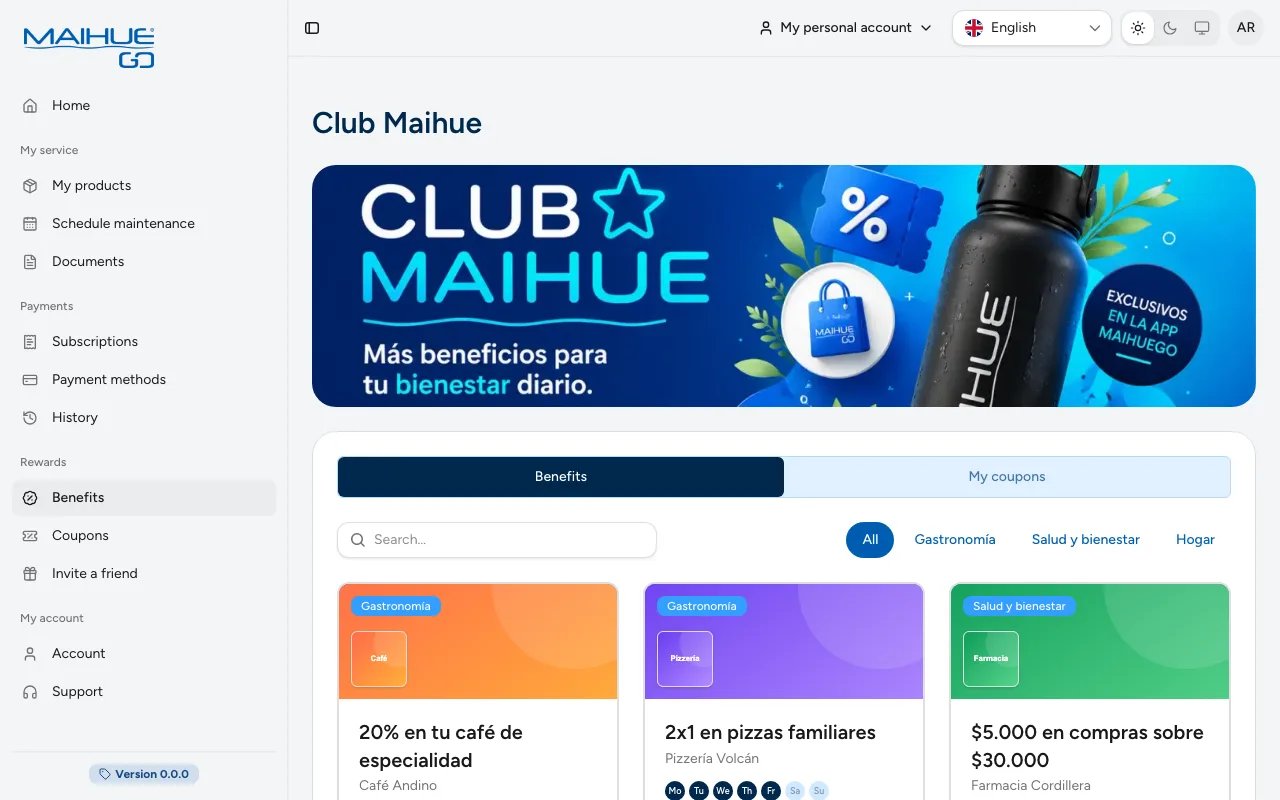
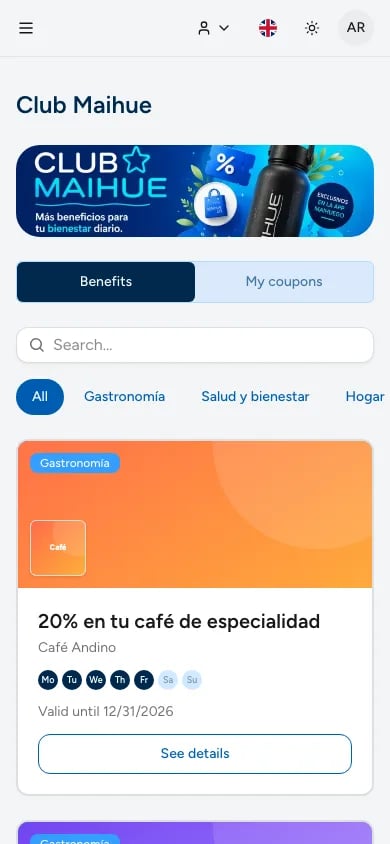
Step by step
1
Pick a benefit
In the catalog. See Catalog.
2
Obtain the coupon
In the detail, accepting the terms. See Detail and obtain.
3
Use it at the venue
From My coupons, showing the QR. See My coupons and Use a coupon.
Business rules
States and messages
Errors
Why it works this way

Coupon lifecycle
Technical detail
FAQ and support cases
Does obtaining a coupon cost anything?
Does obtaining a coupon cost anything?
No: it is a benefit for being a customer with an active plan.
Can it be used in the app?
Can it be used in the app?
Portal and MaihueGO app coupons are the same; the app has its own screen.