

At a glance
What it is for
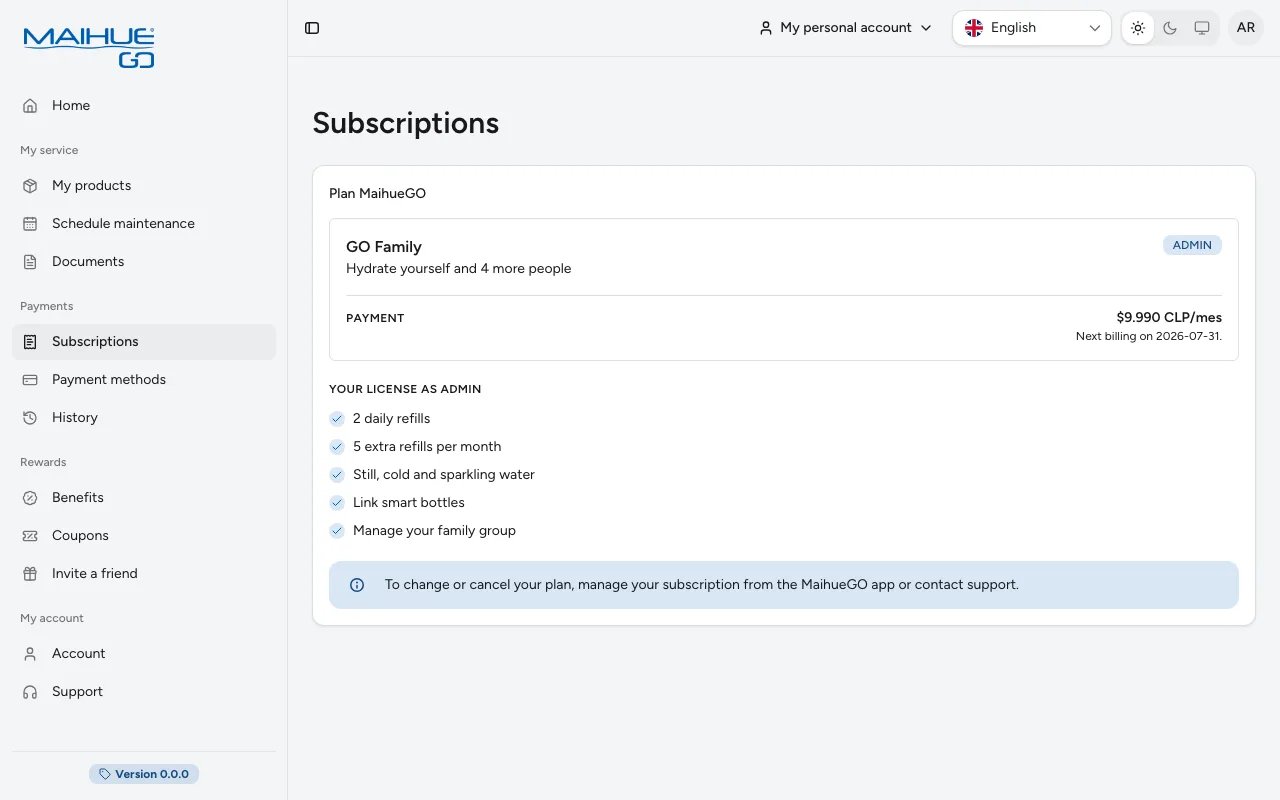
Shows the contracted plan, its price, the next billing date and what it includes. Today the screen uses fixture data: it does not reflect the customer’s real plan, so its flag must stay off in production.How to get there
Sidebar: Payments › Subscriptions.
Sections in preview or coming soon
What the customer sees
- Desktop
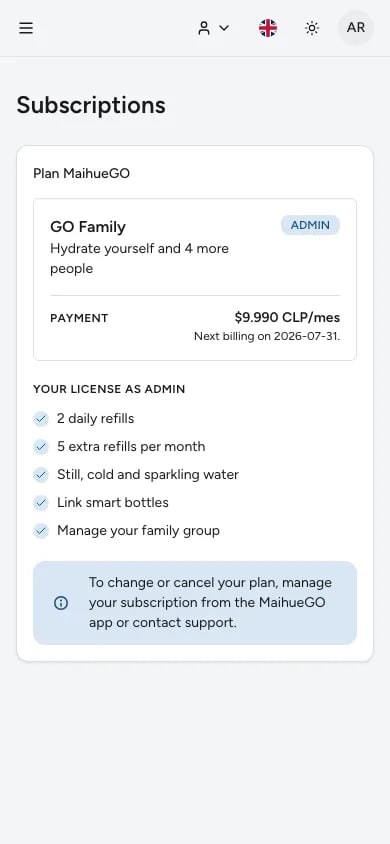
- Mobile
Step by step
1
Review the plan
Sees the plan, price and next billing.
2
Change or cancel
To change or cancel your plan, manage your subscription from the MaihueGO app or contact support.
Planned behaviour. Show the customer’s real plan for each service and its billing. Who owns the real subscription data is still open (initiative
portal-customer/self-service-sections, Q-04).Business rules
States and messages
Errors
Why it works this way
The section exists to validate the design while the real data source is decided; that is why it is marked as preview.Technical detail
FAQ and support cases
The plan the customer sees is not theirs
The plan the customer sees is not theirs
It is fixture data: the section should not be on in production. Tell Frontend Platform.