

At a glance
What it is for
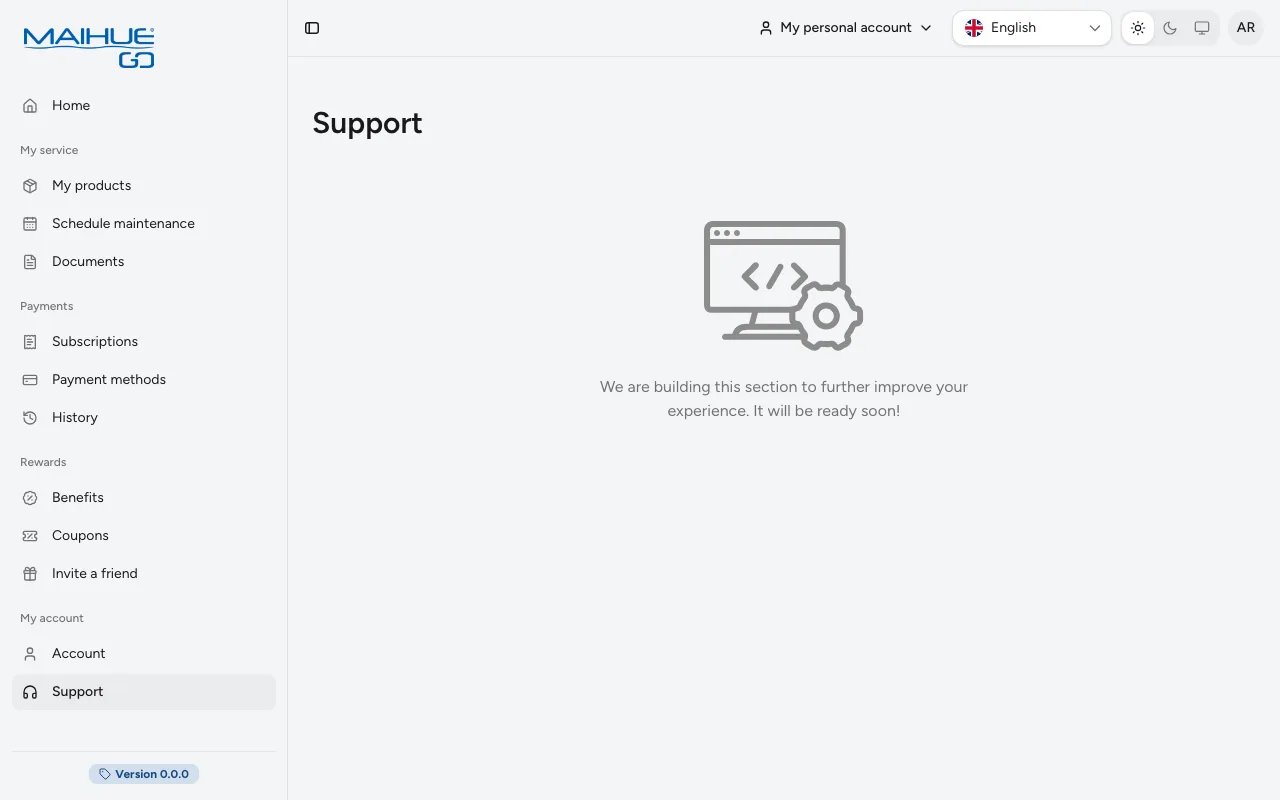
It will be where the customer finds Maihue’s help channels. It is one of the sections open during a pending onboarding. Today it shows a notice that it is coming soon.How to get there
Sidebar: My account › Support (only with its flag on), or the Home shortcut.
Sections in preview or coming soon
What the customer sees
- Desktop
- Mobile
Step by step
1
Open Support
Sees the notice; no actions are available.
Planned behaviour. Offer the contact channels that are decided (form, WhatsApp, phone, FAQ), possibly per business unit. In the user menu, Help center and Send feedback are also marked as coming soon. (
portal-customer/self-service-sections, REQ-05).Business rules
States and messages
Errors
Why it works this way
Its place in the menu is kept so the portal design is complete, but it is hidden until it has real data.Technical detail
FAQ and support cases
What do I do meanwhile?
What do I do meanwhile?
Serve through Maihue’s current support channels or the MaihueGO app.