

At a glance
What it is for
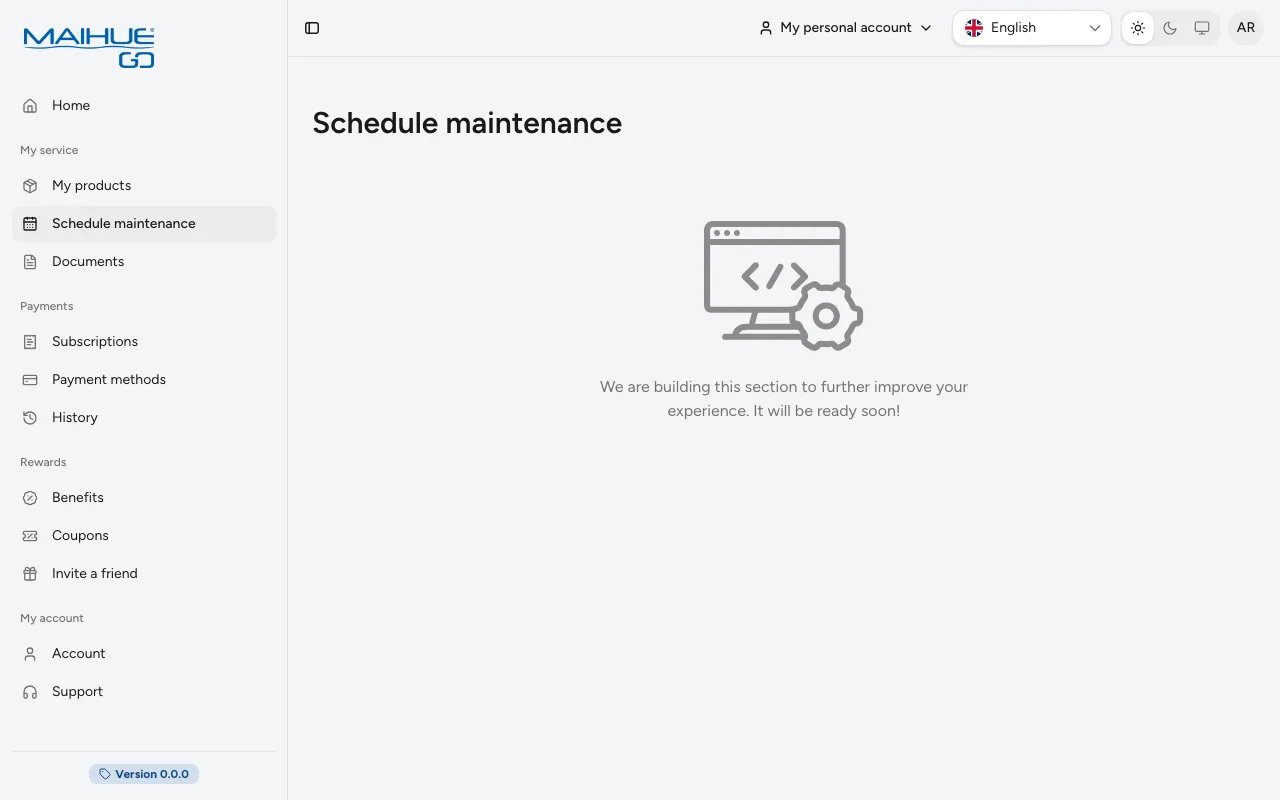
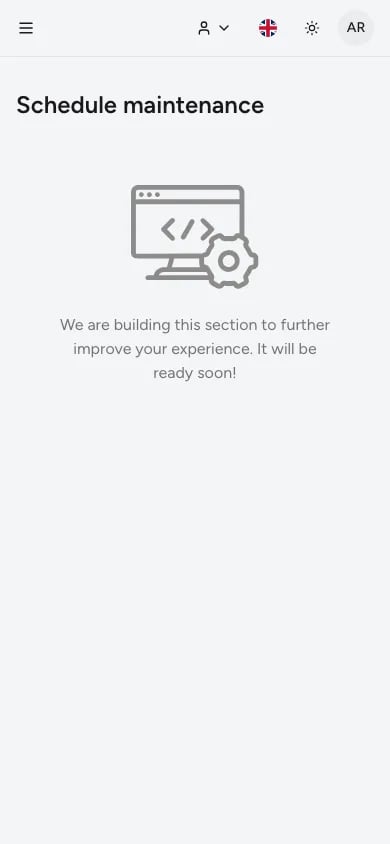
It will be where the customer sees their service visits and, if decided, books a maintenance visit. Today it shows a notice that it is coming soon.How to get there
Sidebar: My service › Schedule maintenance (only with its flag on), or the Home shortcut. From a maintenance scheduling email, push or inbox entry: when the contactability team sends no scheduling link of its own and the flagnotification-contactability-scheduling-link is on, the button opens /{locale}/m/{token}. That page shows “Opening your Maihue portal…”, signs the account owner in with a fresh single-use magic link and lands here (notification/contactability-events REQ-09).

Sections in preview or coming soon
What the customer sees
- Desktop
- Mobile
Step by step
1
Open Schedule maintenance
Sees the notice; no actions are available.
Planned behaviour. List the customer’s service visits and, if in scope, allow booking, from the source that is decided. (
portal-customer/self-service-sections, REQ-03).Business rules
States and messages
Errors
Why it works this way
Its place in the menu is kept so the portal design is complete, but it is hidden until it has real data.Technical detail
FAQ and support cases
What do I do meanwhile?
What do I do meanwhile?
Serve through Maihue’s current support channels or the MaihueGO app.
The email link asks me to sign in
The email link asks me to sign in
The link lasts 14 days. After that, or if it was revoked, the portal asks for the login and then opens Schedule maintenance.
A customer forwarded the email
A customer forwarded the email
Whoever opens the link signs in as the account owner. Revoke it: operations sets
revoked_at on the link (or on every open link of the account) in portal_customer_link.