

At a glance
What it is for
The default method is the one charges go to. The customer can switch to another working method, or delete a method they no longer want enrolled.How to get there
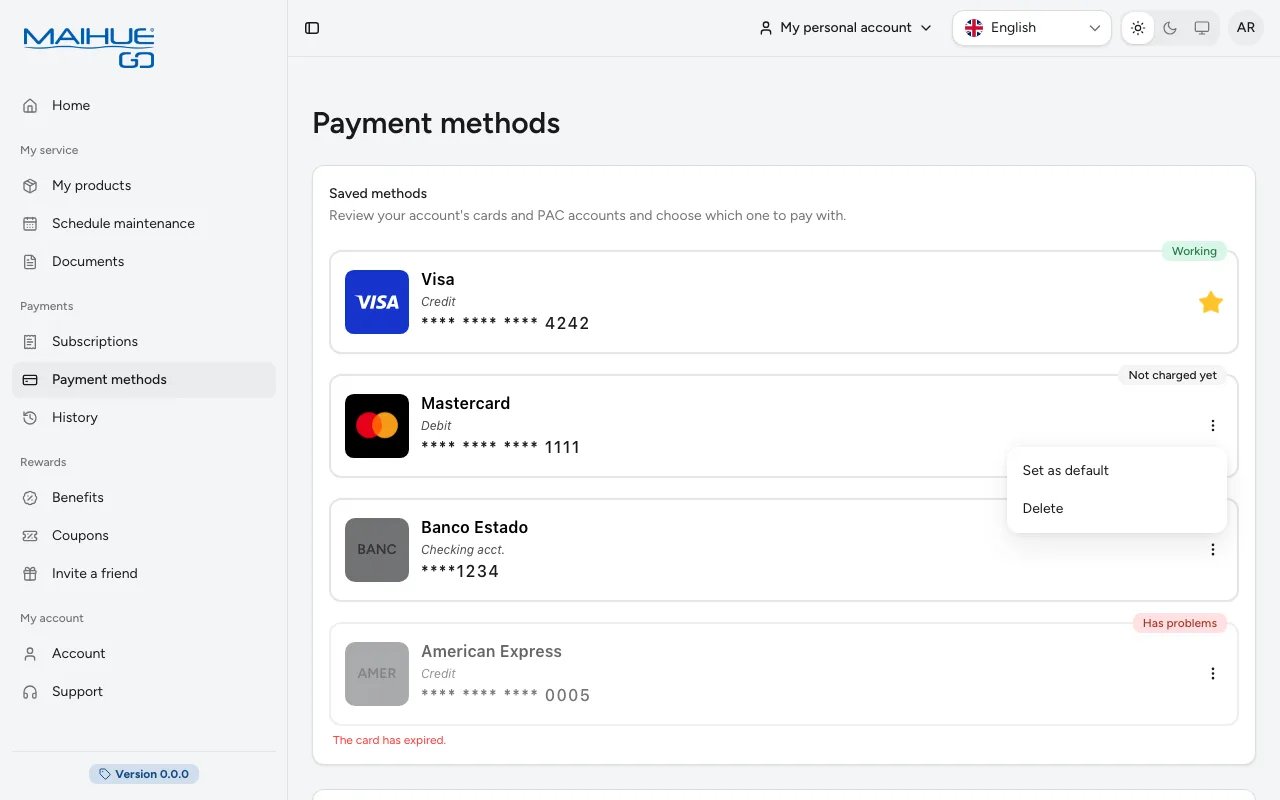
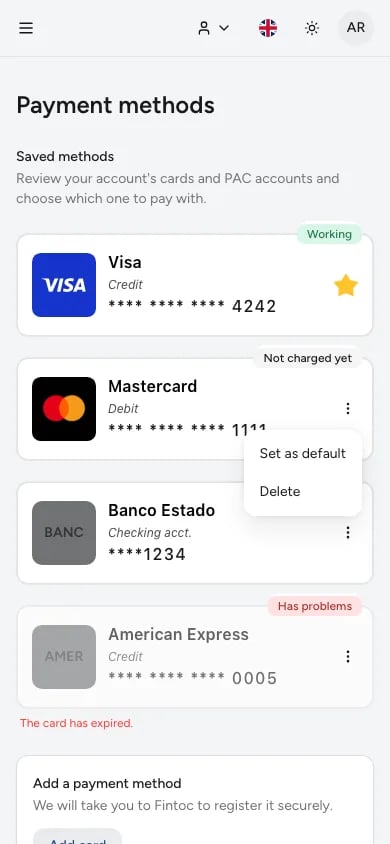
In Payment methods, the ⋮ menu of a method that is not the default.
What can be done in Payment methods
What the customer sees
- Desktop
- Mobile
Step by step
1
Set as default
Opens ⋮ on the method and taps the option. The star moves to that method and “Default method updated” shows.
2
Delete
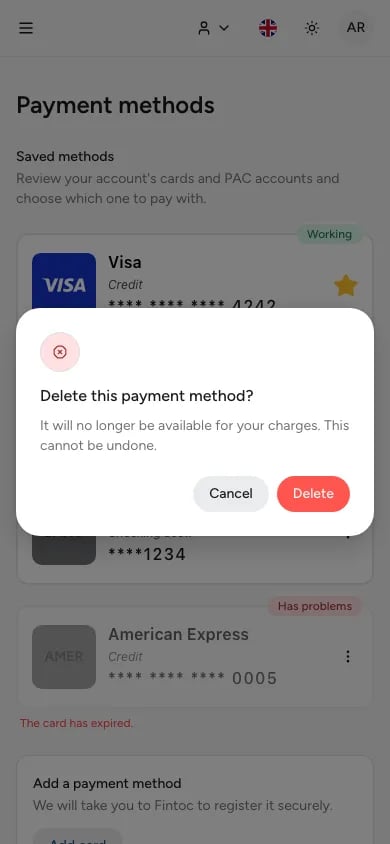
Opens ⋮ and taps Delete. Confirms in “Delete this payment method?” with Delete.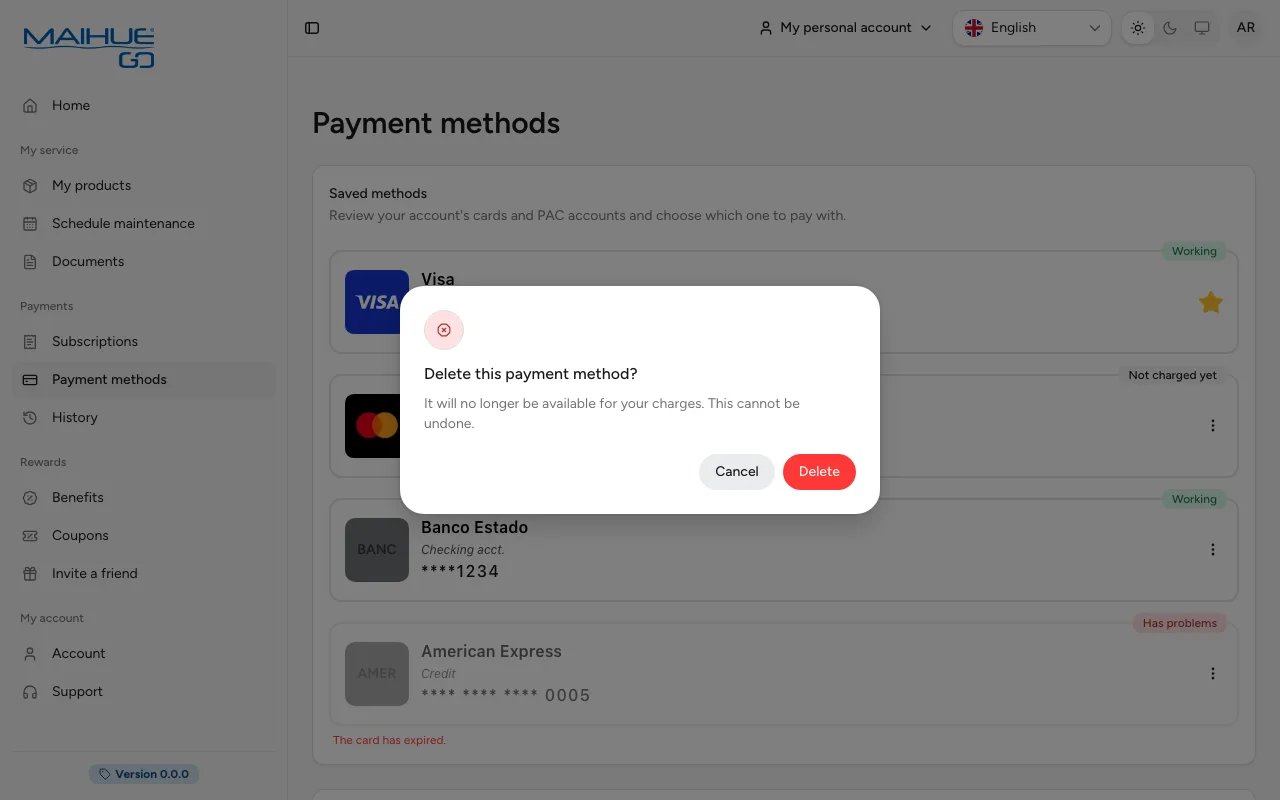
- Desktop
- Mobile
Business rules
States and messages
Errors
Why it works this way

Default and delete rules
Technical detail
FAQ and support cases
They cannot delete their only card
They cannot delete their only card
At least one method without problems must remain; another must be added first.