

At a glance
What it is for
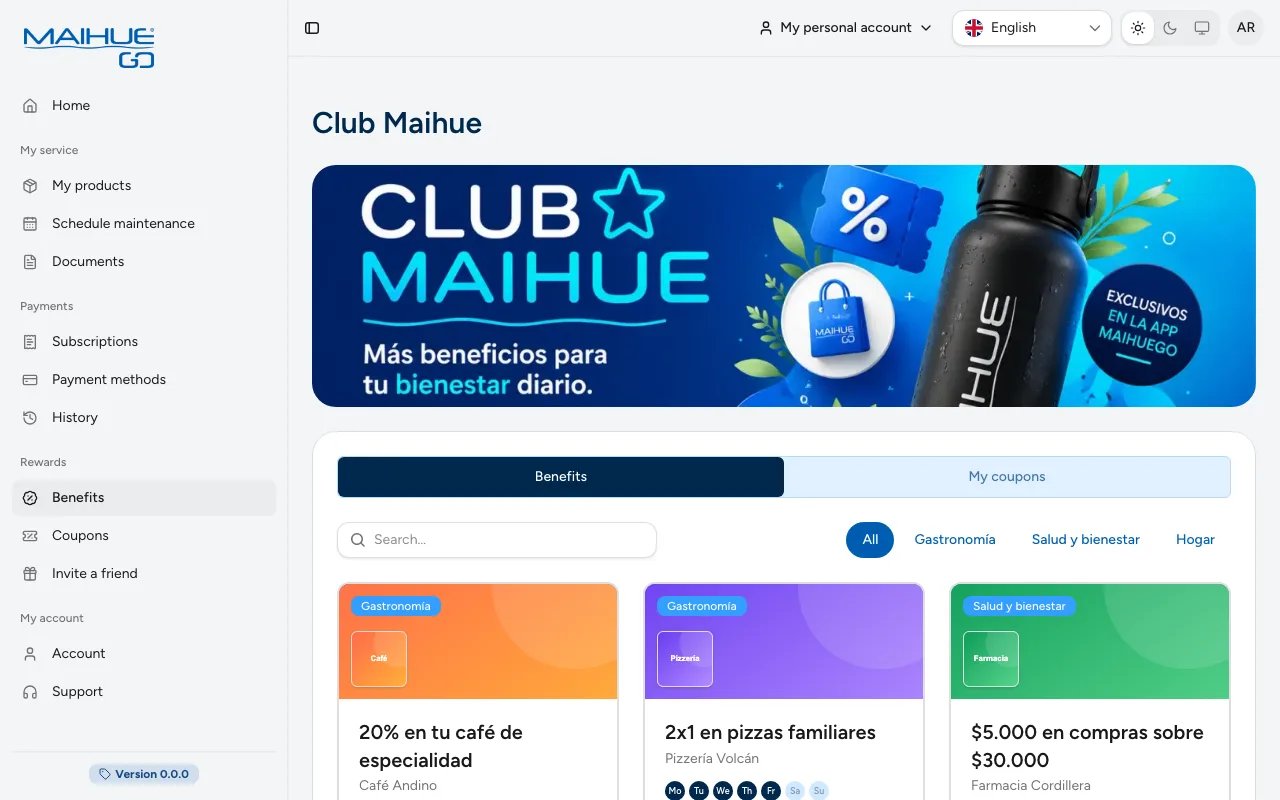
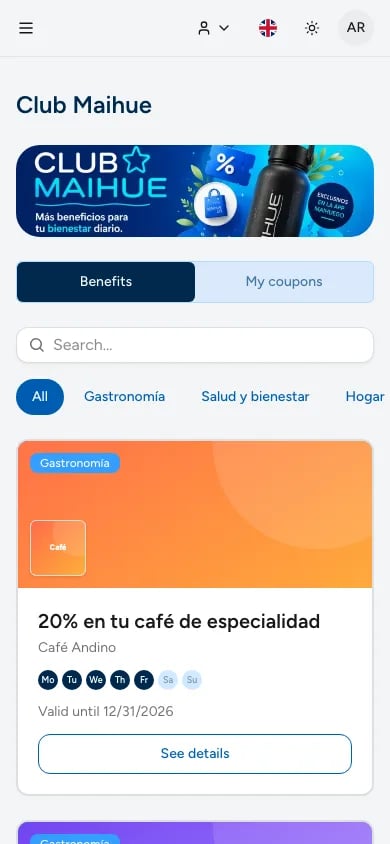
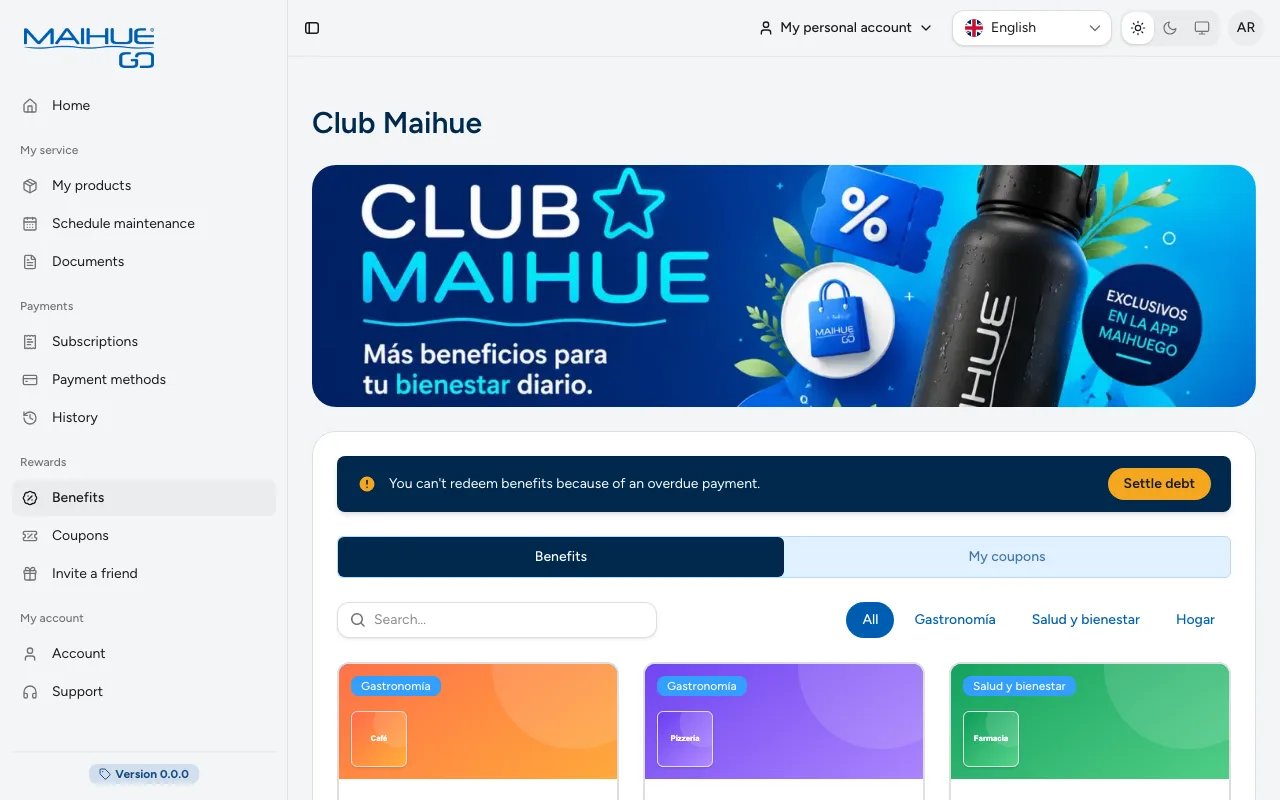
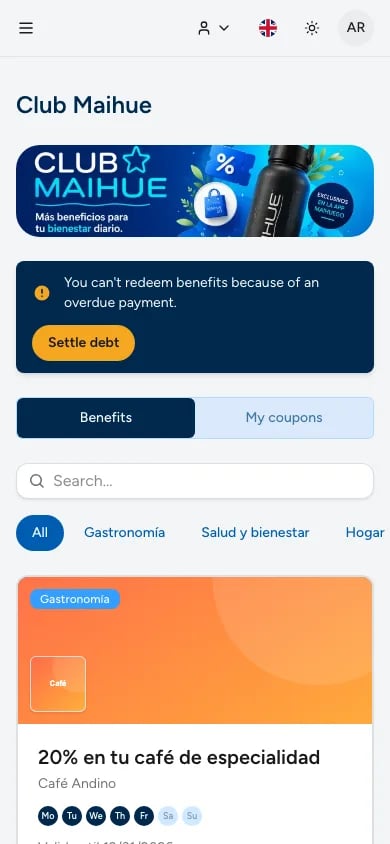
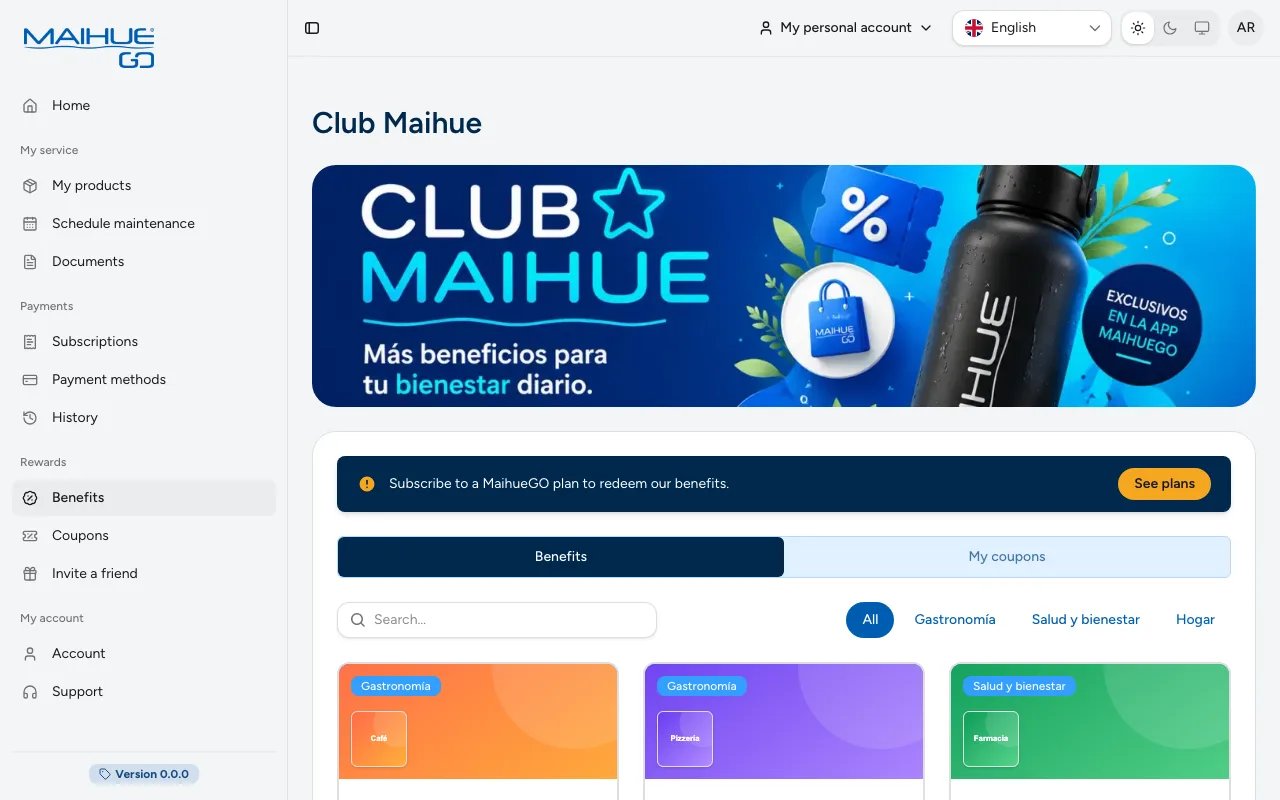
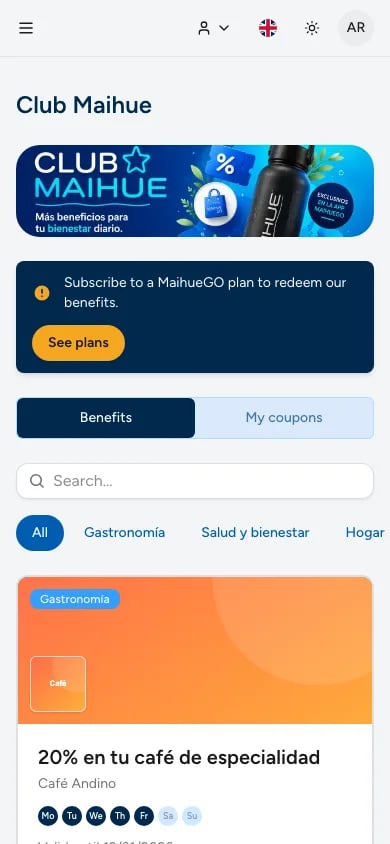
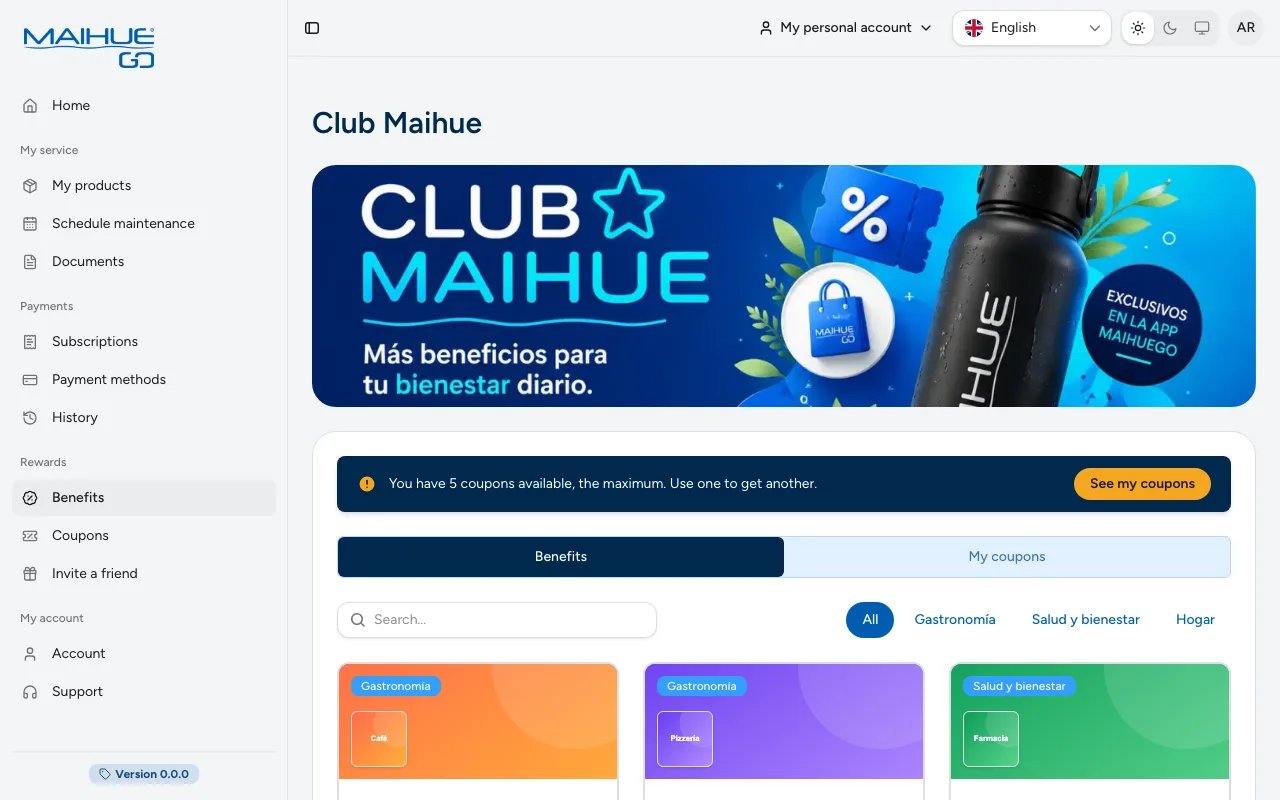
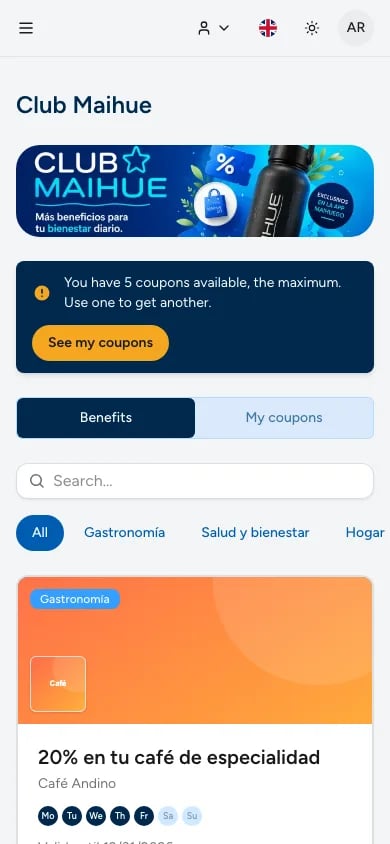
Lists the published benefits the customer can see, featured first. They can search by text, filter by category and open each one’s detail. At the top, a notice explains if they cannot obtain coupons for now.How to get there
Rewards › Benefits menu, See all on Home or the Club’s Benefits tab.
Club Maihue journey
What the customer sees
- Desktop
- Mobile
Step by step
1
Search or filter
Types in the search or taps a category.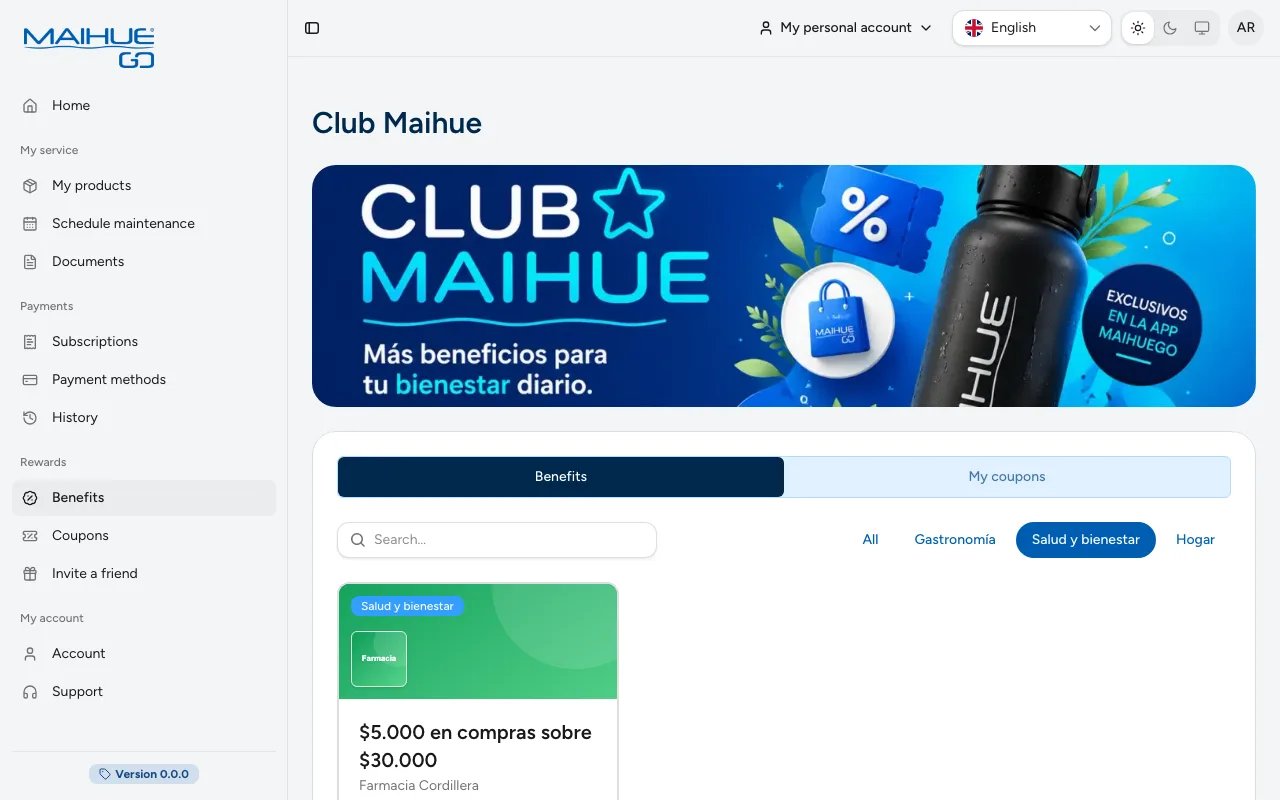
- Desktop
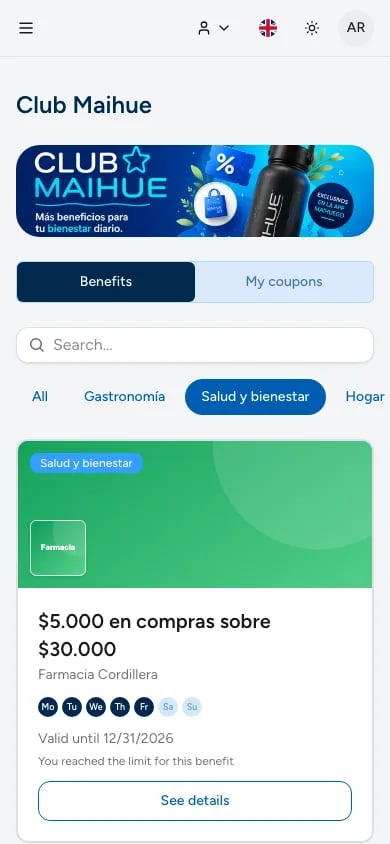
- Mobile
2
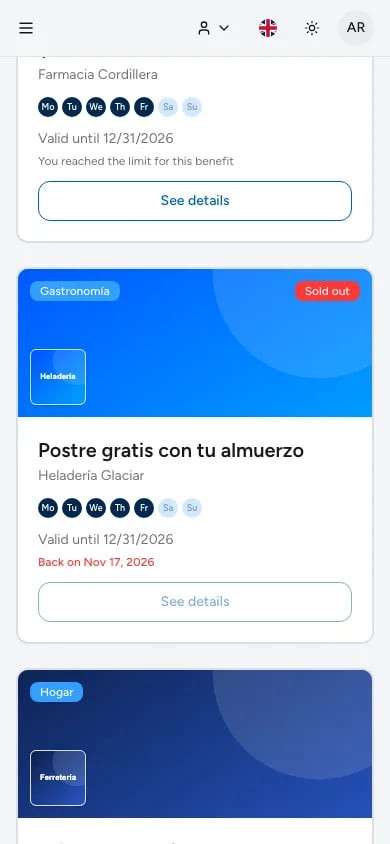
Check each card's state
Cards warn when few are left, when it sold out or when the customer reached their limit.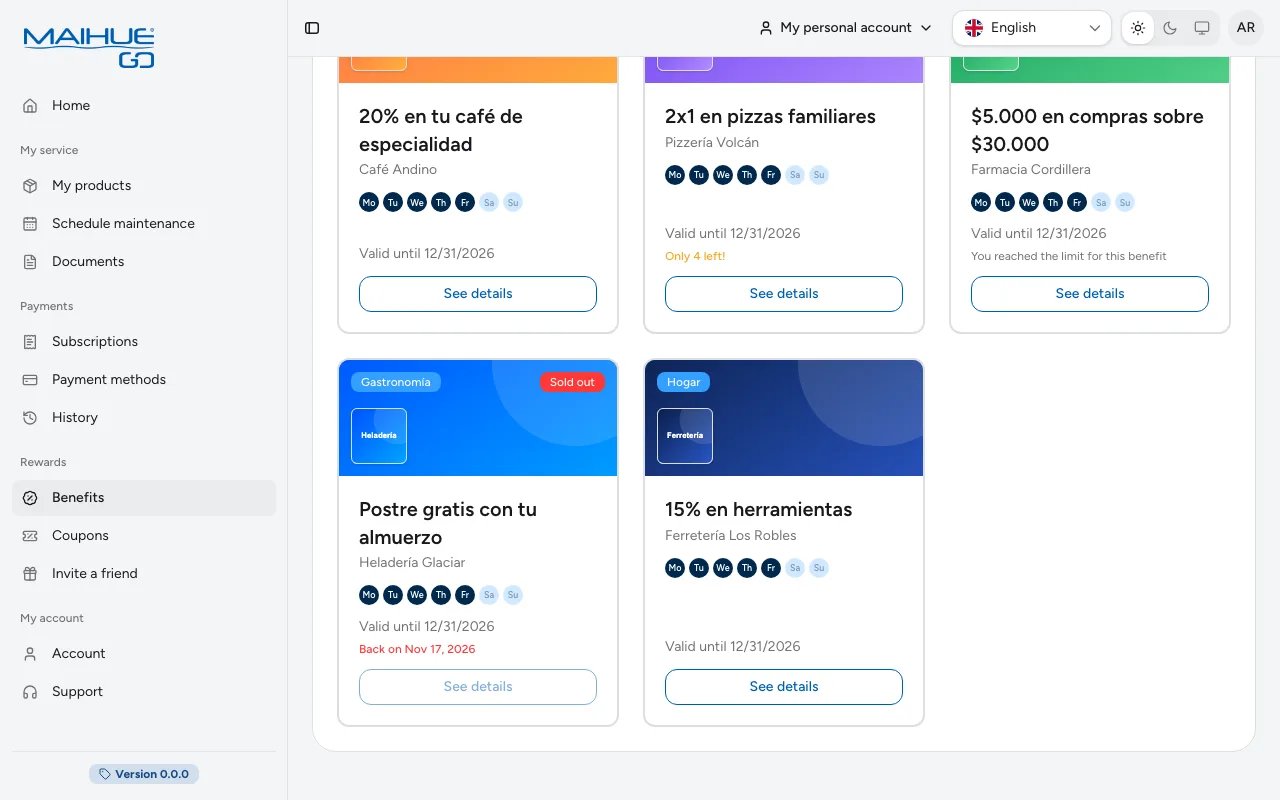
- Desktop
- Mobile
3
See details
Opens the benefit to obtain the coupon.
Business rules
States and messages
- Desktop
- Mobile
- Desktop
- Mobile
- Desktop
- Mobile
Errors
Why it works this way

How it is decided whether the customer can obtain coupons
Technical detail
FAQ and support cases
The customer says they have no debt and sees the notice
The customer says they have no debt and sees the notice
Check their debt in Horizon Enterprise; the notice relies on recorded debt.
They cannot find a benefit
They cannot find a benefit
It may be out of date, unpublished or not aimed at their segment.