


Navigation map of the customer portal
The screen layout
Every private section is shown inside the same structure (the portal shell):- Desktop
- Mobile
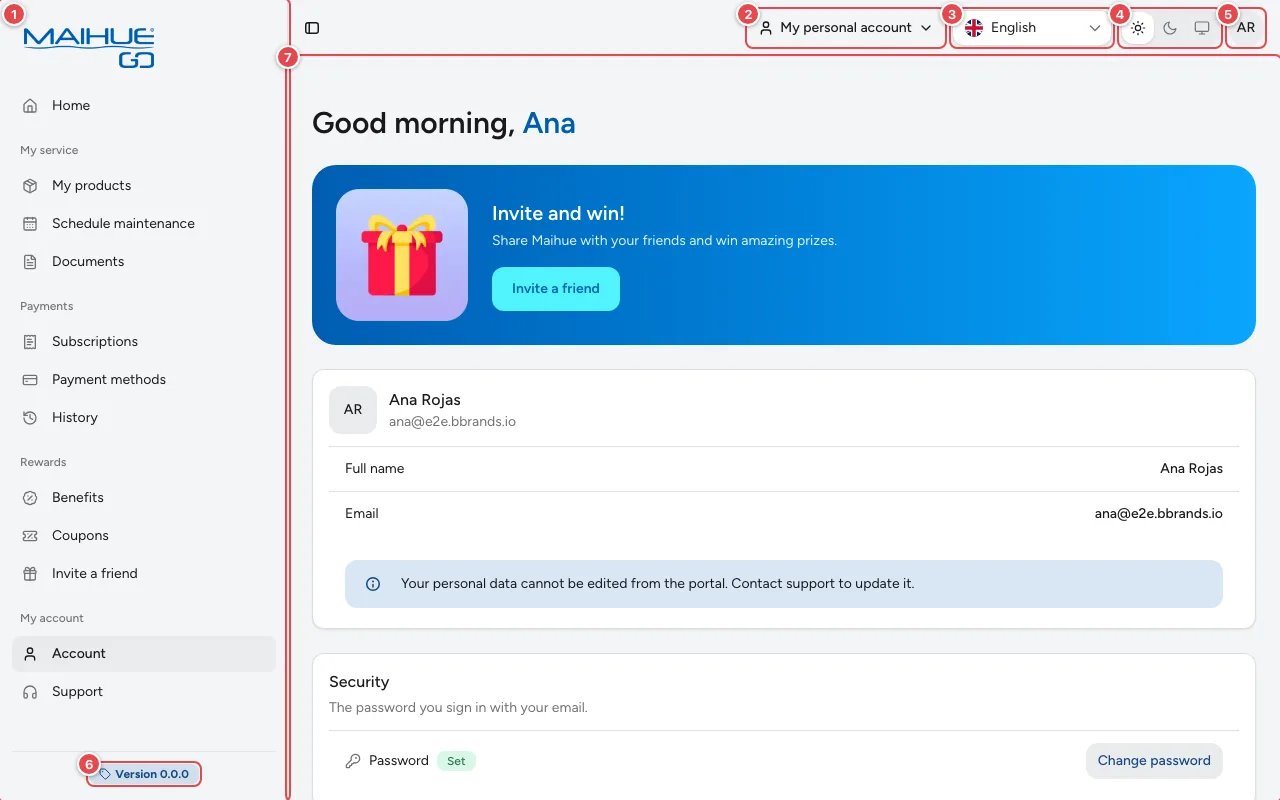
Screen layout on desktop, with the Account section open
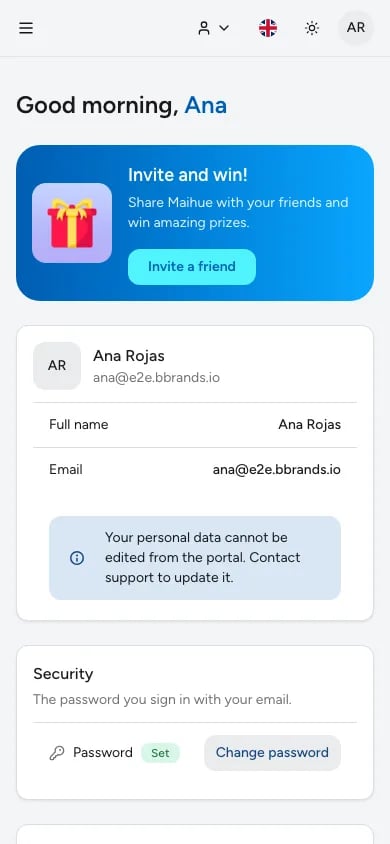
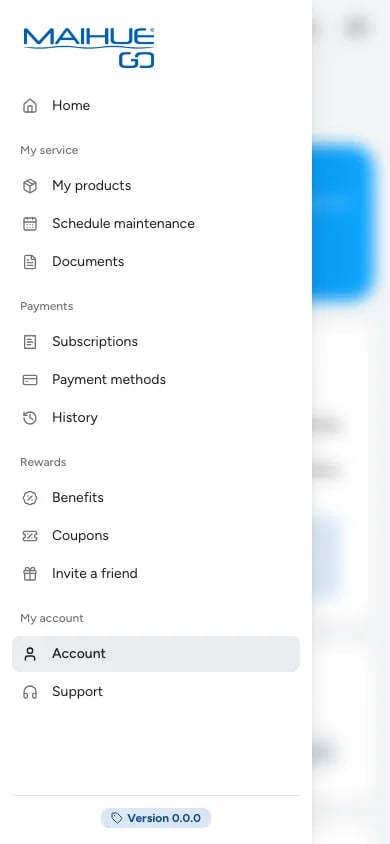
On mobile the sidebar is hidden and opens with the Open navigation menu button. To fit the bar, Act as shows only the person or building icon, and the theme is a single button with the current theme’s icon that opens Light, Dark and System.
Every route
Addresses always start with the language:/es/home, /en/home, and so on. The root address / leads to
/es/home.
Private routes (need a session)
Public routes (open without a session)
What decides whether the customer can enter
Every time the customer opens a private route, the portal checks four things in order:Home is always on (its flag is locked). It is the safe place the customer is sent to when another
section is switched off.