

At a glance
What it is for
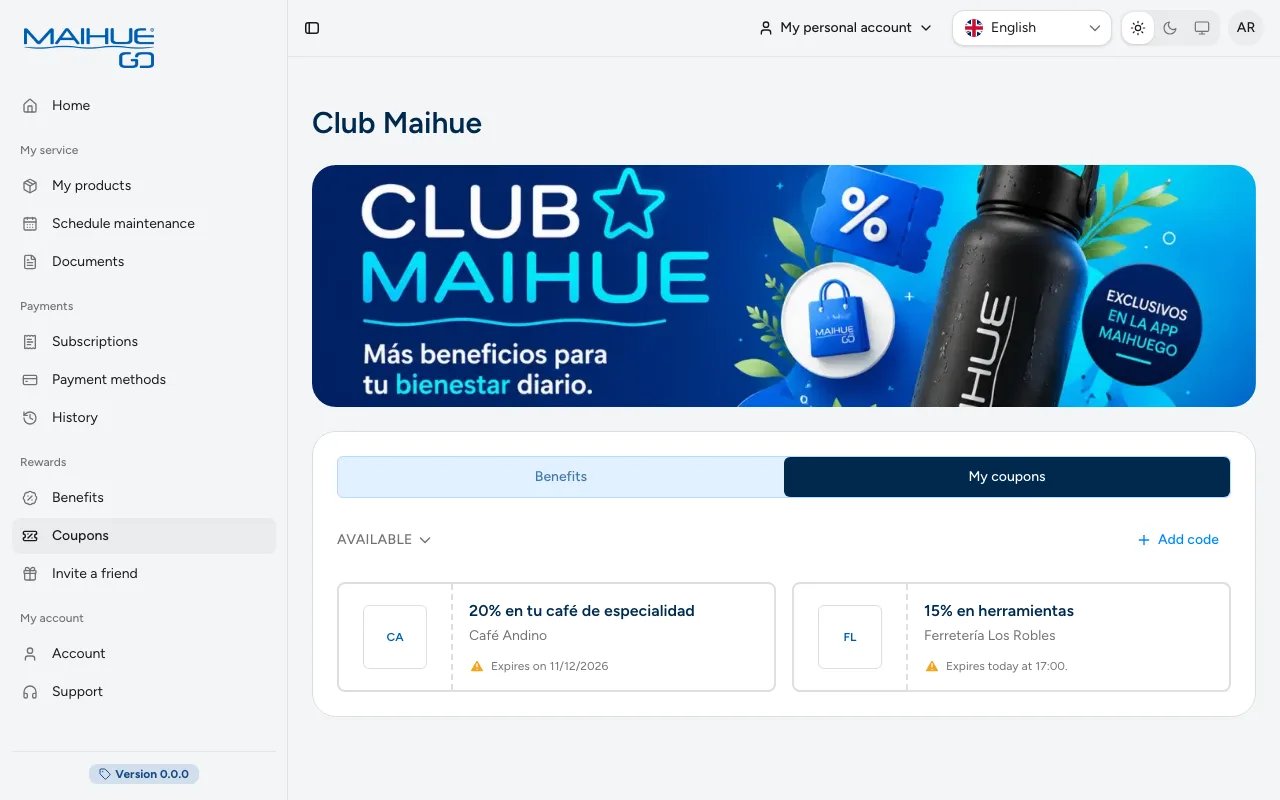
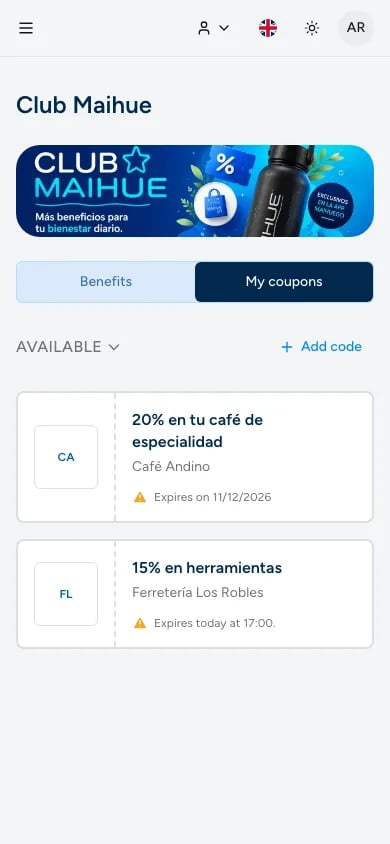
Gathers the customer’s coupons: Club ones, plan ones and the online shop codes they won by inviting. They can view them by status, open the QR to use them and add a coupon with a code.How to get there
Rewards › Coupons menu or the Club’s My coupons tab.
Club Maihue journey
What the customer sees
- Desktop
- Mobile
Step by step
1
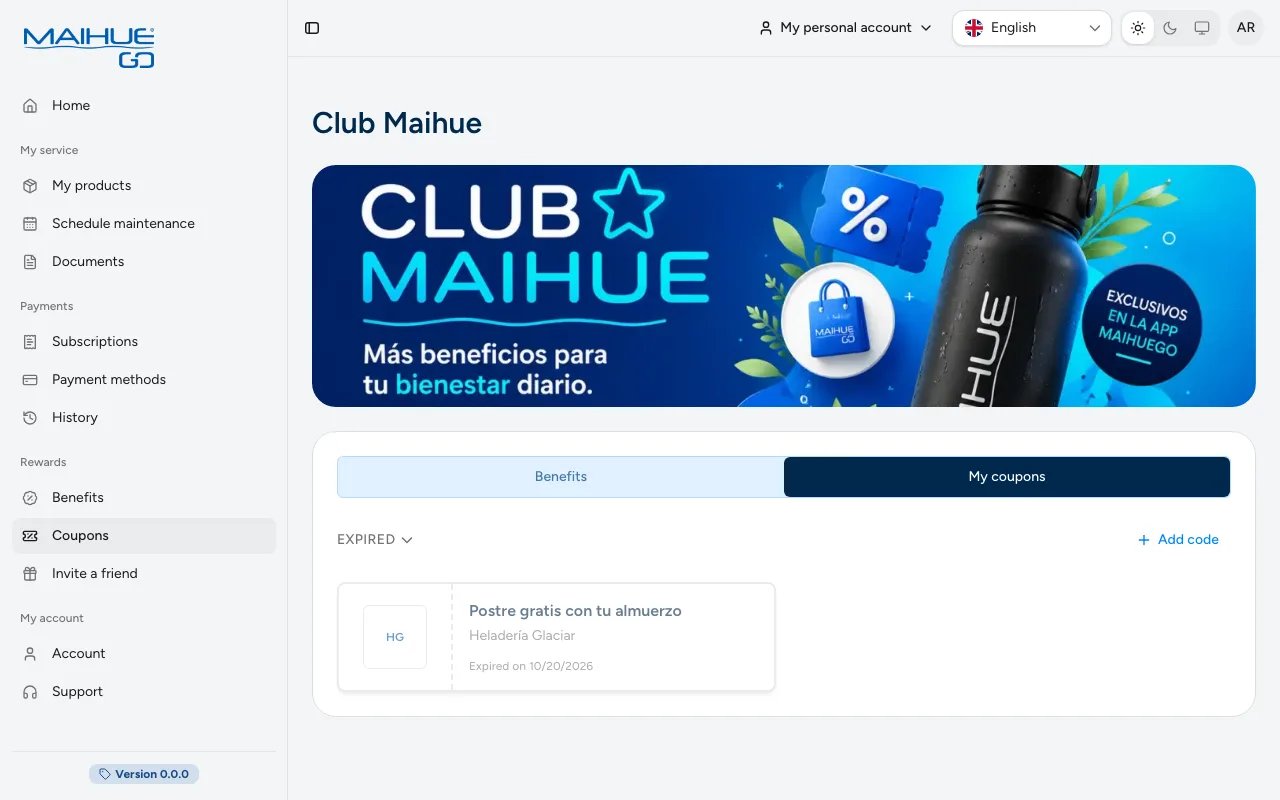
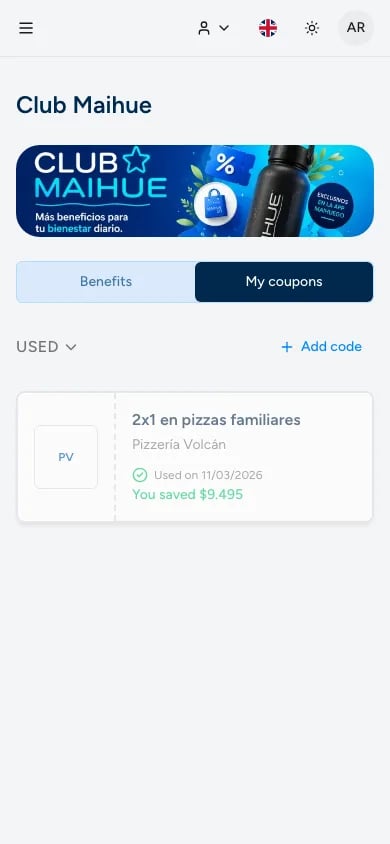
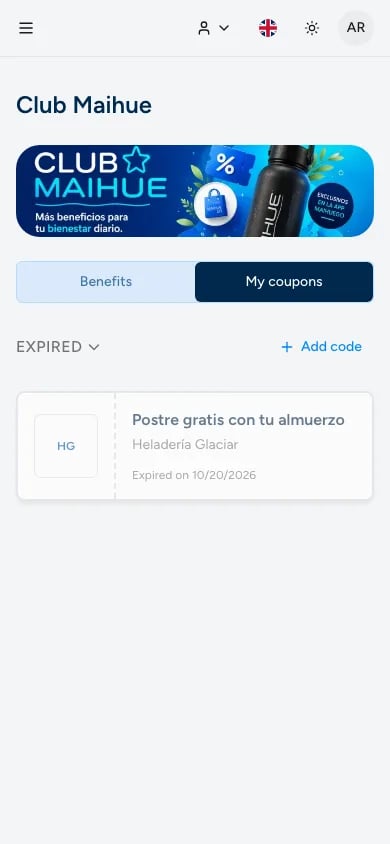
View by status
Switches between Available, Used and Expired.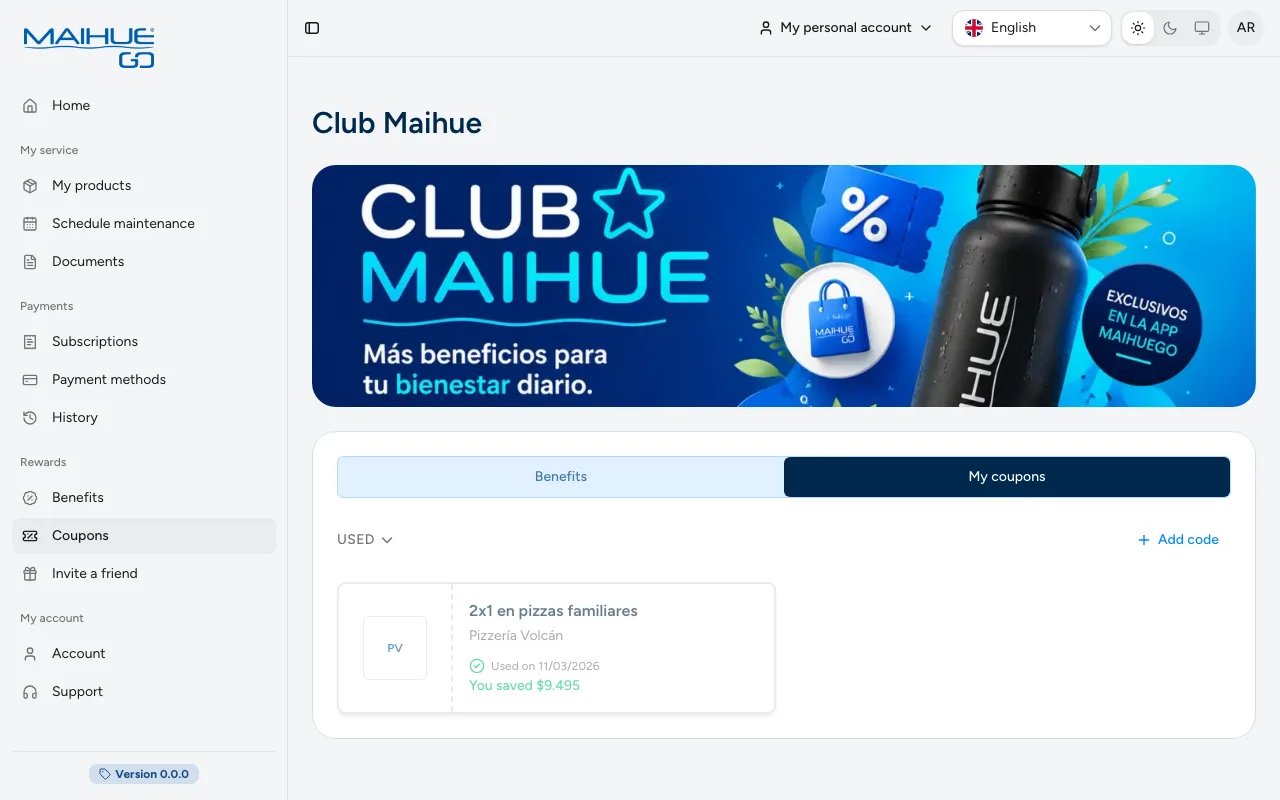
- Desktop
- Mobile
- Desktop
- Mobile
2
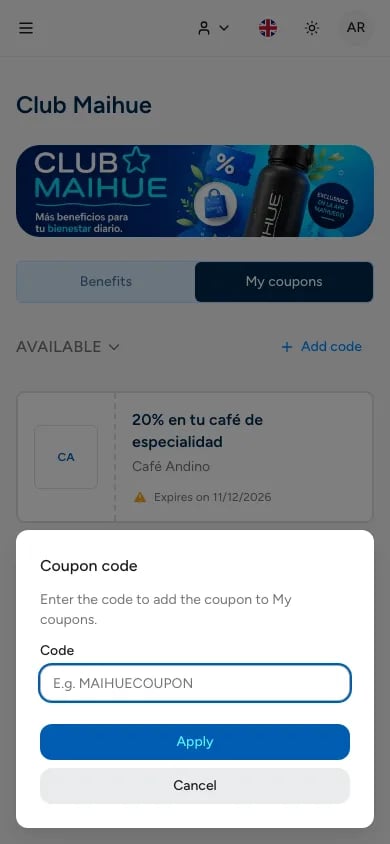
Add code
Taps Add code, types the code and taps Apply. If valid they see “Coupon added!”.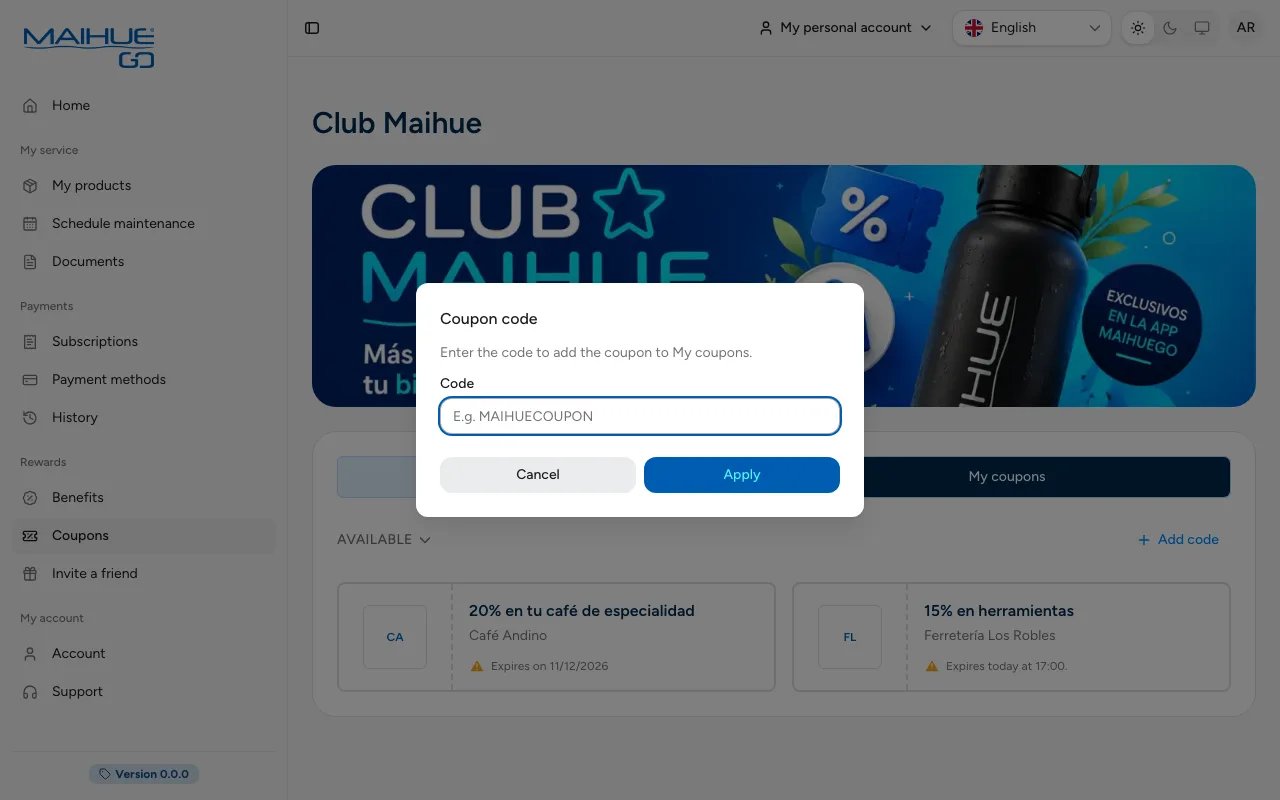
- Desktop
- Mobile
3
Use a coupon
Taps the coupon to open its QR. See Use a coupon.
4
Copy an online shop code
On the Online shop code card, taps Copy code (sees “Code copied”) and uses it when paying in the online shop. Once used or expired, the card keeps showing the code, without the copy button.
Business rules
States and messages
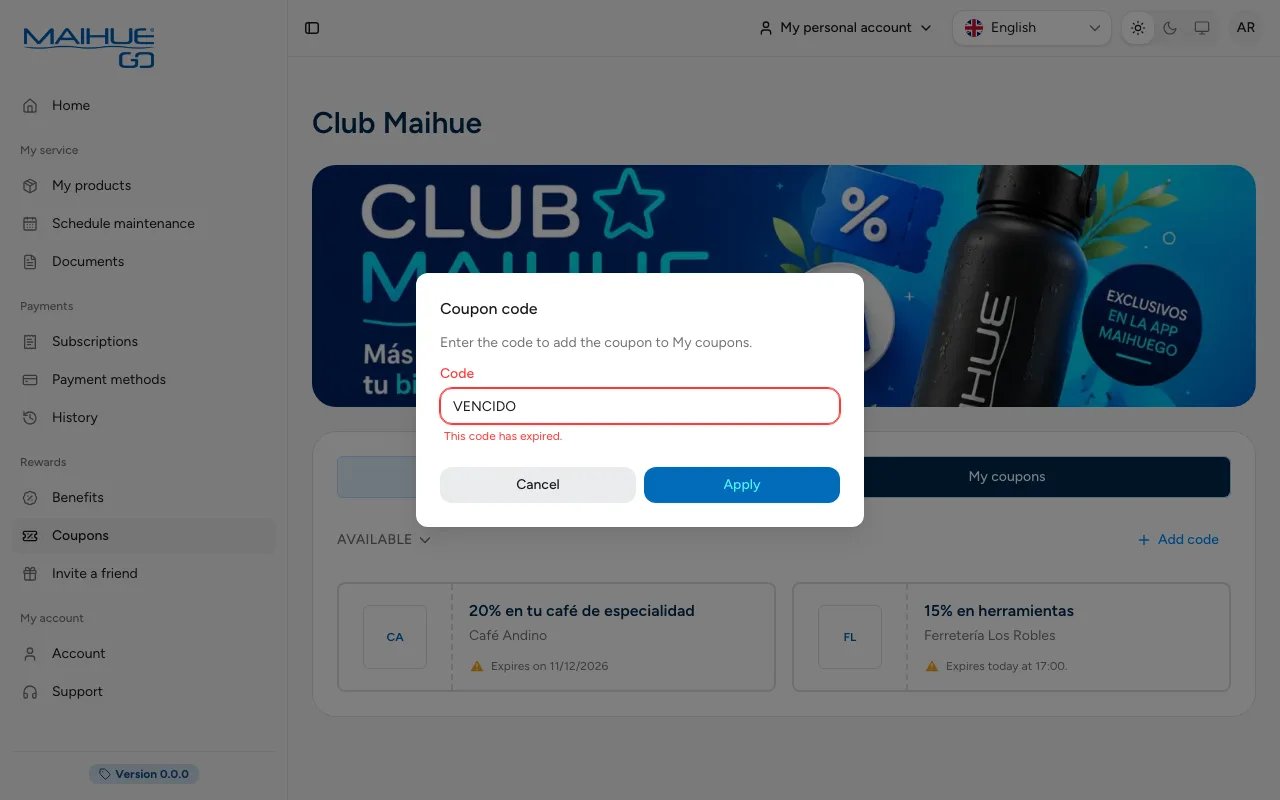
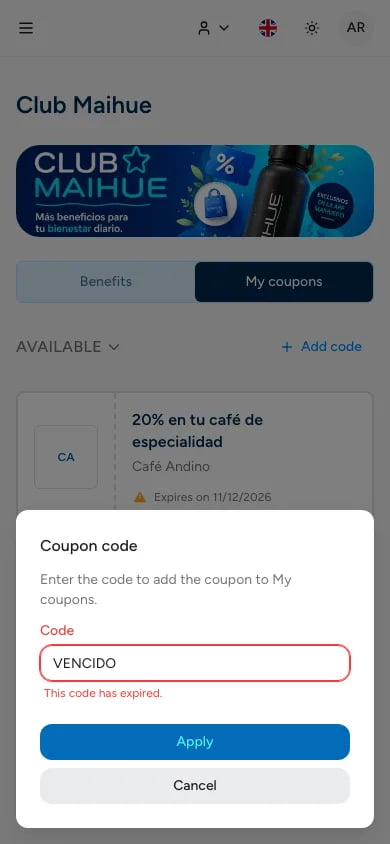
Errors
- Desktop
- Mobile
Why it works this way

Coupon lifecycle
Technical detail
FAQ and support cases
The code says it is redeemed in the app
The code says it is redeemed in the app
It is a MaihueGO code (for example, for refills); it is used in the app.
The customer wants to use the referral code at a venue
The customer wants to use the referral code at a venue
They can’t: the online shop code is valid only in the online shop, as the card says.