

At a glance
What it is for
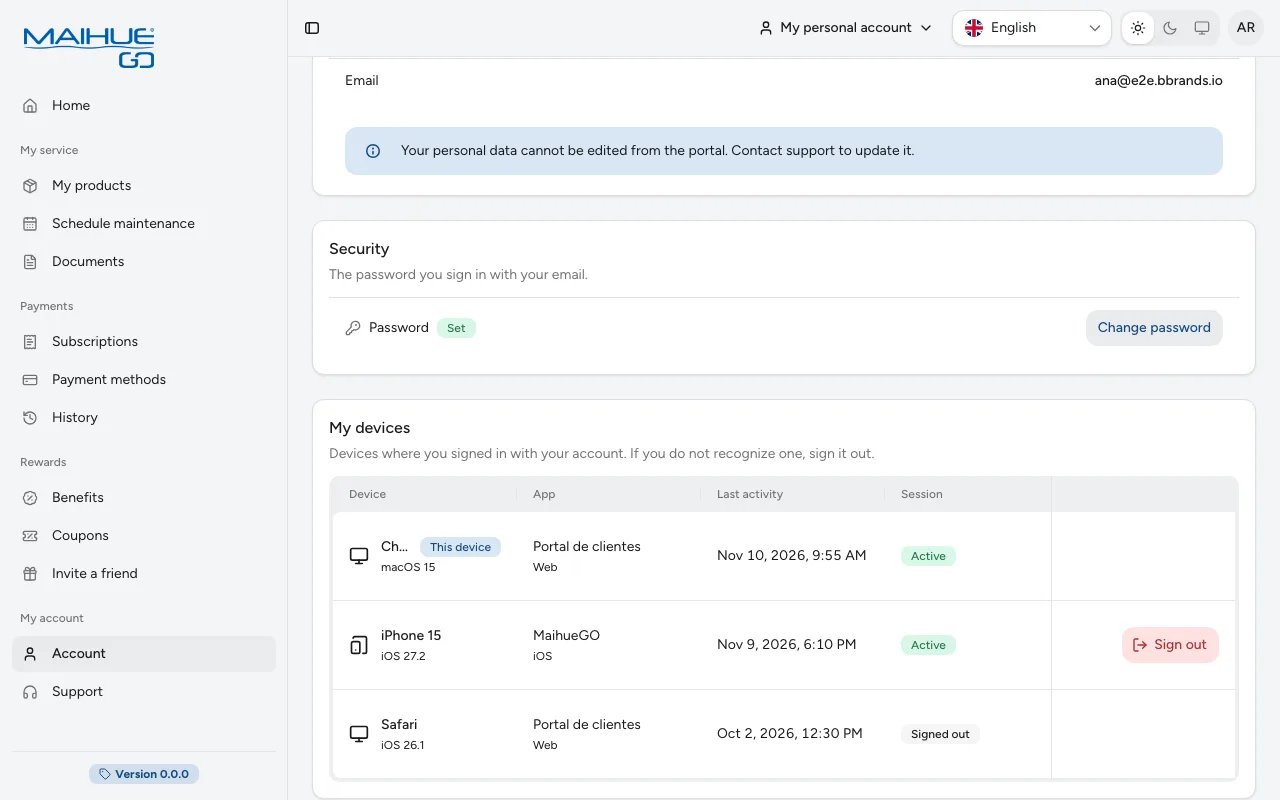
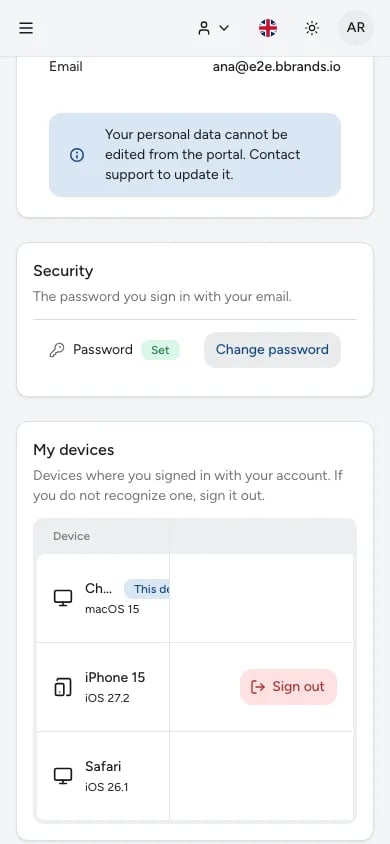
Devices where you signed in with your account. If you do not recognize one, sign it out.How to get there
In Account, under Security.
Blocks of the Account section
What the customer sees
- Desktop
- Mobile
Step by step
1
Review the list
Identifies the devices they recognise.
2
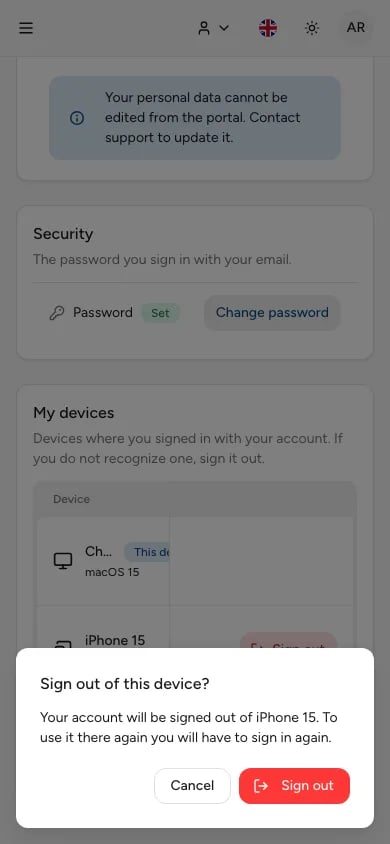
Sign out
On an active device that is not the current one, taps Sign out and confirms in “Sign out of this device?”.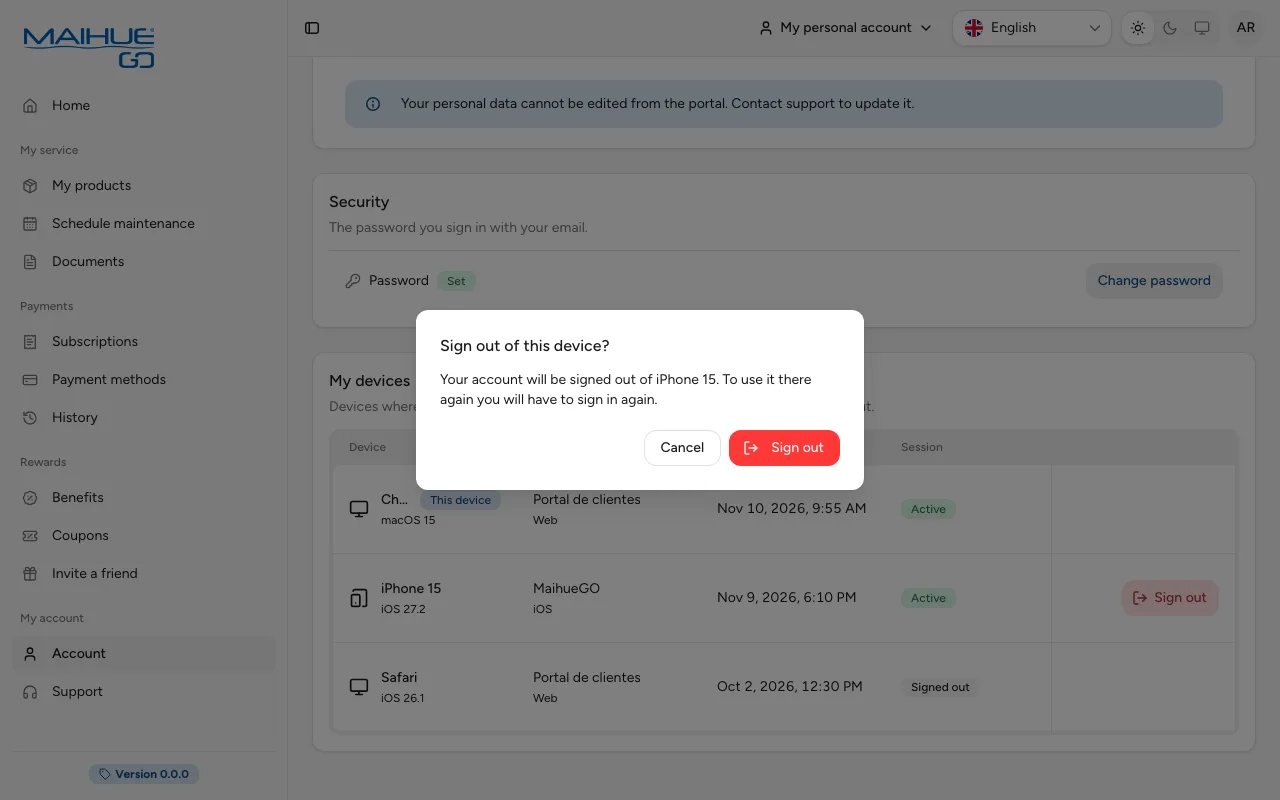
- Desktop
- Mobile
Business rules
States and messages
Errors
Why it works this way

How My devices works
Technical detail
FAQ and support cases
They do not recognise a device
They do not recognise a device
Close that session and change the password ticking sign out of other devices.