

At a glance
What it is for
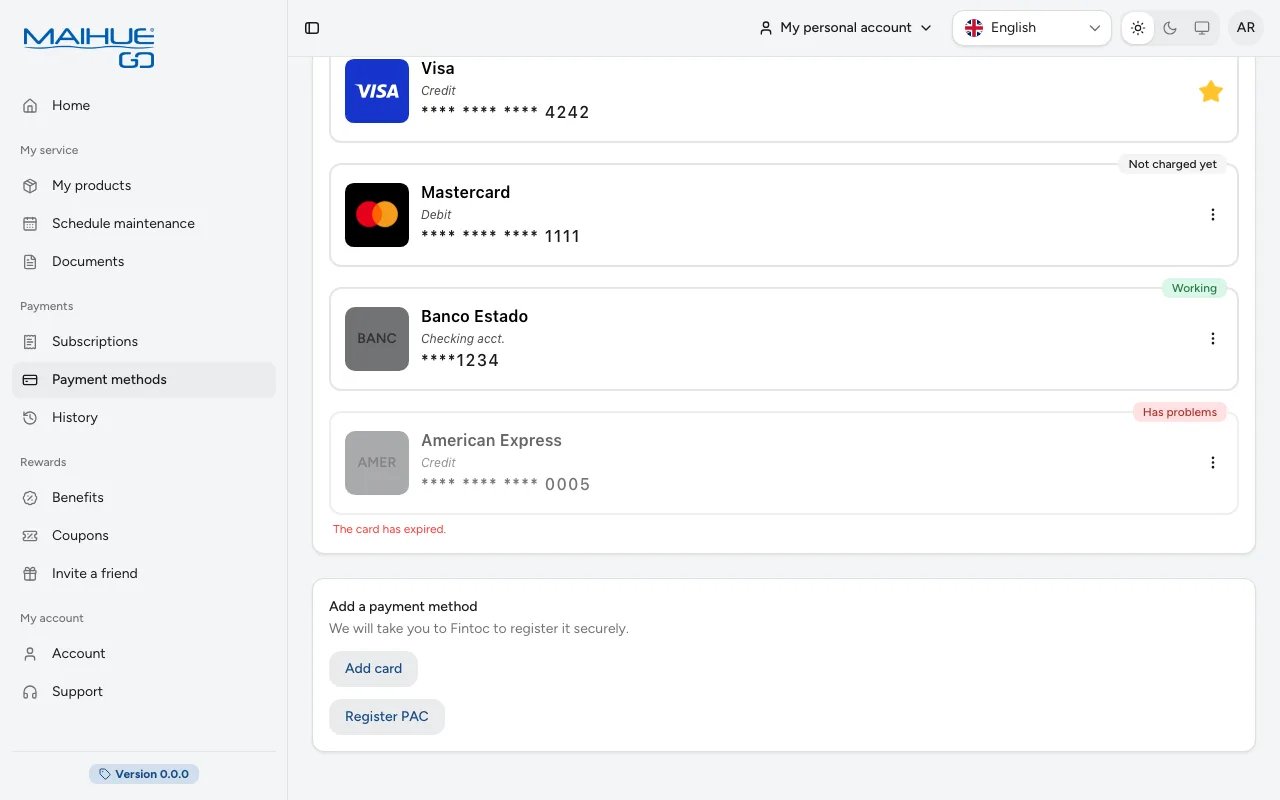
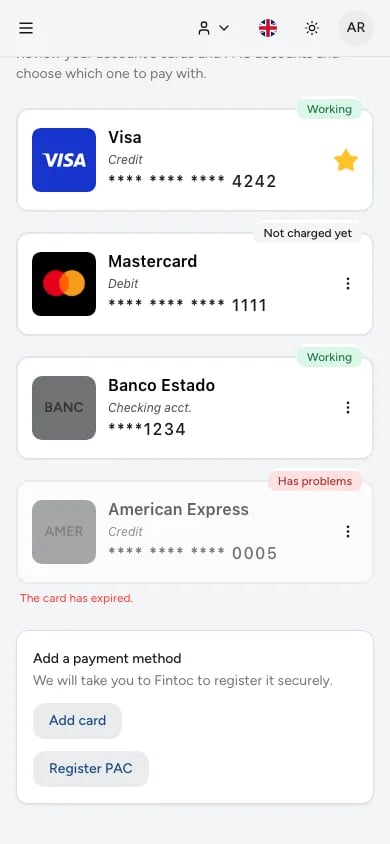
The customer adds a credit or debit card, or a checking account for automatic bill payment (PAC). Enrolment happens in Fintoc, which keeps the method data securely; Maihue never sees it.How to get there
In Payment methods, the Add a payment method block (at the end of the list).
What can be done in Payment methods
What the customer sees
- Desktop
- Mobile
Step by step
1
Add card / Register PAC
Taps the button of the method kind. The portal prepares the enrolment and opens Fintoc.
2
Complete in Fintoc
Enters the card details or picks their bank and authorises the mandate.
3
Back to the portal
Fintoc sends them back to Payment methods. The portal checks until the new method shows in the list.
4
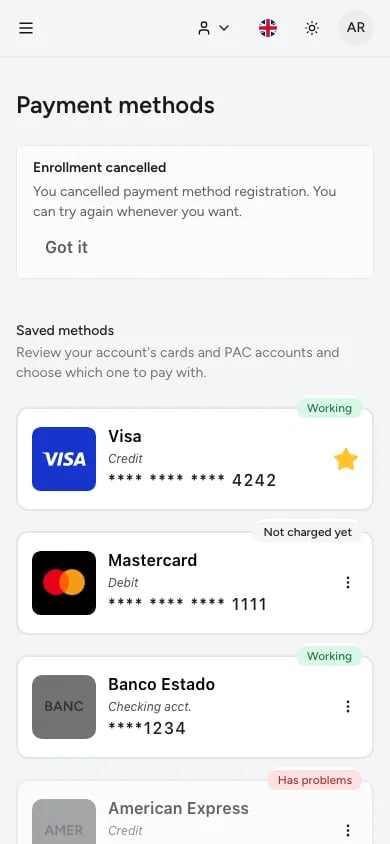
If they cancelled
They come back with an enrolment-cancelled notice; they can try again.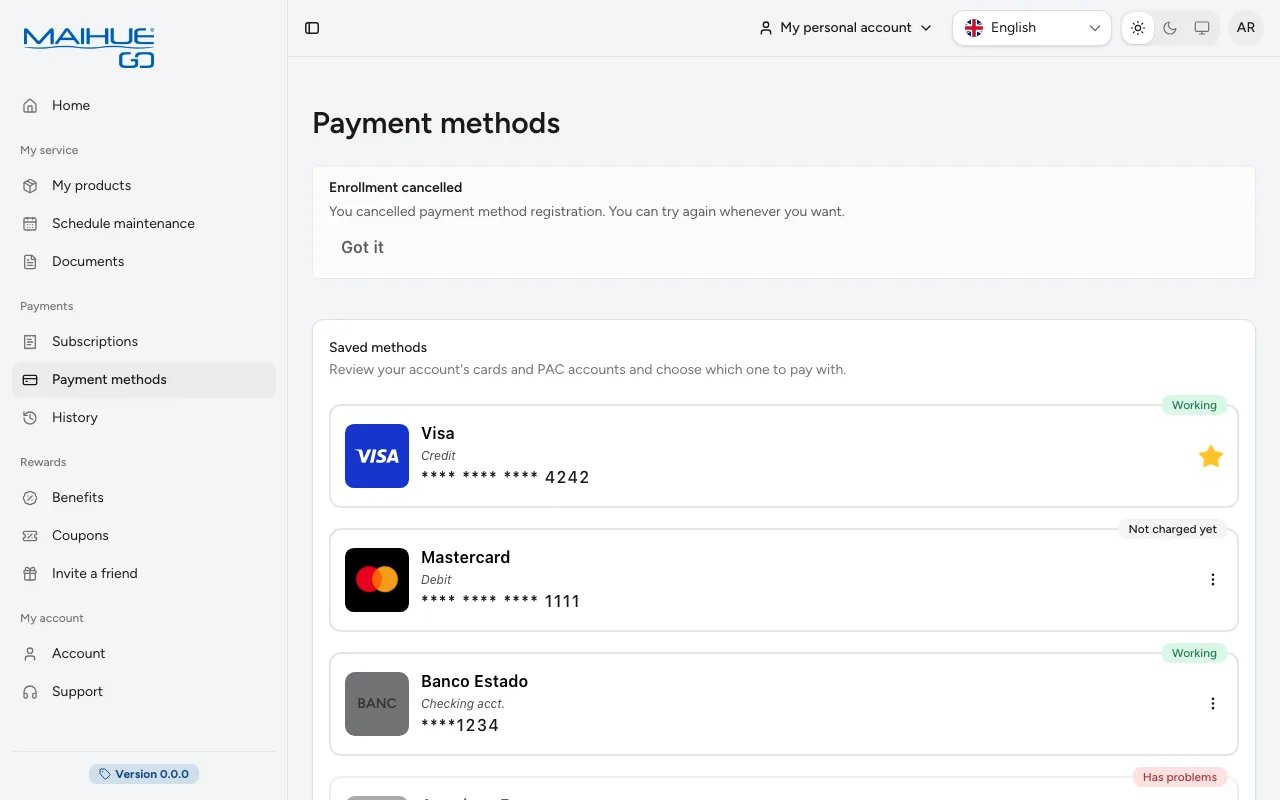
- Desktop
- Mobile
Business rules
States and messages
Errors
Why it works this way

How a method is added
Technical detail
FAQ and support cases
They added a card and it does not show
They added a card and it does not show
Fintoc may take a while to confirm. Reload in a minute; if it does not show, escalate to Payments with the time.
They want to add a prepaid card
They want to add a prepaid card
Only if the configuration allows it (
portal-customer-payment-methods-policy).