

At a glance
What it is for
Usage answers “is this event firing?”: how many times in 30 days, from which origin, through which gateway and which were its latest occurrences. History answers “who changed this?”: every activation, deactivation or rule change, with the person, the date, the old and new value and the reason.How to get there
- Open the event from the catalog list and choose the Usage or History tab.
What you see
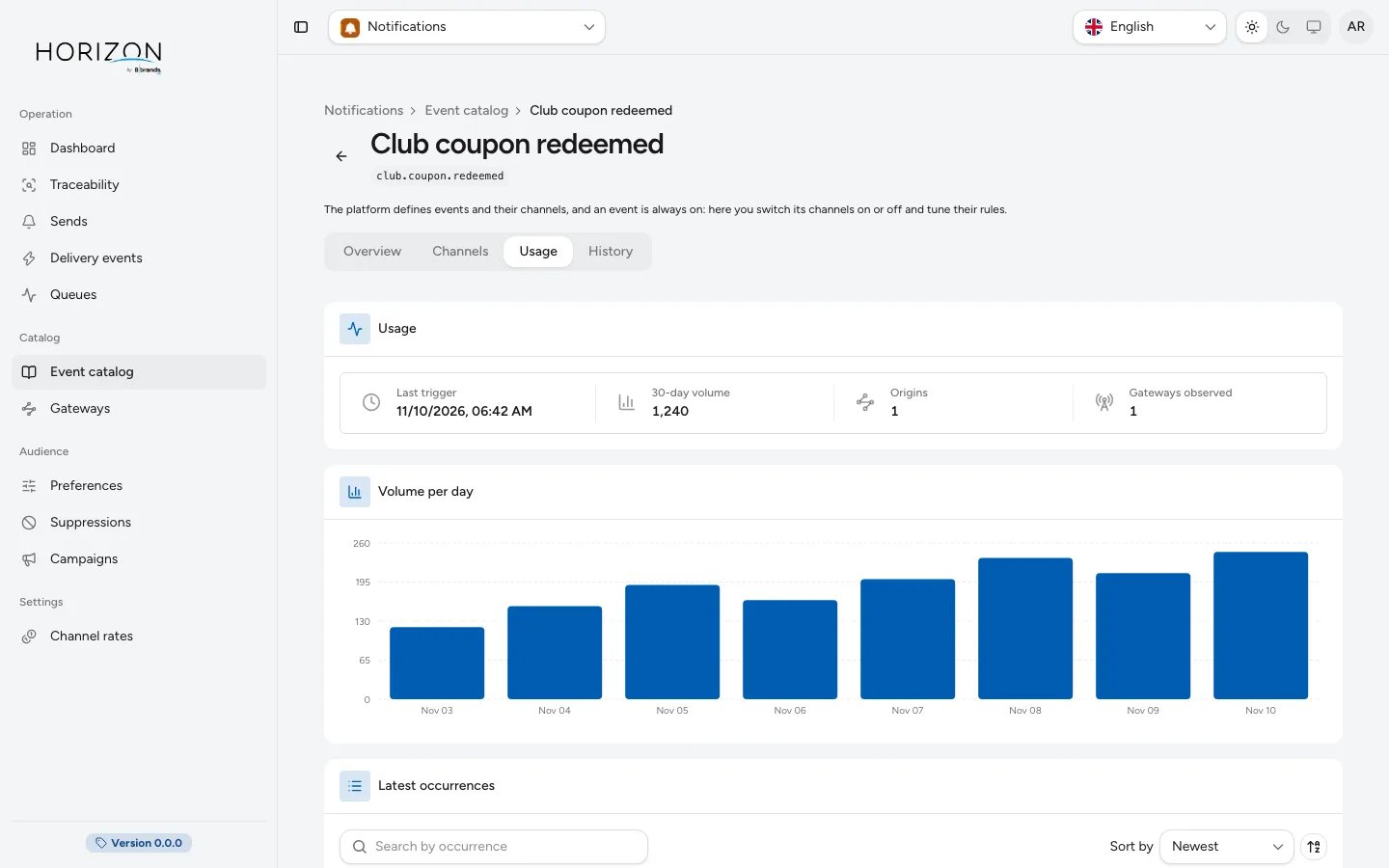
The Usage tab: summary, volume per day and latest occurrences.
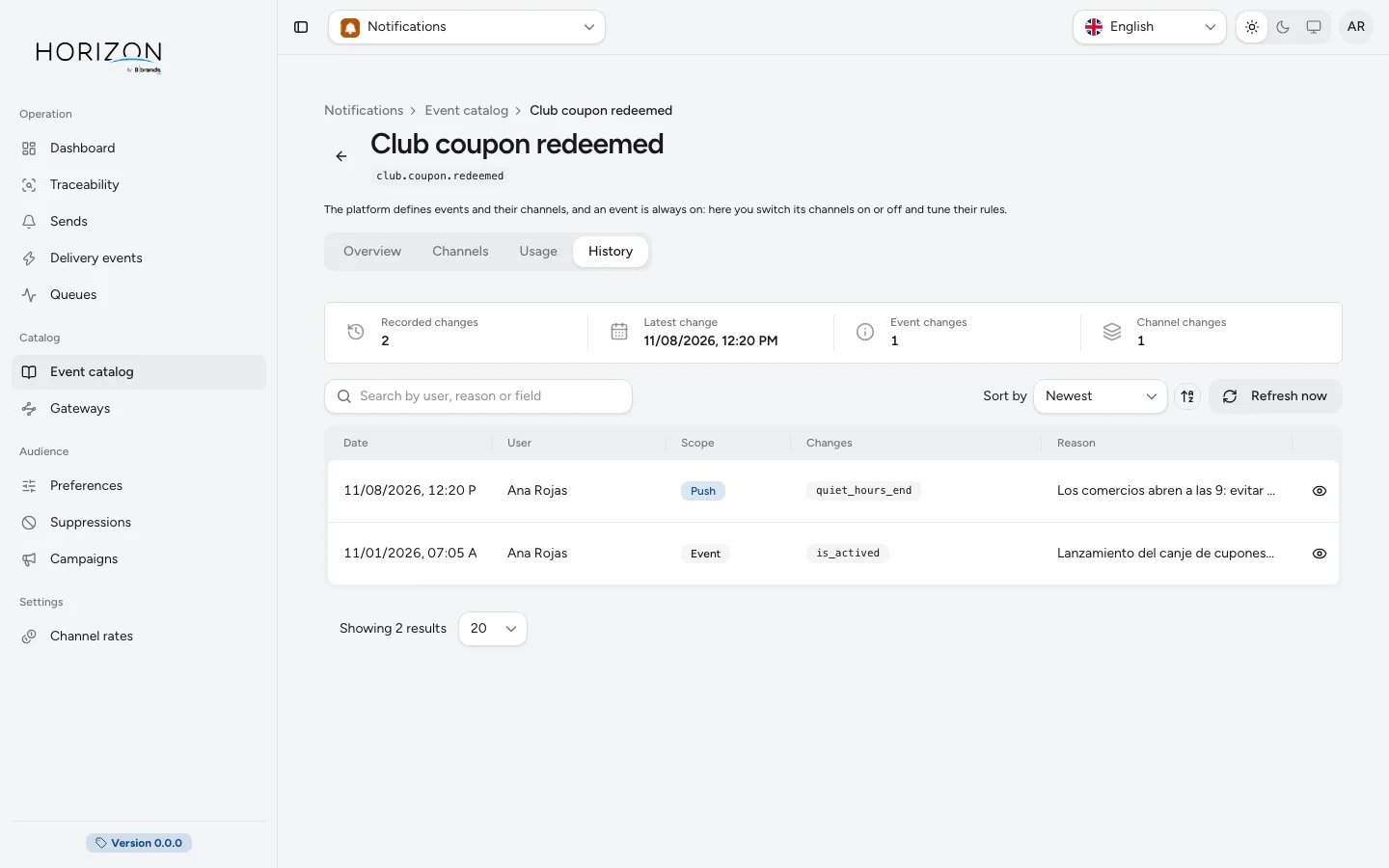
The History tab: each change with its author, the date, before and after, and the reason.
Step by step
Check that an event is firing
1
Open the Usage tab
Look at Last trigger: if it is days old for an event that should happen daily, something changed.
2
Check the chart
A sharp drop in Volume per day shows from which day it stopped firing.
3
Open the latest occurrence
Press its id under Latest occurrences. It opens in Traceability, with the decisions of each channel.
Find who changed an event
1
Open the History tab
Changes appear from newest to oldest.
2
Read the target, the change and the reason
For example
channel:push, quiet_hours_end: 08:00 → 09:00, with the reason and the name of whoever made it.Business rules
States and messages
Errors
Why it works this way
Every configuration change asks for a reason because notifications reach customers: if tomorrow someone asks why a notification did not arrive, the history says who switched off what and why, and Traceability shows which sends it affected.Technical detail
FAQ and support cases
Volume dropped to zero from one day
Volume dropped to zero from one day
The flow that fires the event may have stopped calling it. Check the Producers on the Overview tab and tell
the technology team the date of the drop.
An occurrence says Partially failed
An occurrence says Partially failed
Some of its sends failed at delivery. Open it to see which channel and why.