

At a glance
What it is for
The page the invitation e-mail leads to. It turns the link into a portal session without a password and takes the customer to the wizard. If the link expired or was already used, it offers to ask for a new one.How to get there
From the invitation e-mail button.
Onboarding journey
What the customer sees
- Desktop
- Mobile
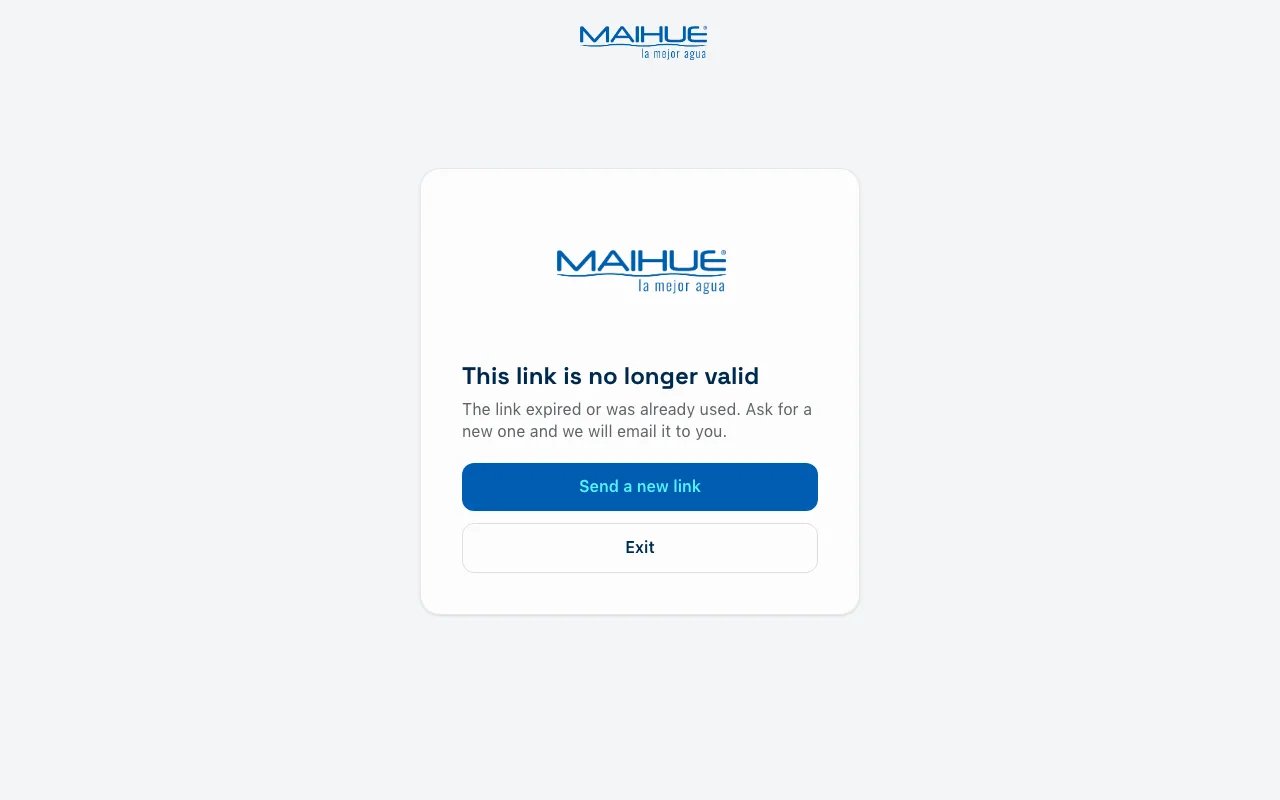
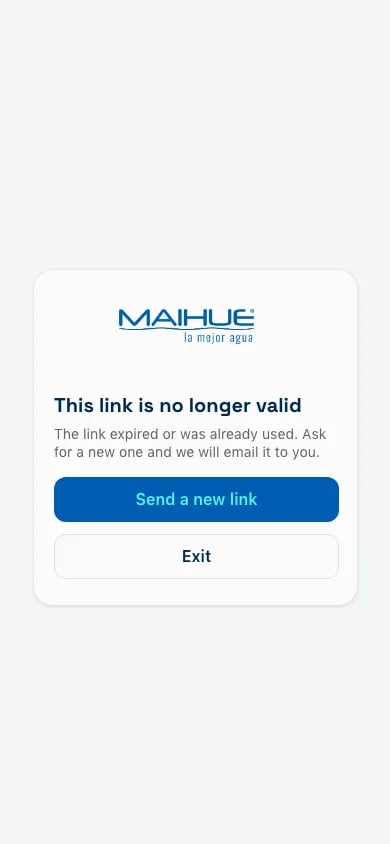
Expired or used link
Step by step
1
Open the e-mail link
They see “Activating your account…” while the session opens; then the wizard.
2
If the link does not work
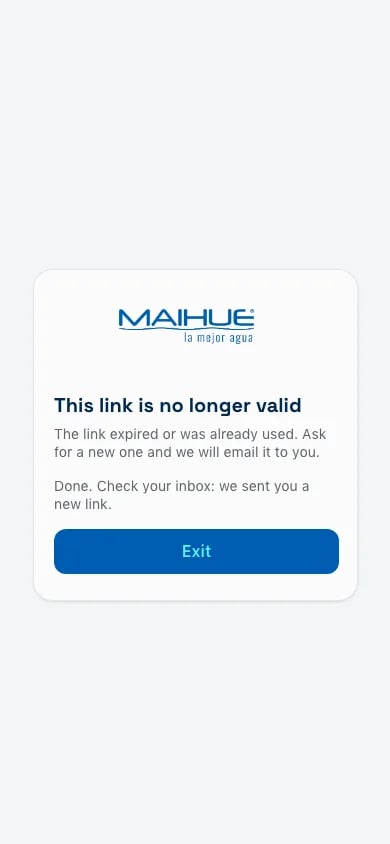
They see “This link is no longer valid” and tap Send a new link. It shows: “Done. Check your inbox: we sent you a new link.”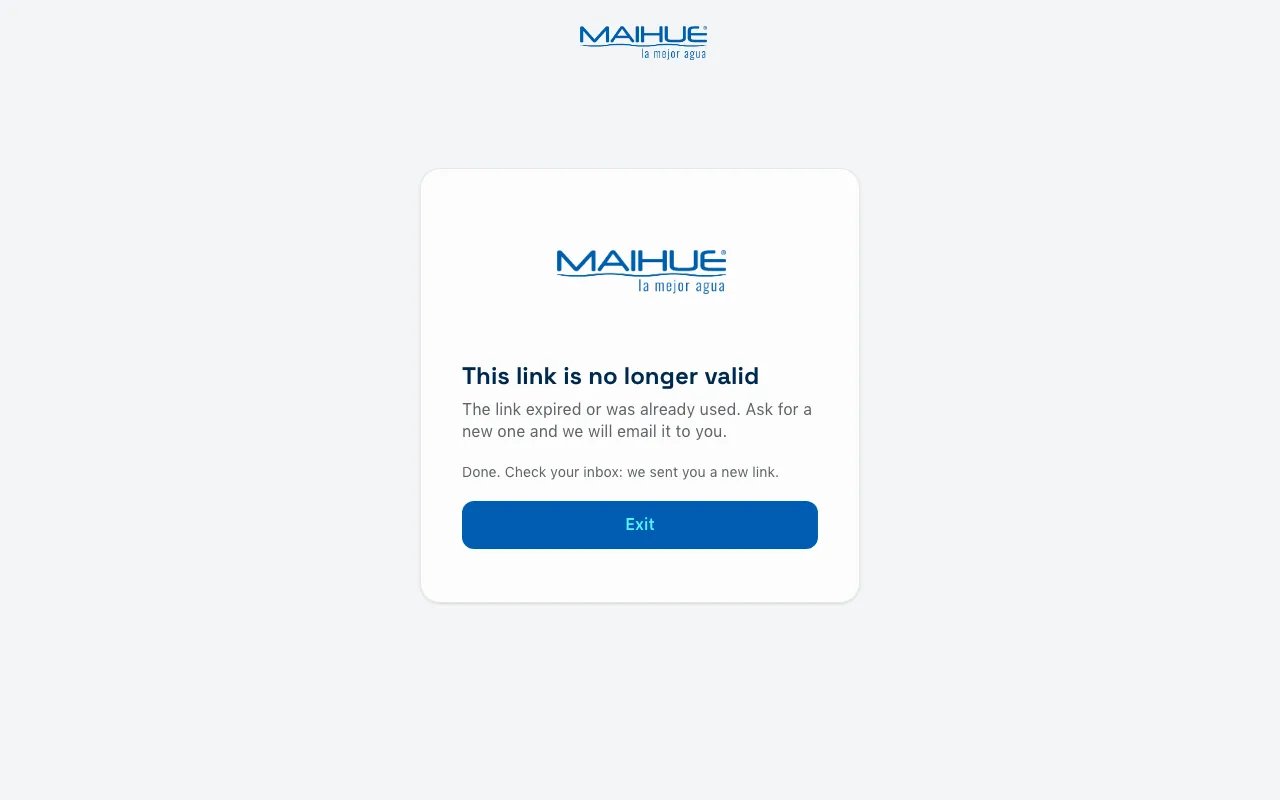
- Desktop
- Mobile
3
Open the new e-mail
The new link opens the session and resumes the onboarding.
Business rules
States and messages
- Desktop
- Mobile
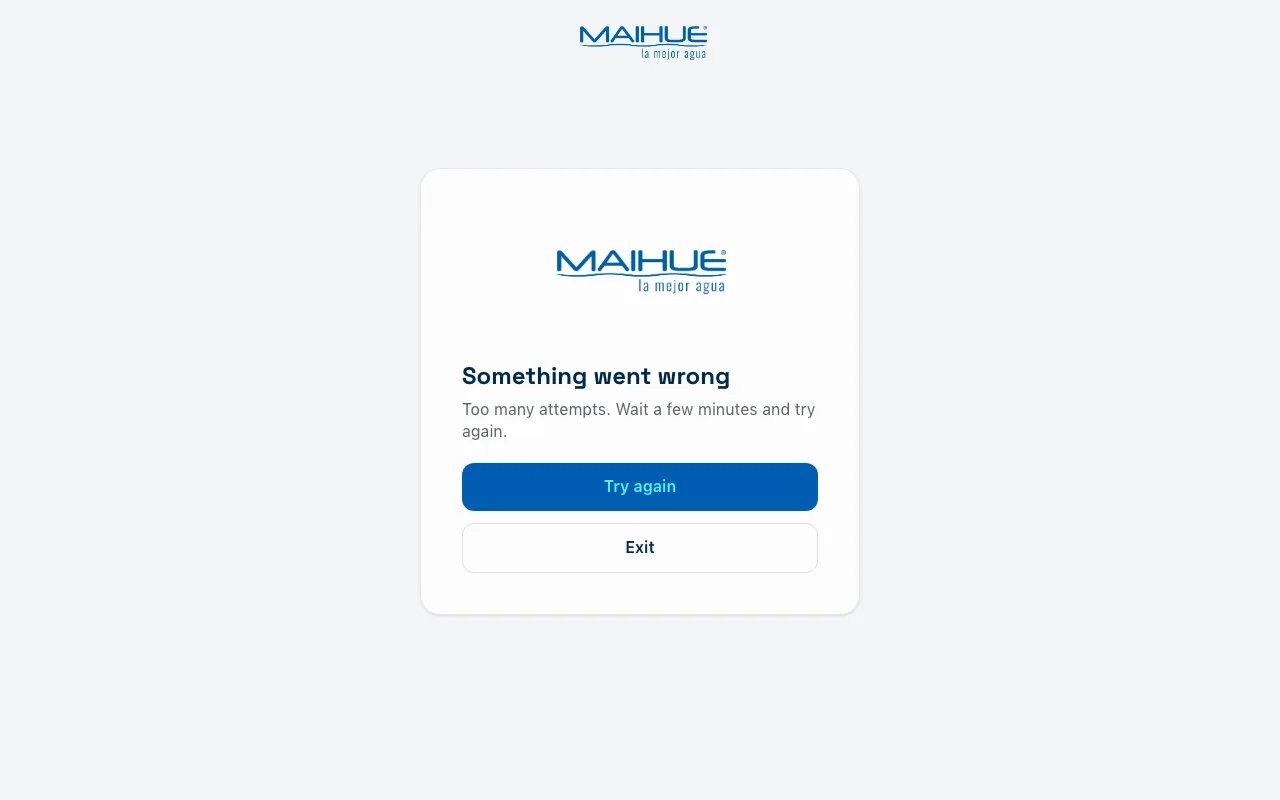
Errors
Why it works this way

How the invitation is activated
Technical detail
FAQ and support cases
The link says it is no longer valid and the customer never used it
The link says it is no longer valid and the customer never used it
It may have expired or been opened earlier (some e-mail filters open links). Ask for a new one.