

At a glance
What it is for
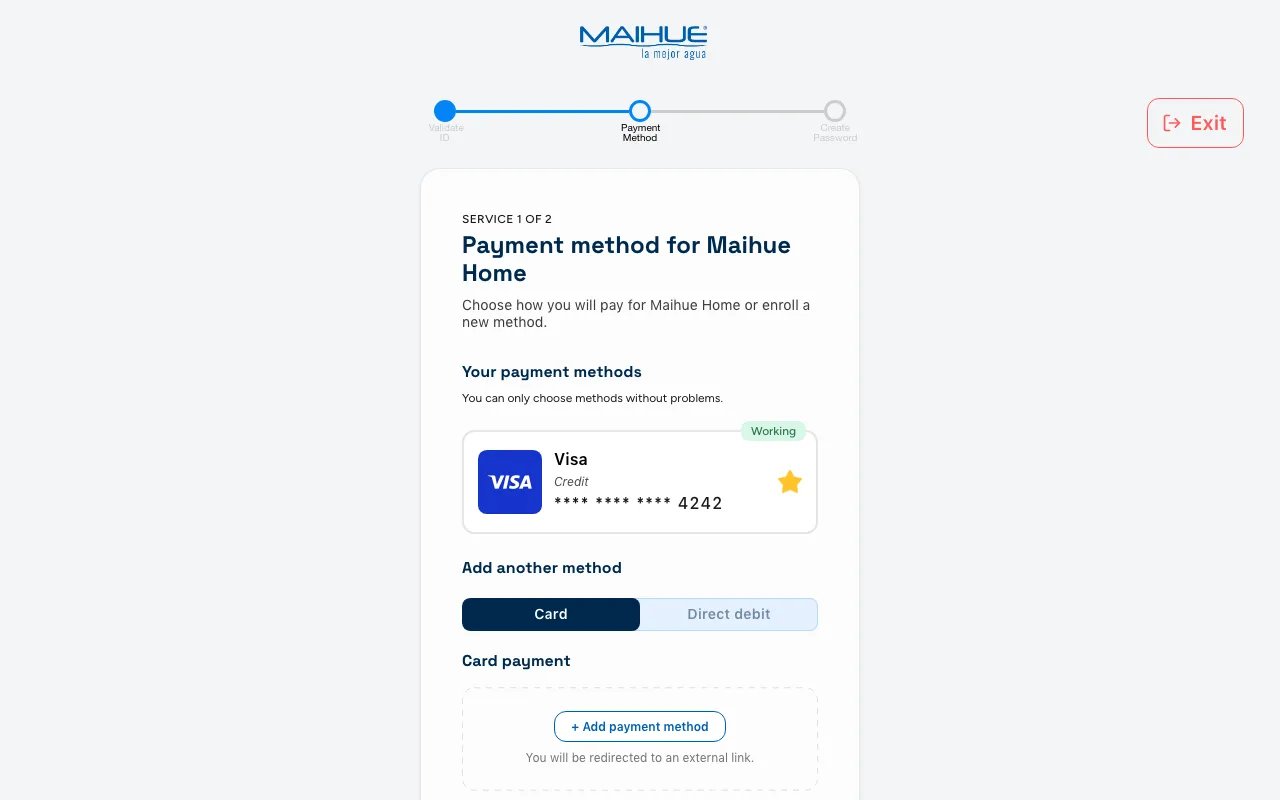
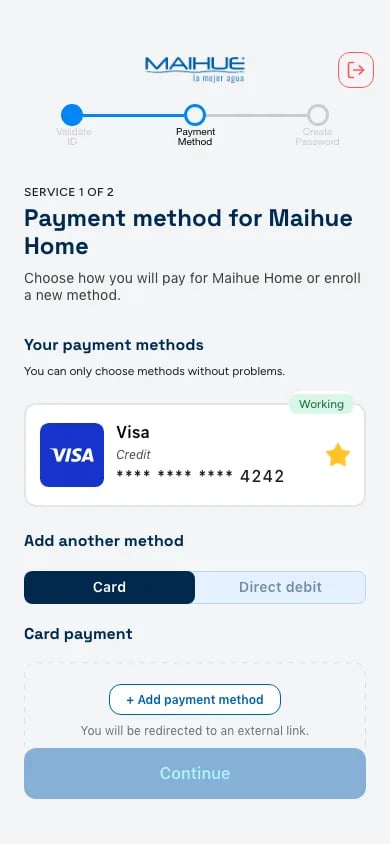
The customer leaves a current payment method for each service being activated. They can pick one already enrolled (if it has no problems) or enrol a new one with Fintoc. The step repeats per business unit.How to get there
After Validate ID.
Onboarding journey
What the customer sees
- Desktop
- Mobile
Step by step
1
Pick a method
Taps a saved method without problems, or enrols a new one in Add another method (goes to Fintoc and back).
2
Continue
Confirms the method for this service.
3
Next service
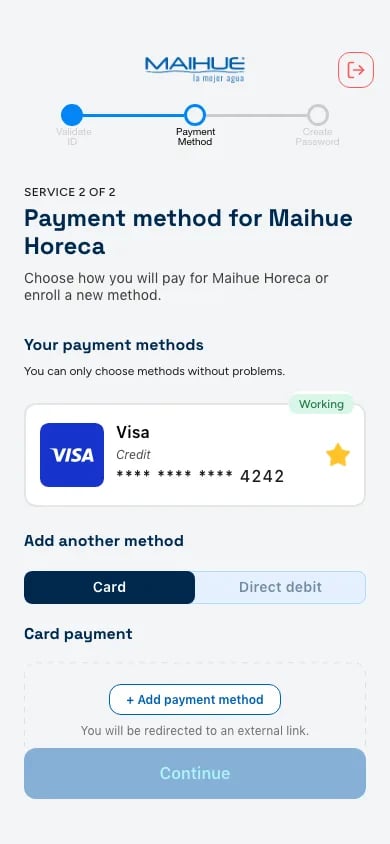
If there are more services, it repeats with the next one: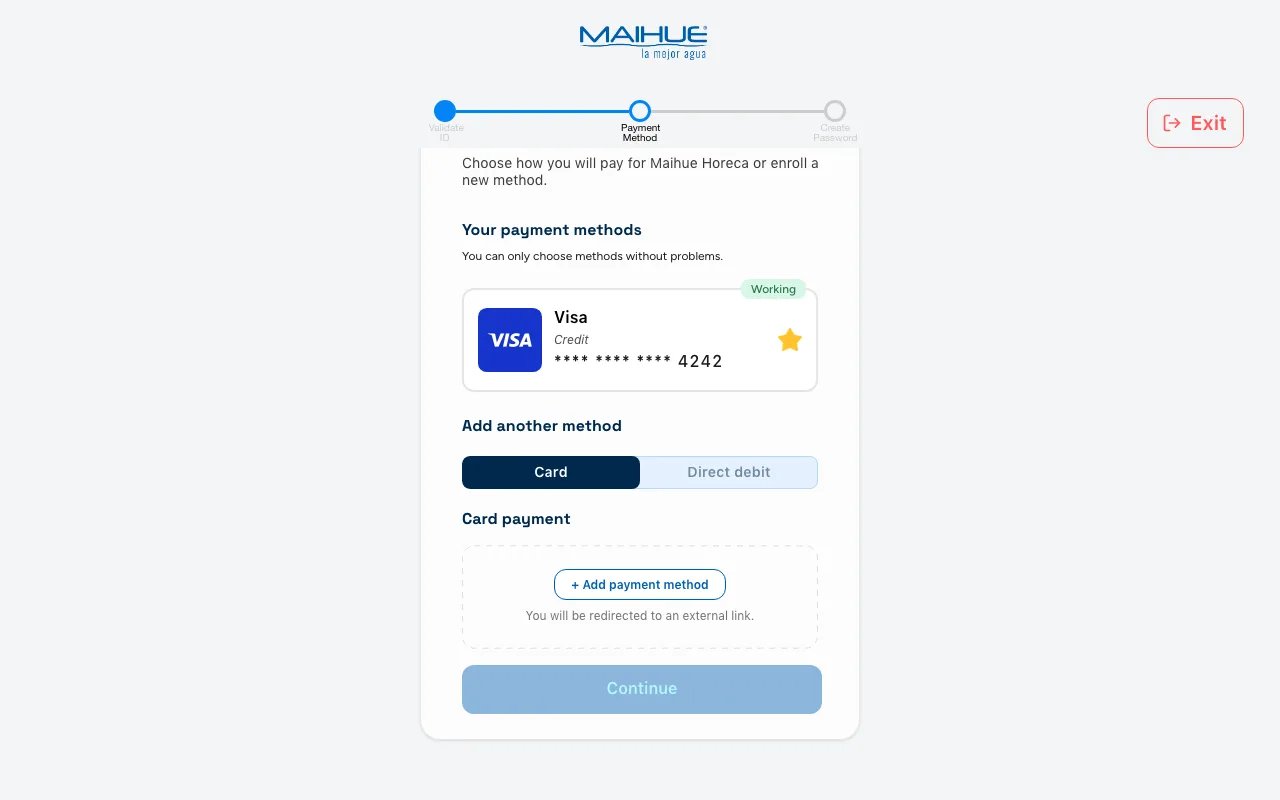
- Desktop
- Mobile
Business rules
States and messages
Errors
Why it works this way

One payment per business unit
Technical detail
FAQ and support cases
The customer wants to use the same card for all their services
The customer wants to use the same card for all their services
They can: they pick it for each service.