

At a glance
What it is for
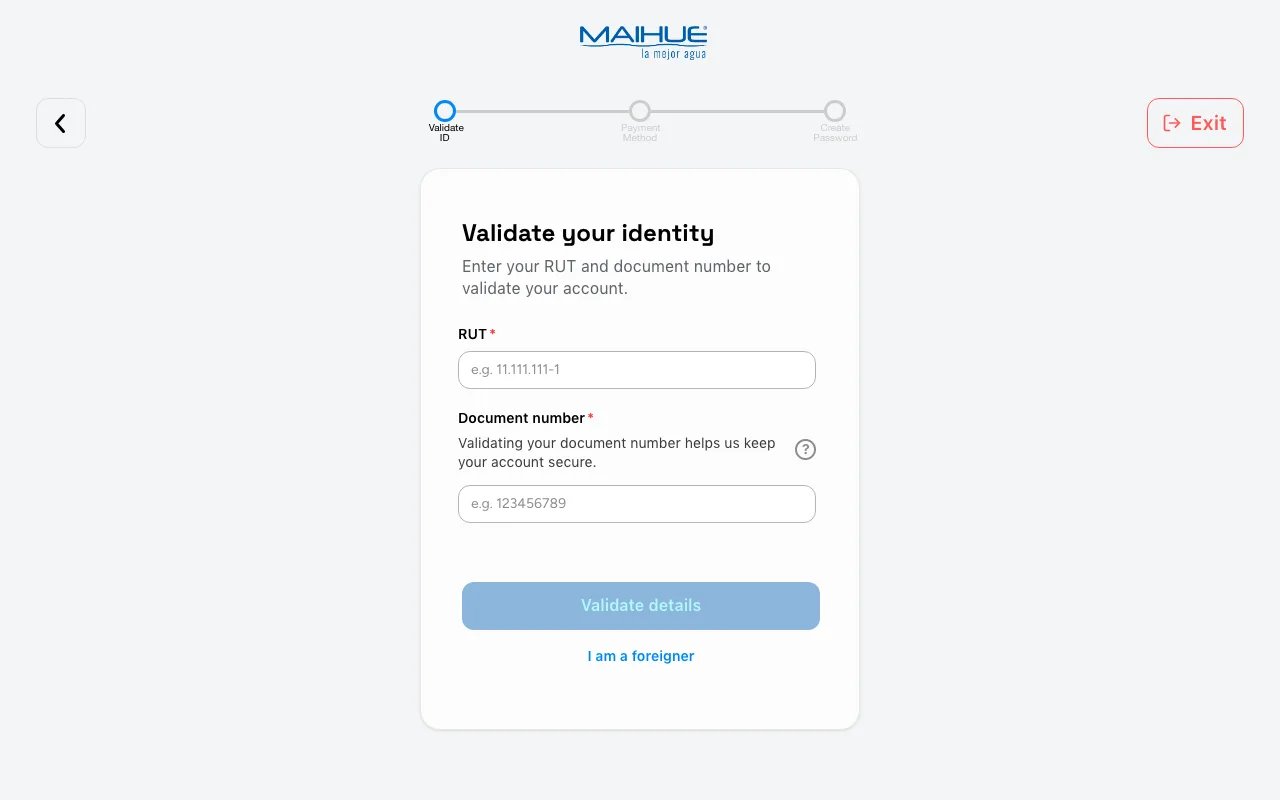
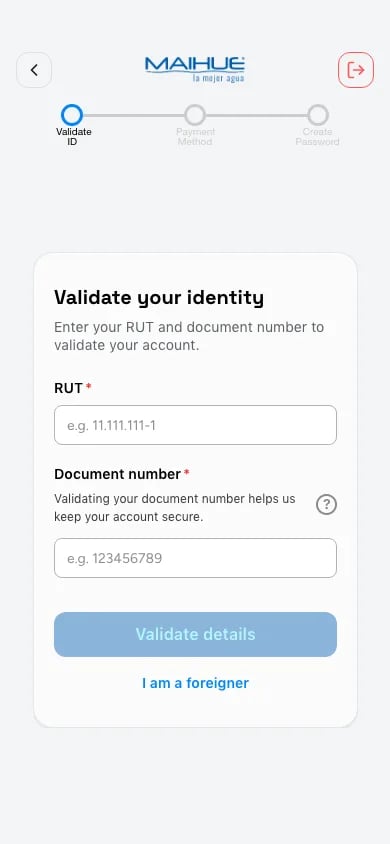
The customer confirms their identity with their RUT and ID card document number. If they represent a company, they do it as its legal representative. It is done once even with several services to activate.How to get there
After accepting the legal documents.
Onboarding journey
What the customer sees
- Desktop
- Mobile
Step by step
1
Enter RUT and document
With the ID card at hand; the (?) icon shows where the number is.
2
Validate details
While it reads “Validating details…” it is checked; then it moves to Payment method.
Business rules
States and messages
Errors
Why it works this way

The check is the same as in the digital contract
Technical detail
FAQ and support cases
The customer is a foreigner
The customer is a foreigner
Use your Chilean foreigner ID card: it carries your RUT and a document number, just like the Chilean ID card.