

At a glance
What it is for
The onboarding activates the account of a customer Maihue already knows (for example, migrated from another system) who was invited by e-mail. In a few minutes they accept the legal documents, validate their identity, leave a current payment method for each service and create their password. Until they finish, the portal only shows the sections that help them finish it.How to get there
- The customer receives the invitation e-mail and opens the link (see Activate the invitation).
- The link opens their session and takes them to
/{locale}/onboarding. - If they enter the portal with the onboarding pending, any closed section brings them back to the wizard.

Onboarding journey
What the customer sees
- Desktop
- Mobile
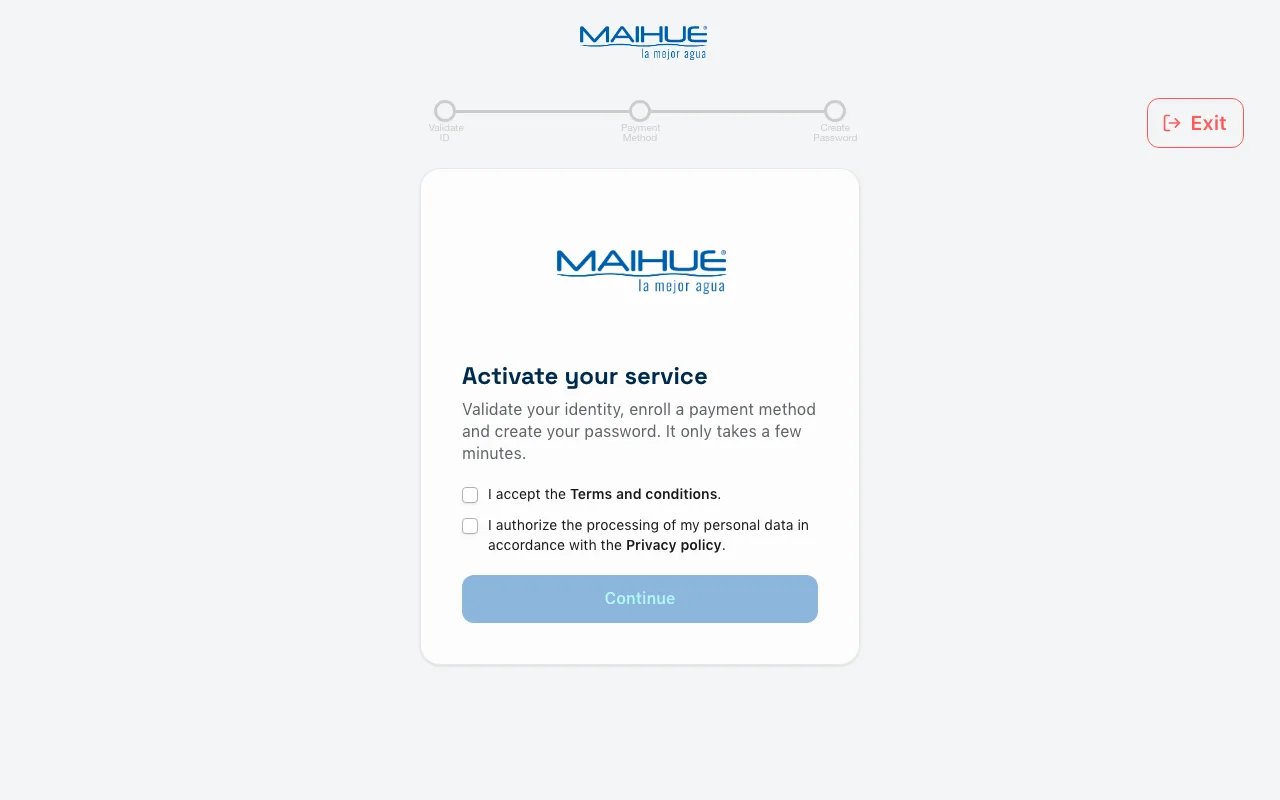
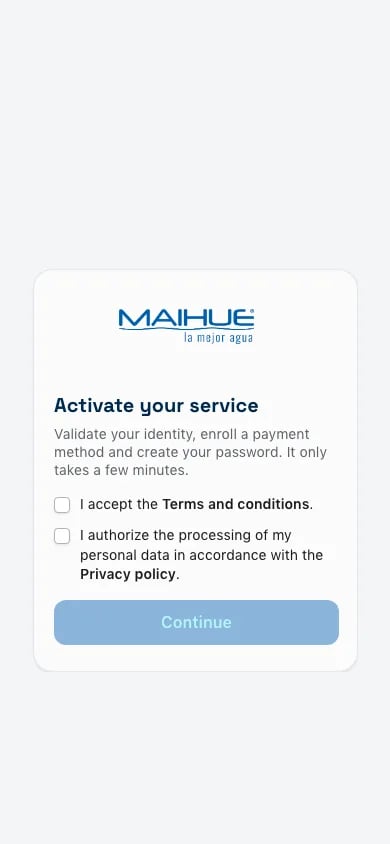
Welcome
Step by step
1
Accept the legal documents
Ticks the boxes and taps Continue.
2
Validate ID
RUT and document number. See Validate ID.
3
Payment Method
One payment method per service. See Payment method.
4
Create Password
Creates their password and goes to the success destination. See Create password.
Exit the wizard
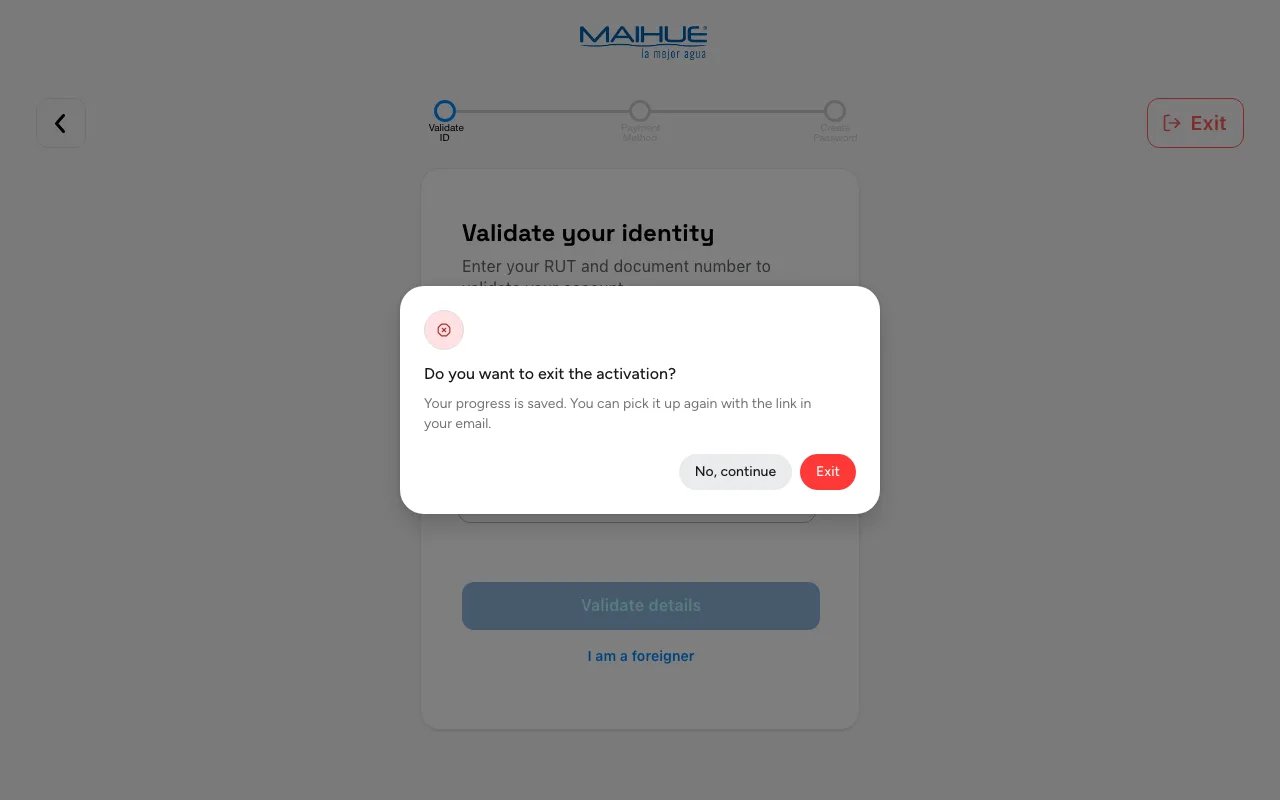
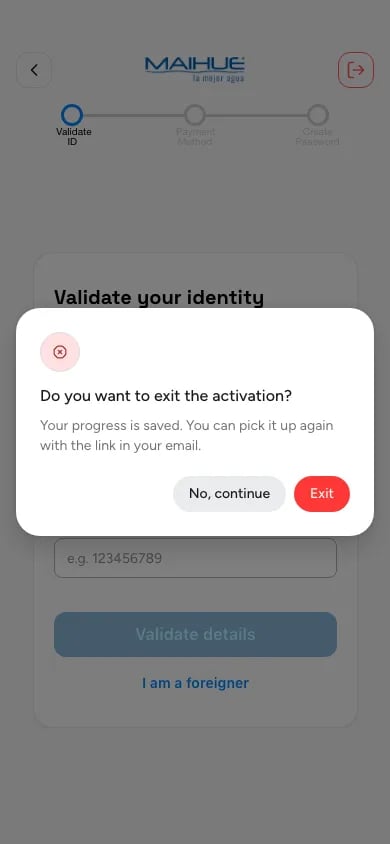
With Exit they see “Do you want to exit the activation?”: “Your progress is saved. You can pick it up again with the link in your email.” No, continue carries on; Exit signs out and takes them to the exit destination.- Desktop
- Mobile
Business rules
States and messages
Errors
Each step’s errors are on its own page.
Why it works this way

Onboarding process
- Existing customers. Unlike the digital contract, the customer already has a service; the onboarding only completes what is missing to serve them in the portal and bill them correctly.
- Soft block. While something is missing, the portal only leaves open the sections that help finish, so the customer does not end up half-way without noticing.
- One payment per service. Each business unit bills separately, so it asks for a method for each one.
Technical detail
FAQ and support cases
The customer did not get the invitation
The customer did not get the invitation
Check spam. Sending invitations needs the flag on; it is resent from Horizon Enterprise.
They exited the wizard by mistake
They exited the wizard by mistake
Their progress was kept; with the e-mail link (or by entering the portal) they resume where they left off.
How is it different from the digital contract?
How is it different from the digital contract?
The digital contract is for new customers and ends with signing; the onboarding activates customers who already have a service and signs nothing.