

At a glance
What it is for
The digital contract is the wizard a new customer uses to get their Maihue service ready without paper: they validate their identity, review the contract summary, enrol a payment method, sign their documents electronically and create their portal password. They enter with a one-time link received by e-mail, without needing a password. Nothing is charged during the wizard.How to get there
- The customer receives a Maihue e-mail to continue their contracting.
- They open the link, which takes them to
/{locale}/contract/{id}?action_link=…. - The wizard shows the step where they left off; if they come back later with a new link, they resume from there.

Digital contract journey
What the customer sees
- Desktop
- Mobile
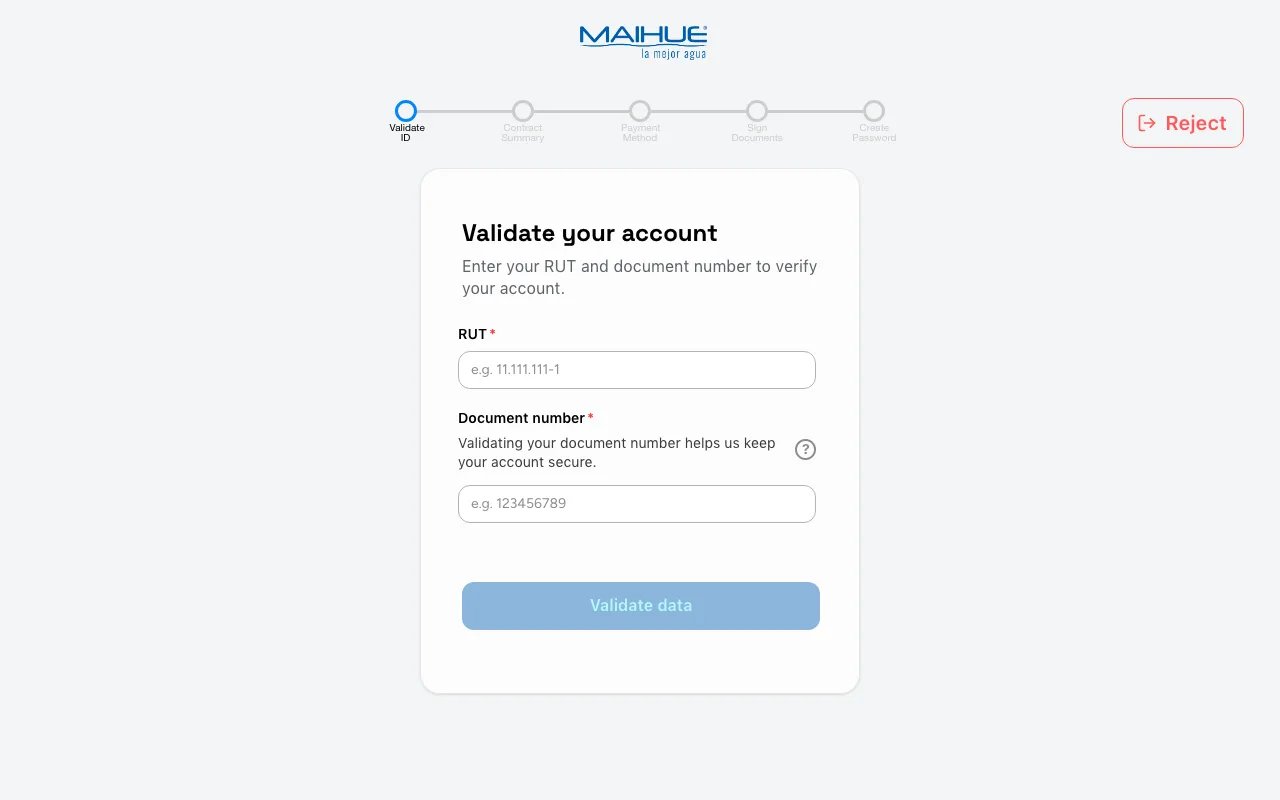
The step bar and the Reject button
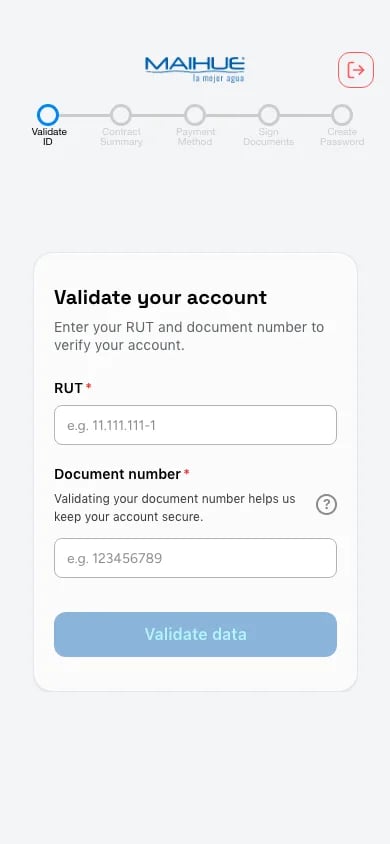
Step by step
1
Welcome
Accepts terms and privacy. See Welcome.
2
Validate ID
RUT and document number, checked with the Civil Registry. See Validate ID.
3
Contract Summary
Reads and accepts the key points. See Contract summary.
4
Payment Method
Enrols a card or PAC and picks monthly or annual. See Payment method.
5
Sign Documents
Reviews each document and signs with a code from the e-mail. See Sign documents.
6
Create Password
Creates the password and enters the portal signed in. See Create password.
Abandon the contracting
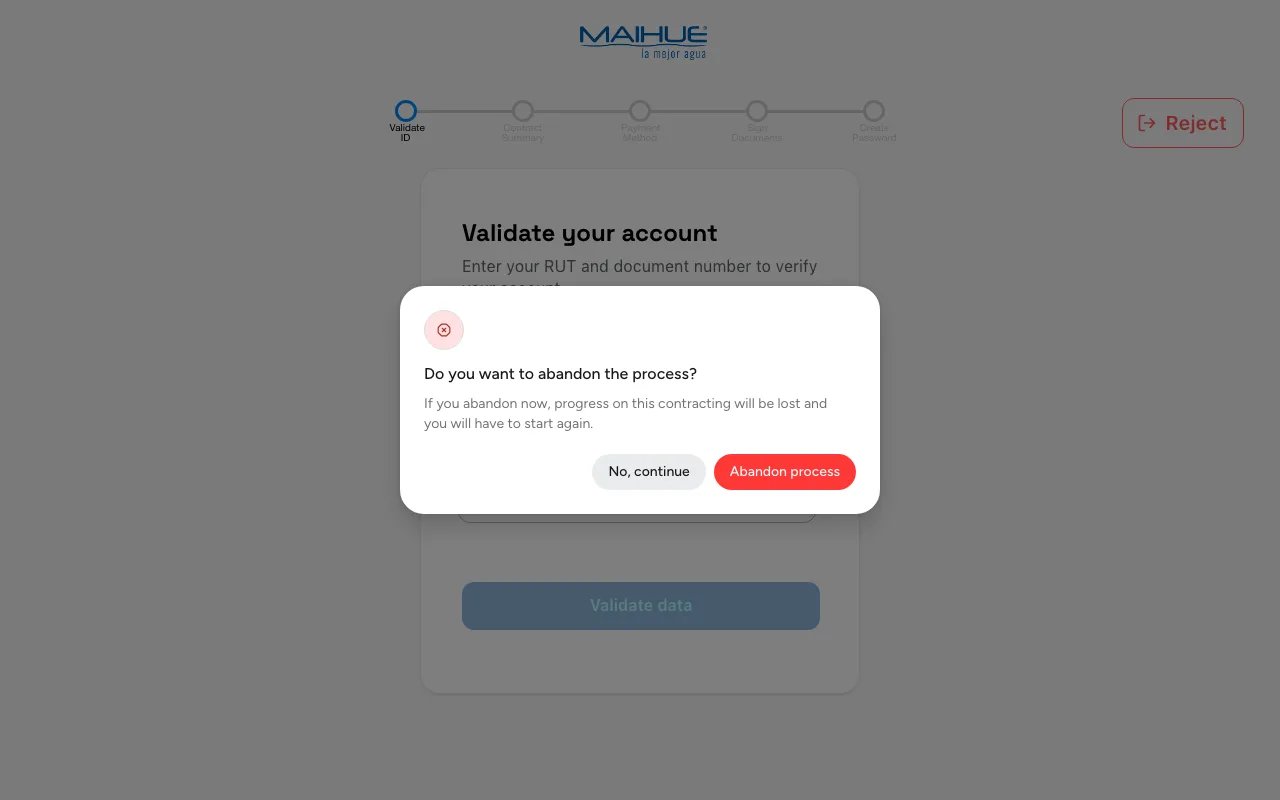
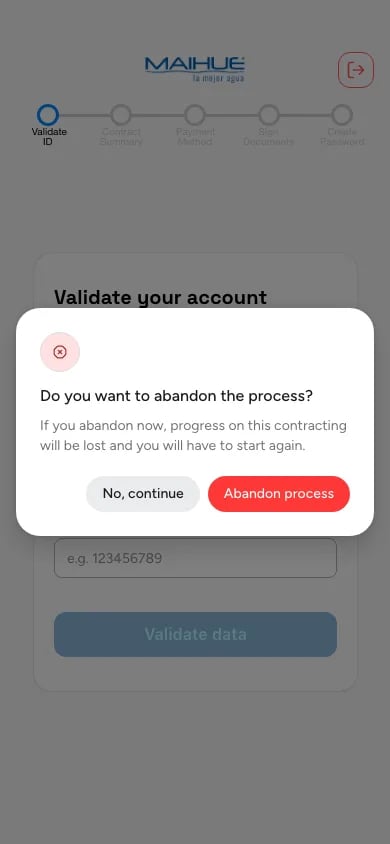
With Reject the customer sees the confirmation “Do you want to abandon the process?”: “If you abandon now, progress on this contracting will be lost and you will have to start again.” They can carry on with No, continue or leave with Abandon process.- Desktop
- Mobile
Business rules
States and messages
Errors
Each step’s errors are on its own page.
Why it works this way

Full digital contract process
- No paper and no prior password. The e-mail link is the credential, so a new customer can contract without an account.
- Payment is enrolled, not charged. The method is ready to bill once the contract is active.
- Maihue signs last. Customer signatures never activate the contract on their own: operations reviews and Maihue countersigns, to avoid active contracts with wrong data.
Technical detail
Endpoints, states and workers are detailed in Digital contracting (technical docs).
FAQ and support cases
Is the customer charged during the contract?
Is the customer charged during the contract?
No. The payment step only enrols the method for later billing.
The customer signed but their service is not active
The customer signed but their service is not active
Expected while the contract is in operations review (
pending_review) or being countersigned. Once active, they receive a confirmation e-mail.The customer got a detail wrong after signing
The customer got a detail wrong after signing
Signed content cannot be edited. Maihue must cancel the contract and register a new one.
The customer abandoned by mistake
The customer abandoned by mistake
The registration was cancelled; a new contract must be registered and a new e-mail sent.