

At a glance
What it is for
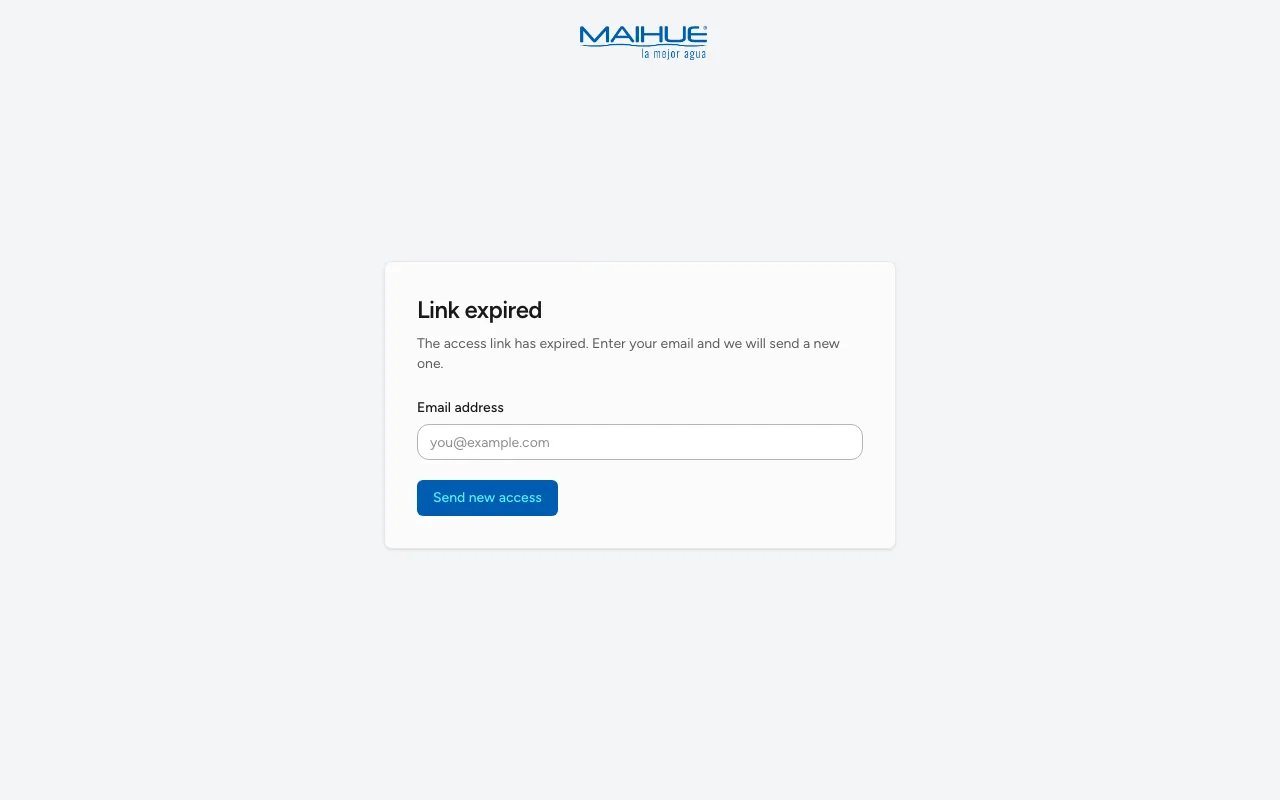
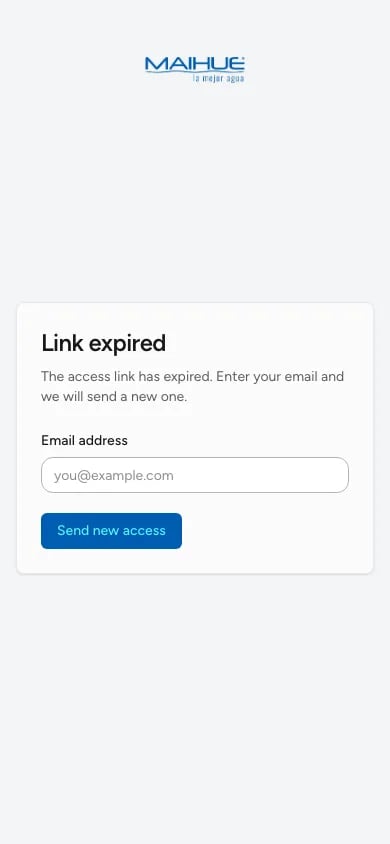
The e-mail link works once and expires. When it cannot be used, the wizard does not leave the customer stranded: it asks for their e-mail and sends a new link.How to get there
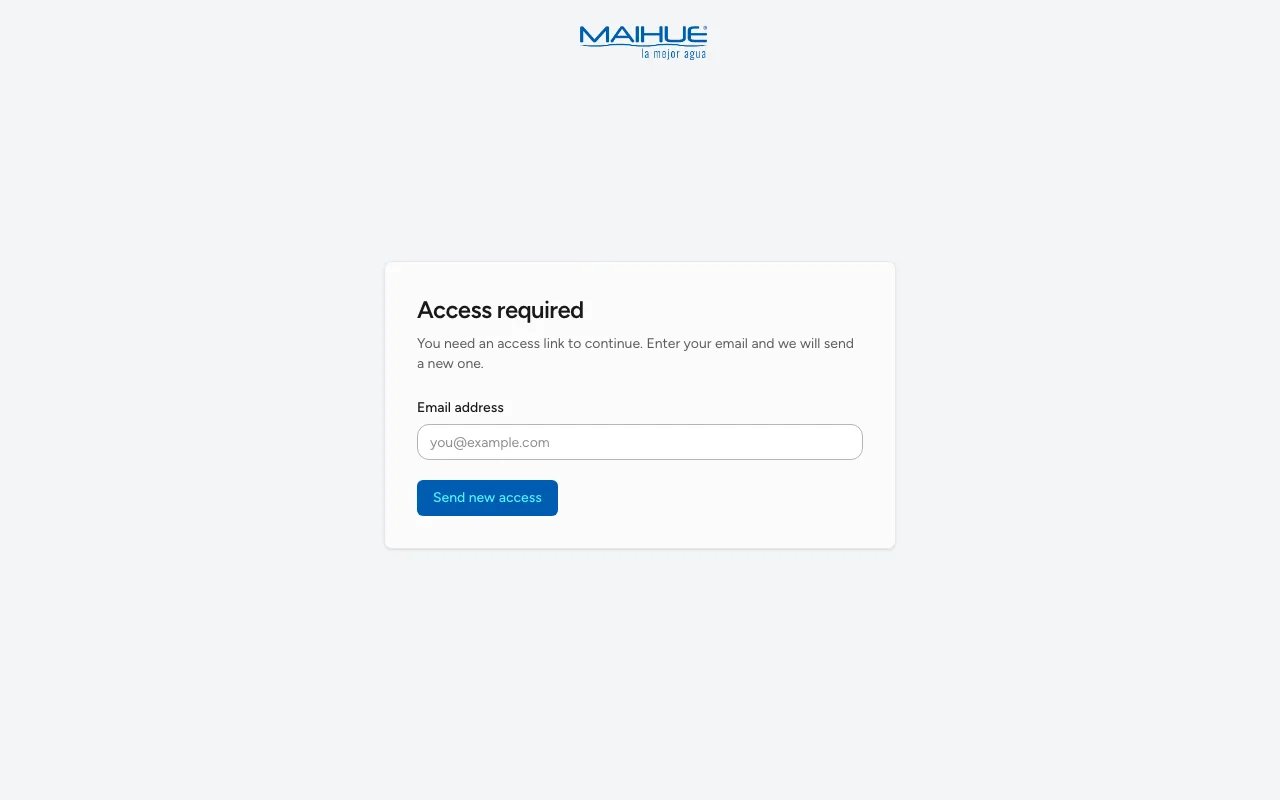
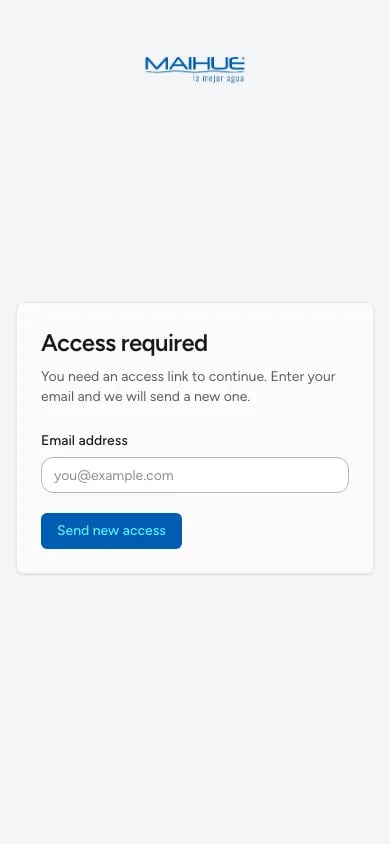
It shows when opening an expired or used link, when opening the contract without a link, or when the tab session expired.
Digital contract journey
What the customer sees
- Desktop
- Mobile
Step by step
1
Enter the e-mail
The same e-mail the contract was sent to.
2
Send new access
They see: “If your email is registered for this contract, you will receive a new link shortly. Check your inbox.”
3
Open the new e-mail
The new link takes them to the step where they left off.
Without a link
- Desktop
- Mobile
Invalid contract
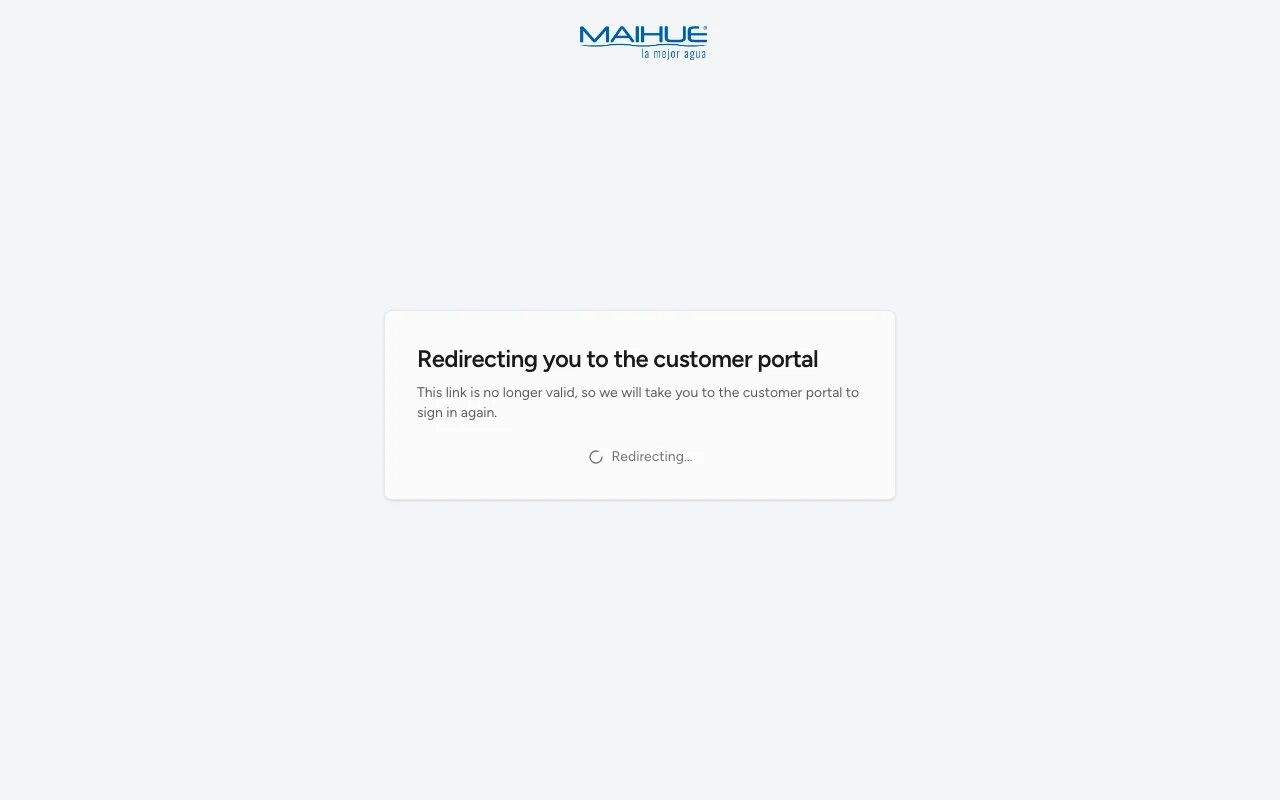
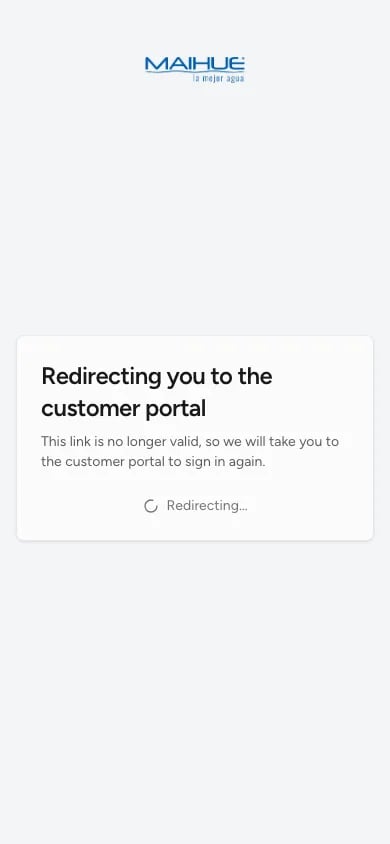
If the address is not a valid contract, the wizard shows it is redirecting to the portal to sign in.- Desktop
- Mobile
Business rules
States and messages
Errors
Why it works this way

How access is recovered
Technical detail
More detail in Session and access.
FAQ and support cases
The customer asked for a new link and it does not arrive
The customer asked for a new link and it does not arrive
Check spam and that they use the contract e-mail. Otherwise, resend from Horizon Enterprise.
The link says it was already used, but they did not finish
The link says it was already used, but they did not finish
Each link works once. They must ask for a new one; they will resume from where they left off.