

At a glance
What it is for
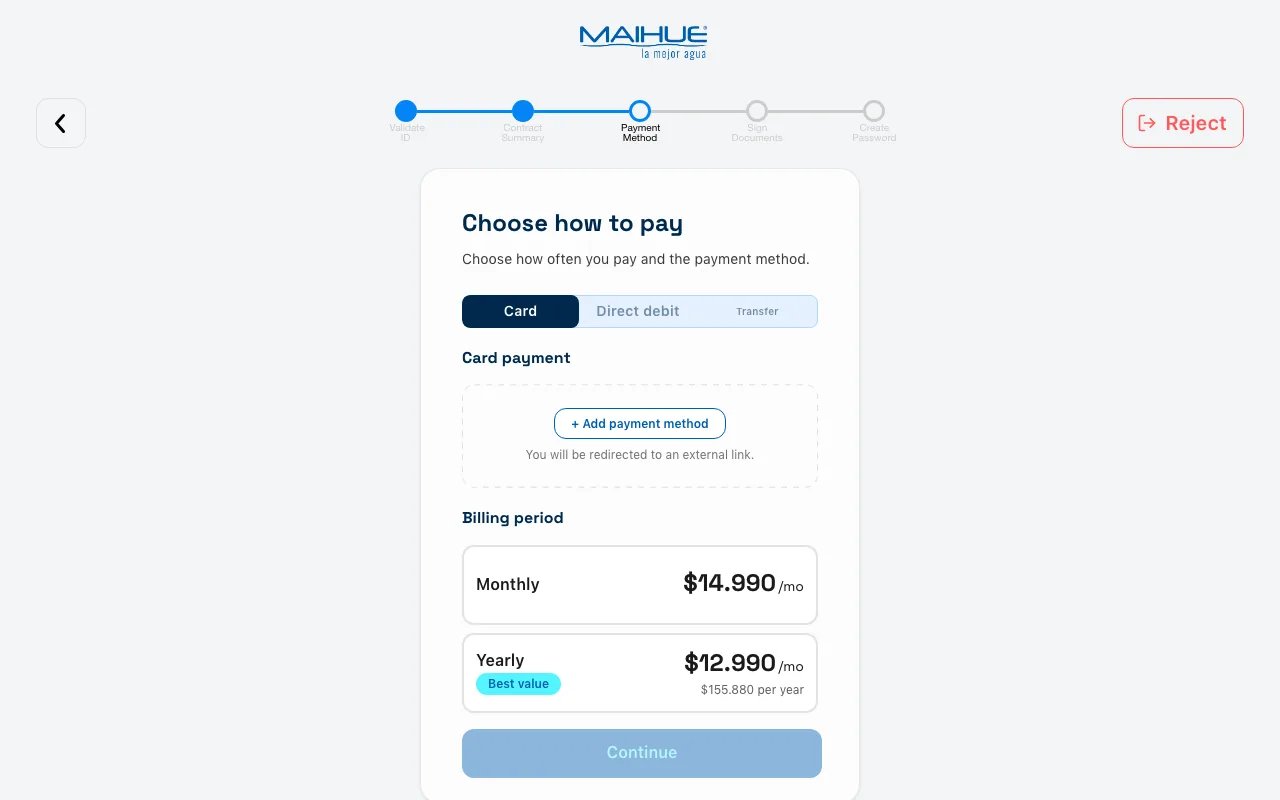
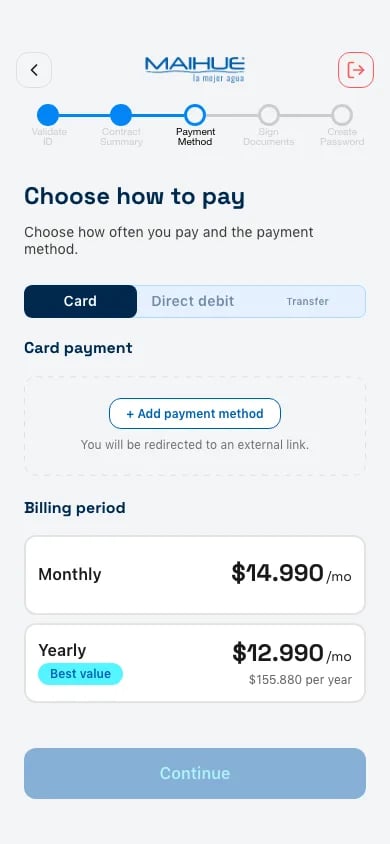
The customer enrols the card or checking account (PAC) they will be billed to and chooses monthly or annual billing. Nothing is charged: the method is only made ready.How to get there
After the Summary. Before signing it can be revisited with the back arrow.
Digital contract journey
What the customer sees
- Desktop
- Mobile
Step by step
1
Choose the period
Monthly or annual. Trying to enrol without a period shows “Select a billing period”.
2
Enrol the method
Taps + Add payment method (or Register direct debit on the PAC tab). They see “Processing your registration” and go to Fintoc, where they enter their card or account.
3
Back to the contract
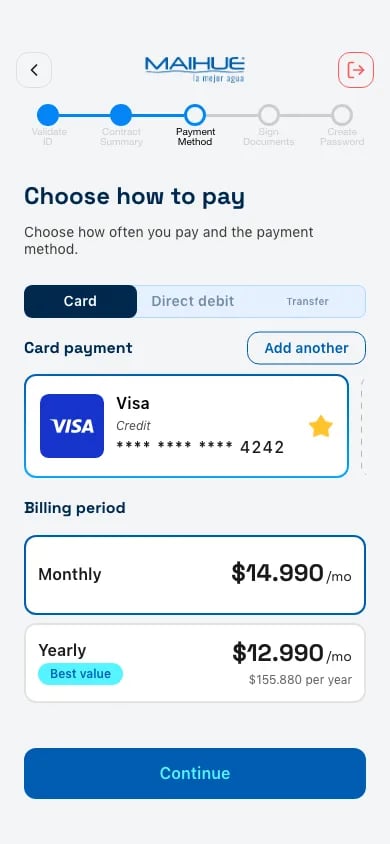
Fintoc sends them back to the wizard. While it is confirmed they see “Confirming your payment method”; then the card or PAC shows, marked as favourite.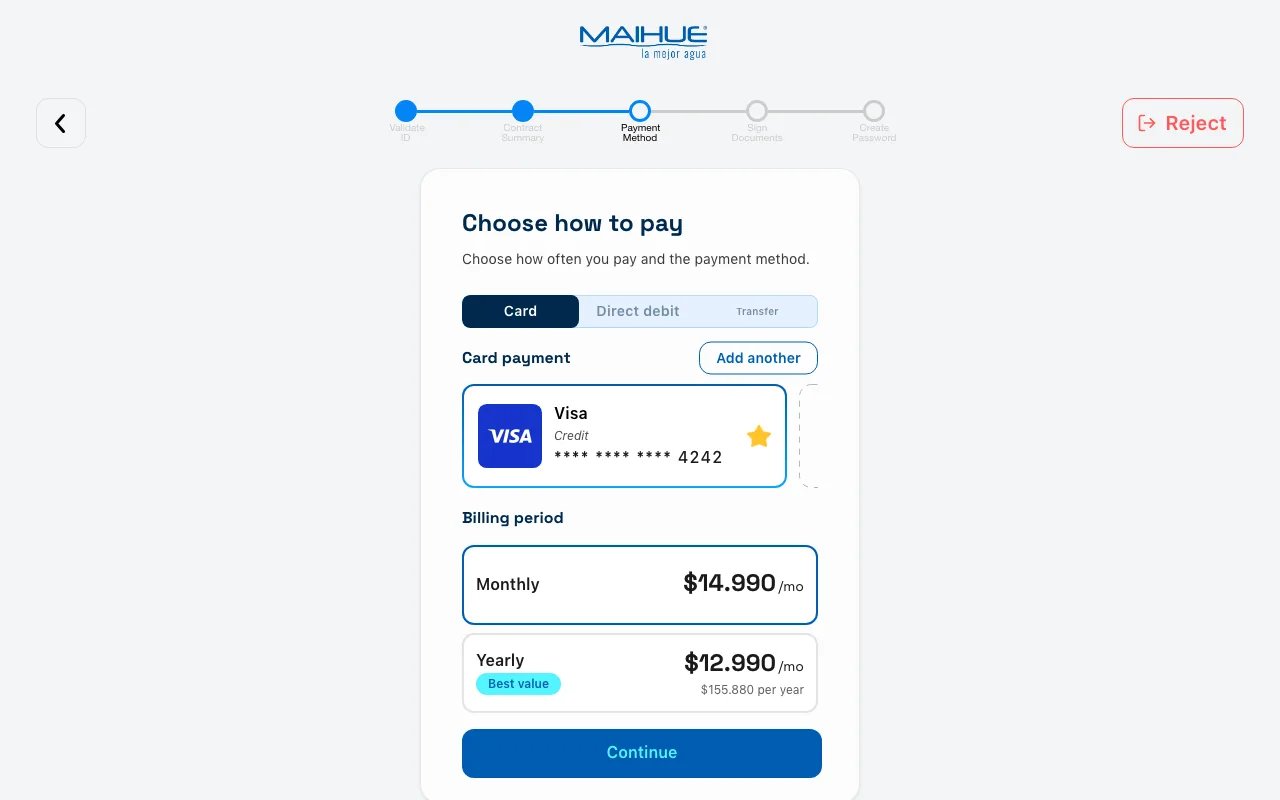
- Desktop
- Mobile
4
Continue
While it reads “Saving payment preferences…” it is confirmed; then Sign documents shows.
Business rules
States and messages
Errors
Why it works this way

How the payment method is enrolled
Technical detail
More detail in Payment.
FAQ and support cases
The customer says they were charged
The customer says they were charged
The wizard does not charge. Some banks show a temporary authorisation when validating the card; it is released on its own.
It is stuck on “Confirming your payment method”
It is stuck on “Confirming your payment method”
Fintoc has not confirmed yet. Wait up to 90 s and use Retry. If it repeats, escalate to Payments.
Can they pay by transfer?
Can they pay by transfer?
Not yet: the Transfer tab is marked as coming soon.