

At a glance
What it is for
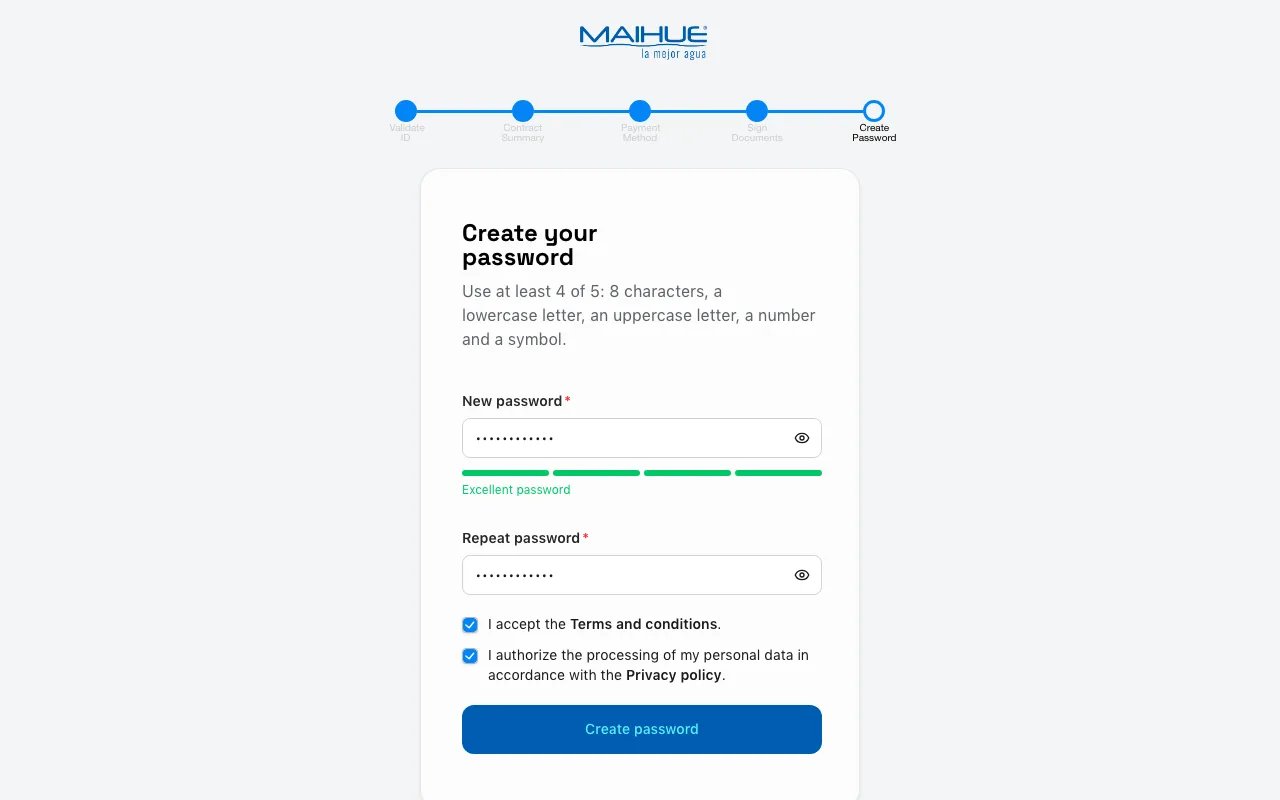
Once their signature is done, the customer creates their B Brands account password and goes straight into the customer portal, signed in.How to get there
From the signature confirmation, with Create password.
Digital contract journey
What the customer sees
- Desktop
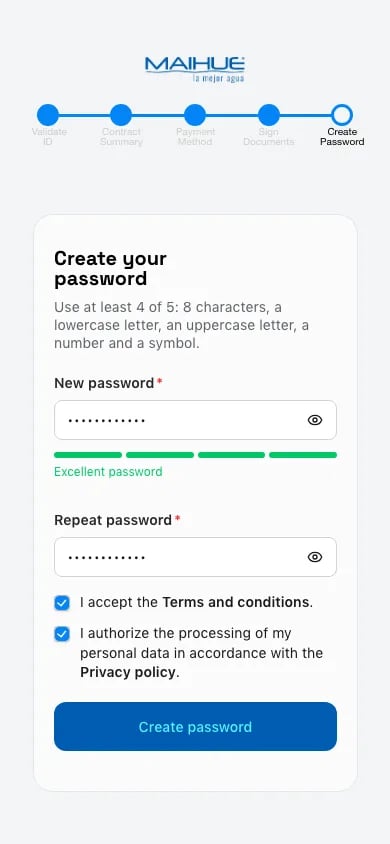
- Mobile
Step by step
1
Type the password
It must meet at least 4 of 5 rules: 8 characters, a lower-case letter, an upper-case letter, a number and a symbol.
2
Repeat it and accept
Repeats the password and ticks both boxes.
3
Create password
They see the “Password created!” notice and the portal opens on Home, signed in.
Business rules
States and messages
Errors
Why it works this way

The password closes the customer's part
Technical detail
FAQ and support cases
They created the password and are asked to sign in
They created the password and are asked to sign in
The hand-over could not be used; they can sign in with their e-mail and the new password.