

At a glance
What it is for
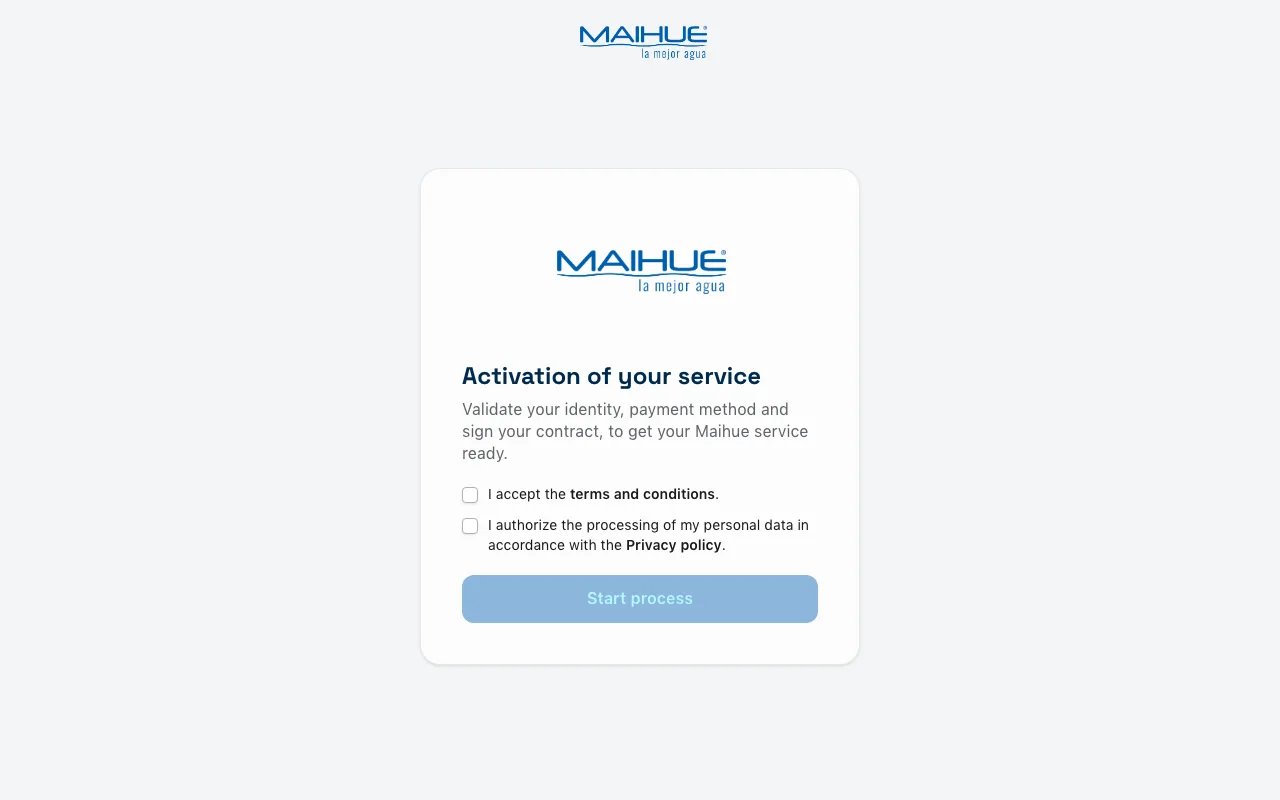
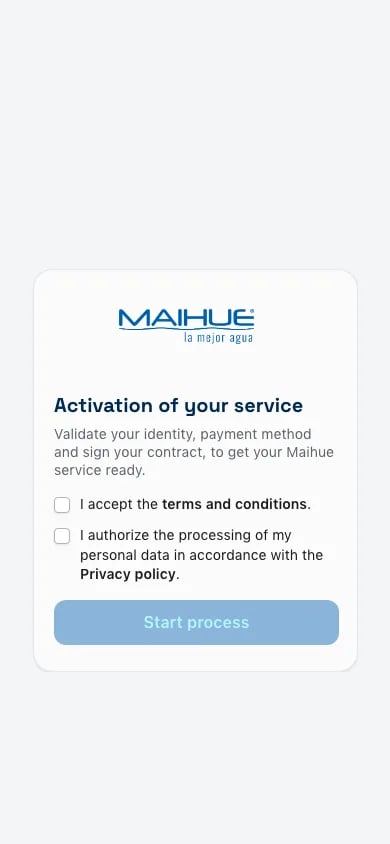
The first contract screen. It introduces the process and asks to accept the terms and conditions and personal data processing before starting.How to get there
Reached by opening the contract e-mail link.
Digital contract journey
What the customer sees
- Desktop
- Mobile
Step by step
1
Read and accept
Ticks both boxes. The links open the terms and the privacy policy in another tab.
2
Start process
Taps the button; while it reads “Starting process…” the start is recorded, then Validate ID shows.
Business rules
States and messages
Errors
Why it works this way

Where Welcome sits in the process
Technical detail
FAQ and support cases
Where are the terms?
Where are the terms?
In the box link; it opens Maihue’s public page.