

At a glance
What it is for
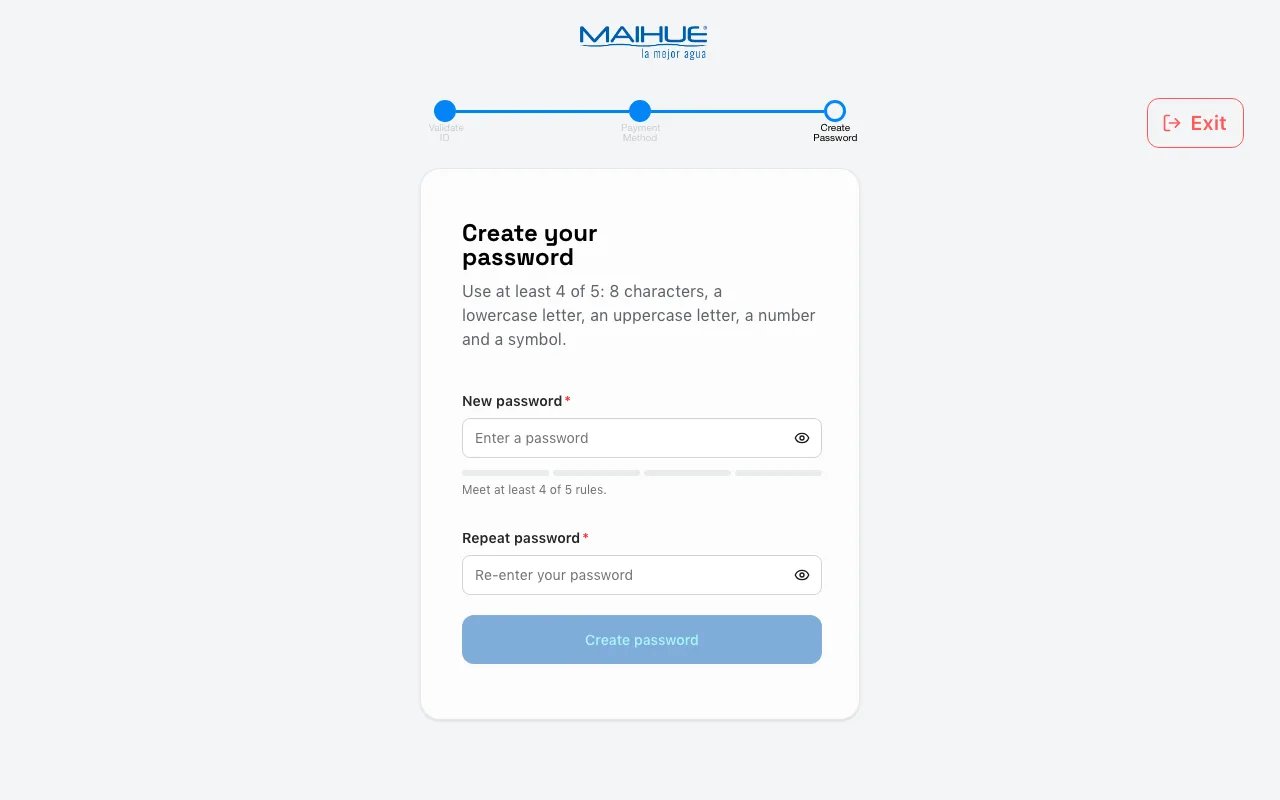
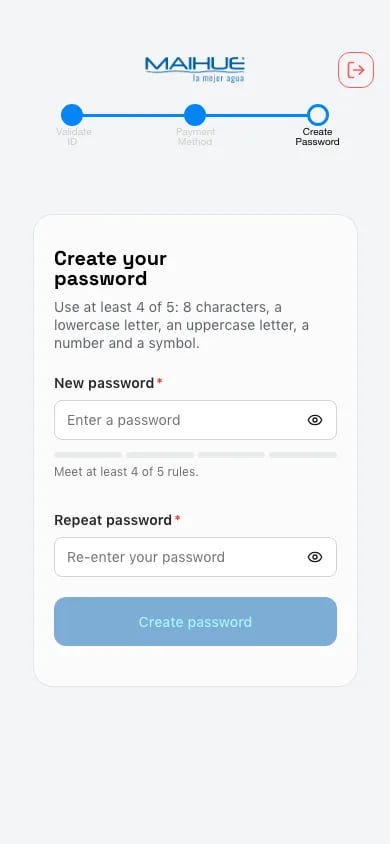
Last step: the customer creates their B Brands account password. Once saved, the onboarding ends and takes them to the success destination (portal Home by default).How to get there
After confirming the payment method of the last service.
Onboarding journey
What the customer sees
- Desktop
- Mobile
Step by step
1
Type and repeat
At least 4 of 5 rules: 8 characters, lower-case, upper-case, number and symbol.
2
Create password
They see “All set. Redirecting you…” and reach the success destination.
Business rules
States and messages
Errors
Why it works this way

The password closes the onboarding
Technical detail
FAQ and support cases
They finished and were not taken to the portal
They finished and were not taken to the portal
The success destination may be a Maihue page (flag). They can enter the portal by signing in.