

What it is for
This page is the index of the module: what each sidebar entry holds, what it is used for and which permission it needs. If you are looking for a specific task (“resend an email”, “change a text”), the last table tells you which screen to open.What you see
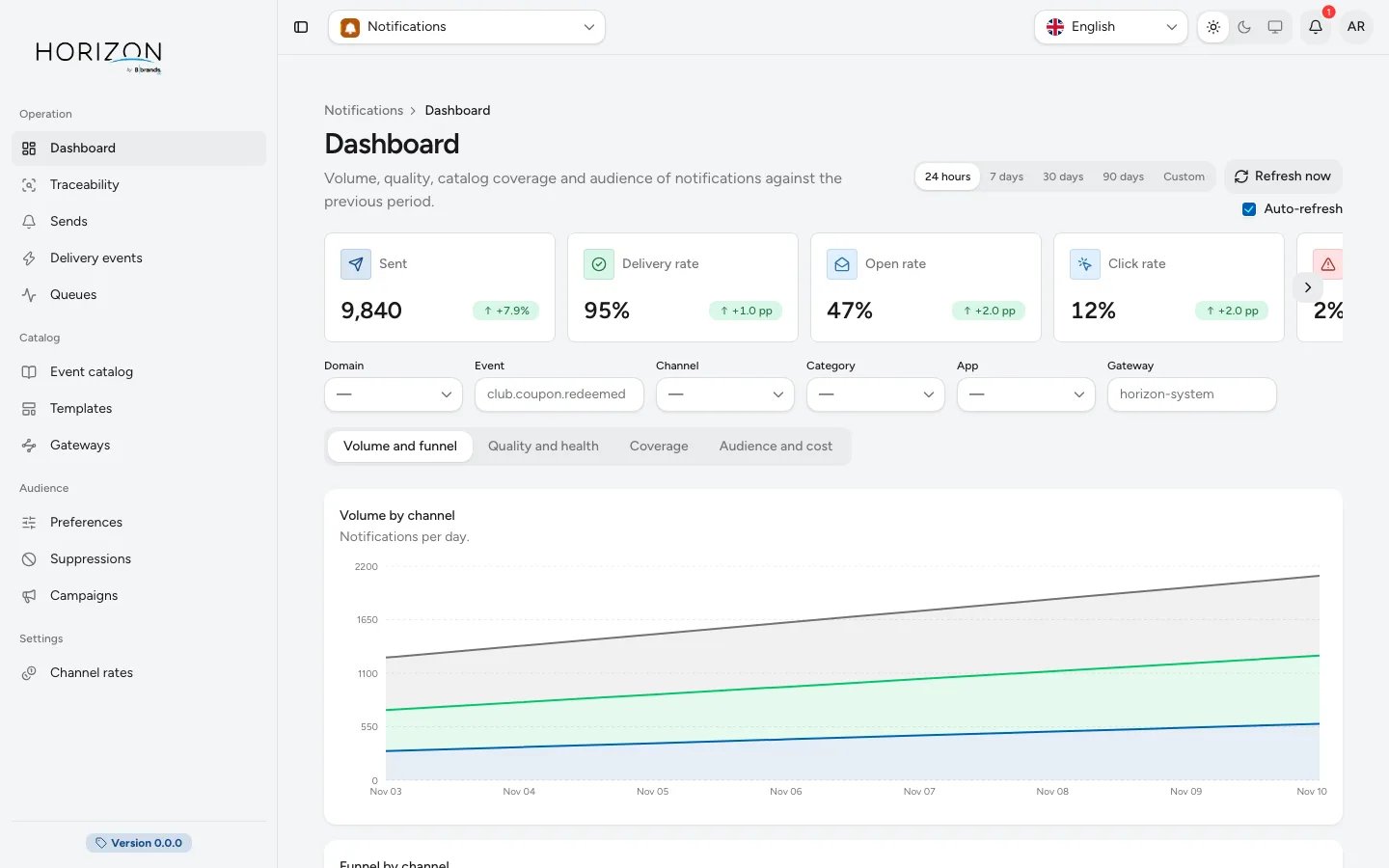
The module opens on Dashboard. The sidebar groups the screens into four sections.
Step by step
1
Enter the module
In the module switcher of the top bar choose Notifications. You can also open
/en/notification: it
always takes you to Dashboard.2
Pick the section
The sidebar has four sections. Operation is the day to day, Catalog defines what is sent and with
which text, Audience controls who receives it and Settings keeps the costs.
3
Go back with the breadcrumbs
Above the title you see Notifications › screen. From a detail (a send, an event) you return to the list
with the breadcrumbs or the browser’s Back button.
The screens
Operation
Catalog
Templates have no entry of their own: each one opens from its event’s channel, at
/notification/catalog/{event}/channels/{channel} (Template editor).
Audience
Settings
Outside the module, in your user menu, are your bell and your own preferences: see
Bell and preferences.
Where do I go to…?
Rules
FAQ and support cases
Where are the failed messages?
Where are the failed messages?
In Queues, in the Failed messages card below the lanes. Messages the provider did not accept after the
retries stay there; see Failed messages for what to do with them.
What is the difference between Sends and Delivery events?
What is the difference between Sends and Delivery events?
Sends lists what Horizon sent; Delivery events lists what the provider answered about those sends.
One send has several delivery events (delivered, opened, clicked).